
Mechanics#
Solid Bodies
|
A SolidBody with methods for the assembly of sparse vectors/matrices. |
|
A (nearly) incompressible solid body with methods for the assembly of sparse vectors/matrices. |
|
A body force on a solid body. |
|
A hydrostatic pressure boundary on a solid body. |
|
A Cauchy stress boundary on a solid body. |
|
A Truss body with methods for the assembly of sparse vectors/matrices. |
Steps and Jobs
|
A Step with multiple substeps, subsequently depending on the solution of the previous substep. |
|
A job with a list of steps and a method to evaluate them. |
|
A job with a list of steps and a method to evaluate them. |
|
A Free-Vibration Step/Job. |
Job Plugins
|
Base class for plugins. |
|
A job plugin to write an animation file during job evaluation. |
|
A job plugin to record a characteristic curve. |
|
A cutback of the increment of failed substeps. |
|
A compact live dashboard of a |
|
A backtracking line search for the Newton-Raphson method. |
|
A job plugin to output the progress of a job evaluation in the terminal. |
|
A job plugin to write XDMF files during job evaluation. |
|
A trial of a line search, passed to the acceptance criteria of a |
|
A class to dispatch events to plugins during evaluation. |
|
A class to keep track of the context of a Job during evaluation. |
|
A class to keep track of the state of a Job during evaluation. |
|
A class to keep track of the state of a substep during evaluation. |
|
A class to keep track of the state of an iteration during evaluation. |
Point Load and Constraints
|
A point load with methods for the assembly of sparse vectors/matrices, applied on the n-th field. |
|
A Multi-point-constraint which connects a center-point to a list of points. |
|
A frictionless point-to-rigid (wall) contact which connects a center-point to a list of points. |
|
A constraint for the displacements of points in a (fixed) Cartesian coordinate system. |
|
A constraint for the displacements of points in cylindrical coordinates. |
Contact
|
A node-to-surface contact, where the surface is given by a rigid plane. |
|
A node-to-surface contact, where the surface is given by a rigid cylinder (a rigid circle for 2d-meshes). |
Helpers for Custom Items and State Variables
|
The interface of an item, which is used in a |
A State with internal cell-wise constant dual fields for (nearly) incompressible solid bodies. |
|
|
A base class for a node-to-surface contact, where the surface is given by a rigid body which is connected to a center-point. |
|
A class with methods for assembling vectors and matrices of an Item. |
|
A class with evaluate methods of an Item. |
|
A class with intermediate results of an Item. |
|
A helper class to update an item in the parent class when the value changes. |
Detailed API Reference
- class felupe.SolidBody(umat, field, statevars=None, density=None, block=True, apply=None, multiplier=None, grad=None)[source]#
Bases:
SolidA SolidBody with methods for the assembly of sparse vectors/matrices.
- Parameters:
umat (class) – A class which provides methods for evaluating the gradient and the hessian of the strain energy density function per unit undeformed volume. The function signatures must be
dψdF, ζ_new = umat.gradient([F, ζ])for the gradient andd2ψdFdF = umat.hessian([F, ζ])for the hessian of the strain energy density function \(\psi(\boldsymbol{F})\), where \(\boldsymbol{F}\) is the deformation gradient tensor and \(\zeta\) holds the array of internal state variables.field (FieldContainer) – A field container with one or more fields.
statevars (ndarray or None, optional) – Array of initial internal state variables (default is None).
density (float or None, optional) – The density of the solid body.
block (bool, optional) – Assemble a sparse matrix from sparse sub-blocks or assemble a sparse vector by stacking sparse matrices vertically (row wise). Default is True.
apply (callable or None, optional) – Apply a callable on the assembled vectors and sparse matrices. Default is None.
multiplier (float or None, optional) – A scale factor for the assembled vector and matrix. Default is None.
grad (list of bool or None, optional) – A list with gradient flags for the individual fields. If None, the gradient will be computed for the first field, whereas the for the remaining fields, the field values (no gradient) will be used. Default is None.
Notes
The total potential energy of internal forces is given in Eq. (1)
(1)#\[\Pi_{int}(\boldsymbol{F}) = \int_V \psi(\boldsymbol{F})\ dV\]with its variation, see Eq. (2)
(2)#\[\delta_\boldsymbol{u}(\Pi_{int}) = \int_V \frac{\partial \psi}{\partial \boldsymbol{F}} \ dV \longrightarrow \boldsymbol{f}_\boldsymbol{u}\]and linearization, see Eq. (3). The right-arrows in Eq. (2) and Eq. (3) represent the assembly into system scalars, vectors or matrices.
(3)#\[\delta_\boldsymbol{u}\Delta_\boldsymbol{u}(\Pi_{int}) = \int_V \delta\boldsymbol{F} : \frac{\partial^2 \psi}{ \partial \boldsymbol{F}\ \partial \boldsymbol{F} } : \Delta\boldsymbol{F}\ dV \longrightarrow \boldsymbol{K}_{\boldsymbol{u}\boldsymbol{u}}\]The displacement-based formulation leads to a linearized equation system as given in Eq. (4).
(4)#\[\boldsymbol{K}_{\boldsymbol{u}\boldsymbol{u}} \cdot \delta \boldsymbol{u} + \boldsymbol{f}_\boldsymbol{u} = \boldsymbol{0}\]Note
This class also supports
umatwith mixed-field formulations likeNearlyIncompressibleorThreeFieldVariation.Examples
>>> import felupe as fem
>>>
>>> mesh = fem.Cube(n=6)
>>> region = fem.RegionHexahedron(mesh)
>>> field = fem.FieldContainer([fem.Field(region, dim=3)])
>>> boundaries = fem.dof.uniaxial(field, clamped=True, return_loadcase=False)
>>>
>>> umat = fem.NeoHooke(mu=1, bulk=2)
>>> solid = fem.SolidBody(umat, field)
>>>
>>> table = fem.math.linsteps([0, 1], num=5)
>>> step = fem.Step(
...     items=[solid],
...     ramp={boundaries["move"]: table},
...     boundaries=boundaries,
... )
>>>
>>> job = fem.Job(steps=[step]).evaluate()
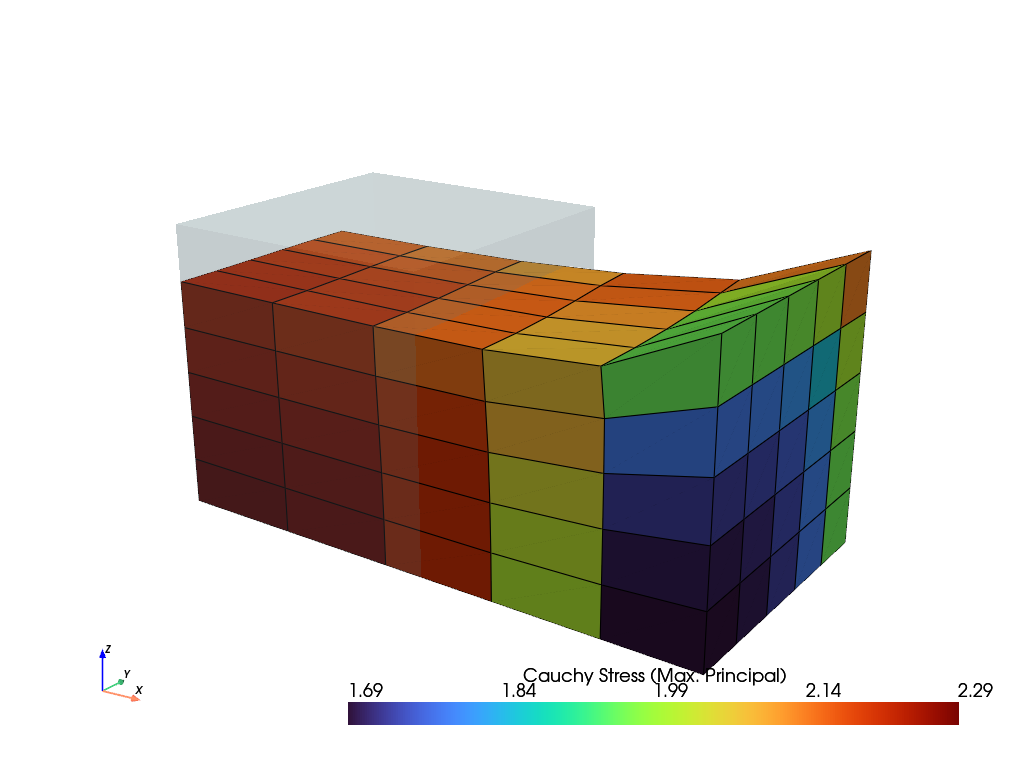
>>> solid.plot("Principal Values of Cauchy Stress").show()
See also
felupe.SolidBodyNearlyIncompressibleA (nearly) incompressible solid body with methods for the assembly of sparse vectors/matrices.
- checkpoint()[source]#
Return a checkpoint of the solid body.
- Returns:
A dict with checkpoint arrays / objects.
- Return type:
Examples
import felupe as fem

mesh = fem.Rectangle(b=(3, 1), n=(7, 3))
region = fem.RegionQuad(mesh)
field = fem.FieldContainer([fem.FieldPlaneStrain(region, dim=2)])

umat = fem.NeoHooke(mu=1, bulk=2)
solid = fem.SolidBody(umat=umat, field=field)

# 1. vertical compression
boundaries = fem.dof.uniaxial(
    field, clamped=True, sym=False, axis=1, return_loadcase=False
)
ramp = {boundaries["move"]: fem.math.linsteps([0, -0.2], num=2)}
step = fem.Step(items=[solid], ramp=ramp, boundaries=boundaries)
job = fem.Job(steps=[step]).evaluate()

# checkpoint the current state of deformation
checkpoint = solid.checkpoint()

# 2a. horizontal shear (right)
boundaries = fem.dof.shear(
    field, sym=False, moves=(0, 0, -0.2), return_loadcase=False
)
ramp = {boundaries["move"]: fem.math.linsteps([0, 1], num=2)}
step = fem.Step(items=[solid], ramp=ramp, boundaries=boundaries)
job = fem.Job(steps=[step]).evaluate()

# (1.) restore compression without shear
solid.restore(checkpoint)

# 2b. horizontal shear (left)
boundaries = fem.dof.shear(
    field, sym=False, moves=(0, 0, -0.2), return_loadcase=False
)
ramp = {boundaries["move"]: fem.math.linsteps([0, -1], num=2)}
step = fem.Step(items=[solid], ramp=ramp, boundaries=boundaries)
job = fem.Job(steps=[step]).evaluate()
See also
felupe.SolidBody.restoreRestore a checkpoint of a solid body inplace.
- restore(checkpoint, restore_statevars=True)[source]#
Restore a checkpoint inplace.
- Parameters:
See also
felupe.SolidBody.checkpointReturn a checkpoint of the solid body.
- revolve(n=11, phi=180, x0=None)[source]#
Return a revolved solid body.
- Parameters:
n (int, optional) – Number of n-point revolutions (or (n-1) cell revolutions), default is 11.
phi (float or ndarray, optional) – Revolution angle in degree (default is 180).
x0 (FieldContainer or None, optional) – The revolved top-level field container. Default is None.
- Returns:
The revolved solid body.
- Return type:
Examples
First, create an axisymmetric model. A non-homogeneous uniaxial tension load case is applied on the solid body.
>>> import felupe as fem
>>>
>>> region = fem.RegionQuad(mesh=fem.Rectangle(n=6))
>>> field = fem.FieldContainer([fem.FieldAxisymmetric(region, dim=2)])
>>>
>>> umat = fem.NeoHookeCompressible(mu=1, lmbda=2)
>>> solid = fem.SolidBody(umat=umat, field=field)
>>>
>>> boundaries = fem.dof.uniaxial(
...     solid.field, clamped=True, sym=False, return_loadcase=False
... )
>>> step = fem.Step(items=[solid], boundaries=boundaries)
>>> job = fem.Job(steps=[step]).evaluate()
>>>
>>> solid.plot("Principal Values of Cauchy Stress").show()
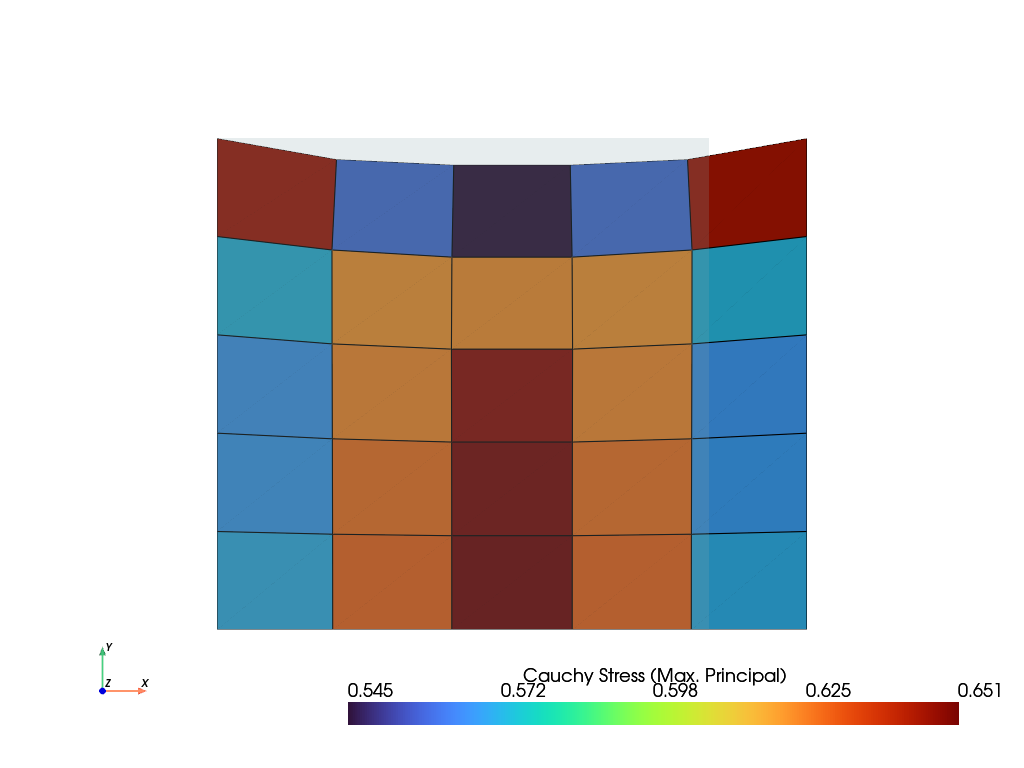
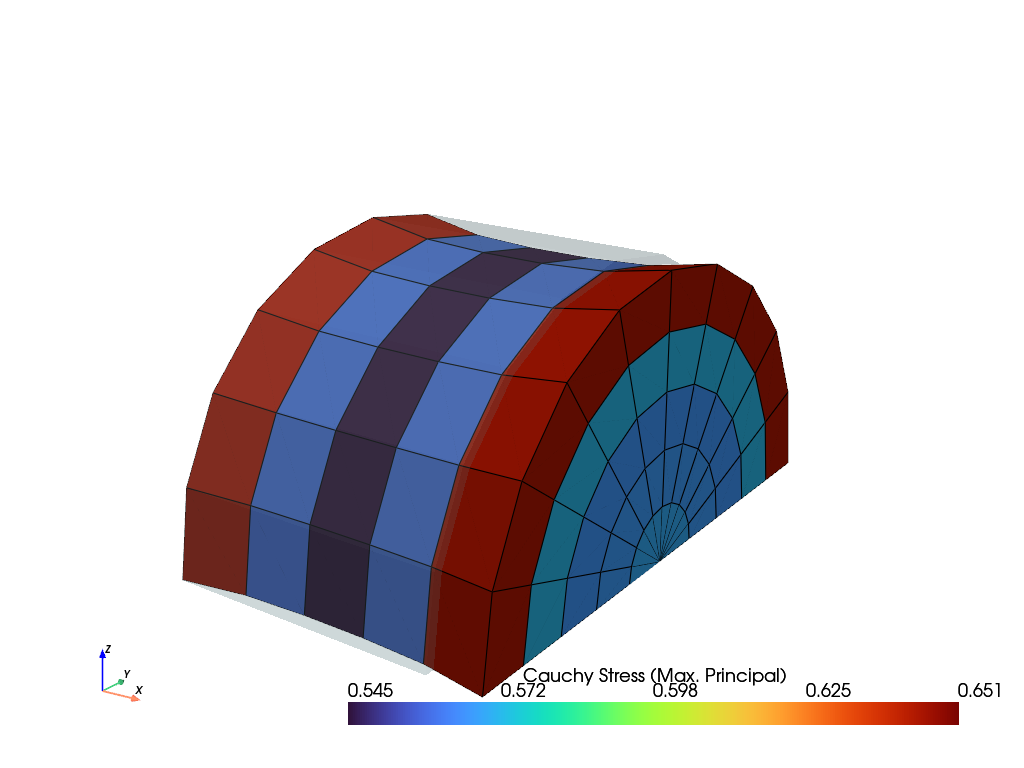
The solid body is now revolved around the x-axis. This model may now be used to apply non-axisymmetric loads. Here, the same load case is also applied on the 3d-model.
>>> new_solid = solid.revolve(n=11, phi=180)
>>> boundaries = fem.dof.uniaxial(
...     new_solid.field, clamped=True, sym=(0, 0, 1), return_loadcase=False
... )
>>>
>>> step = fem.Step(items=[new_solid], boundaries=boundaries)
>>> job = fem.Job(steps=[step]).evaluate()
>>>
>>> new_solid.plot("Principal Values of Cauchy Stress").show()
See also
SolidBodyNearlyIncompressible.revolveReturn a revolved solid body
- class felupe.SolidBodyNearlyIncompressible(umat, field, bulk=None, state=None, statevars=None, density=None, volumetric='volume-ratio')[source]#
Bases:
SolidA (nearly) incompressible solid body with methods for the assembly of sparse vectors/matrices. The constitutive material definition must provide the distortional part of the strain energy density function per unit undeformed volume only. The volumetric part of the strain energy density function is automatically added on additional internal (dual) cell-wise constant fields.
- Parameters:
umat (class) – A class which provides methods for evaluating the gradient and the hessian of the isochoric part of the strain energy density function per unit undeformed volume \(\hat\psi(\boldsymbol{F})\). The function signatures must be
dψdF, ζ_new = umat.gradient([F, ζ])for the gradient andd2ψdFdF = umat.hessian([F, ζ])for the hessian of the strain energy density function \(\hat{\psi}(\boldsymbol{F})\), where \(\boldsymbol{F}\) is the deformation gradient tensor and \(\zeta\) holds the array of internal state variables.field (FieldContainer) – A field container with one or more fields.
bulk (float or None, optional) – The bulk modulus \(K\) of the volumetric part of the strain energy density function \(U(\bar{J})\), which is required if
volumetricis a kind. It must be None ifvolumetricis an instance, which holds its own parameters. Default is None.state (StateNearlyIncompressible or None, optional) – A valid initial state for a (nearly) incompressible solid (default is None).
statevars (ndarray or None, optional) – Array of initial internal state variables (default is None).
density (float or None, optional) – The density of the solid body.
volumetric (str or VolumetricStrainEnergy, optional) – The volumetric part of the strain energy density function \(U(\bar{J})\), given by a kind with the bulk modulus,
"volume-ratio"for \(U(\bar{J})=K(\bar{J}-1)^2/2\),"stretch"for \(U(\bar{J})=9K(\bar{J}^{1/3}-1)^2/2\) or"log"for \(U(\bar{J})=K\ln(\bar{J})^2/2\), or by an instance ofVolumetricStrainEnergy, e.g. of a custom subclass. Default is"volume-ratio".
Notes
Note
This nearly-incompressible solid body works best with
RegionQuadandRegionHexahedronregions.RegionQuadraticTriangleandRegionQuadraticTetraregions are also supported.The total potential energy of internal forces for a three-field variational approach, suitable for nearly-incompressible material behaviour, is given in Eq. (5)
(5)#\[\Pi_{int}(\boldsymbol{F}, p, \bar{J}) = \int_V \hat{\psi}(\boldsymbol{F})\ dV + \int_V U(\bar{J})\ dV + \int_V p (J - \bar{J})\ dV\]with the volumetric part of the strain energy density function \(U(\bar{J})\), see
VolumetricStrainEnergy. Its first and second derivatives w.r.t. the volume ratio are abbreviated by \(\bar{U}'=U'(\bar{J})\) and \(\bar{U}''=U''(\bar{J})\). The variations of the total potential energy are given in Eq. (6)(6)#\[ \begin{align}\begin{aligned}\delta_\boldsymbol{u}(\Pi_{int}) &= \int_V \left( \frac{\partial \hat{\psi}}{\partial \boldsymbol{F}} + p\ \frac{\partial J}{\partial \boldsymbol{F}} \right) : \delta\boldsymbol{F}\ dV \longrightarrow \boldsymbol{r}_\boldsymbol{u}\\\delta_p(\Pi_{int}) &= \int_V \left( J - \bar{J} \right)\ \delta p\ dV \longrightarrow r_p\\\delta_\bar{J}(\Pi_{int}) &= \int_V \left( \bar{U}' - p \right)\ \delta \bar{J}\ dV \longrightarrow r_{\bar{J}}\end{aligned}\end{align} \]and linearizations, see Eq. (7) [1]_ [2]_ [3]. The right-arrows in Eq. (6) and Eq. (7) represent the assembly into system scalars, vectors or matrices.
(7)#\[ \begin{align}\begin{aligned}\delta_\boldsymbol{u}\Delta_\boldsymbol{u}(\Pi_{int}) &= \int_V \delta\boldsymbol{F} : \left( \frac{\partial^2 \hat{\psi}}{ \partial \boldsymbol{F}\ \partial \boldsymbol{F} } + p \frac{\partial^2 J}{\partial \boldsymbol{F}\ \partial \boldsymbol{F}} \right) : \Delta\boldsymbol{F}\ dV \longrightarrow \boldsymbol{K}_{\boldsymbol{u}\boldsymbol{u}}\\\delta_\boldsymbol{u}\Delta_p(\Pi_{int}) &= \int_V \delta \boldsymbol{F} : \frac{\partial J}{\partial \boldsymbol{F}}\ \Delta p\ dV \longrightarrow \boldsymbol{K}_{\boldsymbol{u}p}\\\delta_p\Delta_{\bar{J}}(\Pi_{int}) &= \int_V \delta p\ (-1)\ \Delta \bar{J}\ dV \longrightarrow -V\\\delta_{\bar{J}}\Delta_{\bar{J}}(\Pi_{int}) &= \int_V \delta \bar{J}\ \bar{U}''\ \Delta \bar{J}\ dV \longrightarrow \bar{U}''\ V\end{aligned}\end{align} \]The assembled constraint equations for the variations w.r.t. the dual fields \(p\) and \(\bar{J}\) are given in Eq. (8).
(8)#\[ \begin{align}\begin{aligned}r_p &= \left( \frac{v}{V} - \bar{J} \right) V\\r_{\bar{J}} &= \left( \bar{U}' - p \right) V\end{aligned}\end{align} \]The volumetric part of the strain energy density function is given by
volumetric, seeVolumetricStrainEnergyfor the kinds"volume-ratio"(default),"stretch"and"log"and for a custom volumetric part. The undeformed configuration is free of stress only if \(U'(1)=0\), and a positive second derivative \(U''(\bar{J})>0\) is required for a stable volumetric response.Hu-Washizu Three-Field-Variational Principle
The Three-Field-Variation \((\boldsymbol{u},p,\bar{J})\) leads to a linearized equation system with nine sub block-matrices, see Eq. (9) [4]. Due to the fact that the equation system is derived by a potential, the matrix is symmetric and hence, only six independent sub-matrices have to be evaluated. Furthermore, by the application of the mean dilatation technique, two of the remaining six sub-matrices are identified to be zero. That means four sub-matrices are left to be evaluated, where two non-zero sub-matrices are scalar-valued entries.
(9)#\[\begin{split}\begin{bmatrix} \boldsymbol{K}_{\boldsymbol{u}\boldsymbol{u}} & \boldsymbol{K}_{\boldsymbol{u}p} & \boldsymbol{0} \\ \boldsymbol{K}_{\boldsymbol{u}p}^T & 0 & -V \\ \boldsymbol{0}^T & -V & \bar{U}''\ V \end{bmatrix} \cdot \begin{bmatrix} \delta \boldsymbol{u} \\ \delta p \\ \delta \bar{J} \end{bmatrix} + \begin{bmatrix} \boldsymbol{r}_\boldsymbol{u} \\ r_p \\ r_\bar{J} \end{bmatrix} = \begin{bmatrix} \boldsymbol{0}\\ 0 \\ 0 \end{bmatrix}\end{split}\]A condensed representation of the equation system, only dependent on the primary unknowns \(\boldsymbol{u}\) is carried out. To do so, the second line is multiplied by the second derivative \(\bar{U}''\), see Eq. (10).
(10)#\[\begin{split}\begin{bmatrix} \boldsymbol{K}_{\boldsymbol{u}\boldsymbol{u}} & \boldsymbol{K}_{\boldsymbol{u}p} & \boldsymbol{0} \\ \bar{U}'' \boldsymbol{K}_{\boldsymbol{u}p}^T & 0 & -\bar{U}''\ V \\ \boldsymbol{0}^T & -V & \bar{U}''\ V \end{bmatrix} \cdot \begin{bmatrix} \delta \boldsymbol{u} \\ \delta p \\ \delta \bar{J} \end{bmatrix} + \begin{bmatrix} \boldsymbol{r}_\boldsymbol{u} \\ \bar{U}''\ r_p \\ r_\bar{J} \end{bmatrix} = \begin{bmatrix} \boldsymbol{0}\\ 0 \\ 0 \end{bmatrix}\end{split}\]Lines two and three are contracted by summation as given in Eq. (11). This eliminates \(\bar{J}\) from the unknowns.
(11)#\[\begin{split}\begin{bmatrix} \boldsymbol{K}_{\boldsymbol{u}\boldsymbol{u}} & \boldsymbol{K}_{\boldsymbol{u}p} \\ \bar{U}'' \boldsymbol{K}_{\boldsymbol{u}p}^T & -V \end{bmatrix} \cdot \begin{bmatrix} \delta \boldsymbol{u} \\ \delta p \end{bmatrix} + \begin{bmatrix} \boldsymbol{r}_\boldsymbol{u} \\ \bar{U}''\ r_p + r_\bar{J} \end{bmatrix} = \begin{bmatrix} \boldsymbol{0}\\ 0 \end{bmatrix}\end{split}\]Next, the second line is left-expanded by \(\frac{1}{V}~\boldsymbol{K}_{\boldsymbol{u}p}\) and both equations are summed up again, see (12).
(12)#\[\left( \boldsymbol{K}_{\boldsymbol{u}\boldsymbol{u}} + \frac{\bar{U}''}{V}~\boldsymbol{K}_{\boldsymbol{u}p} \otimes \boldsymbol{K}_{\boldsymbol{u}p} \right) \cdot \delta \boldsymbol{u} + \boldsymbol{r}_\boldsymbol{u} + \frac{\bar{U}''~r_p + r_\bar{J}}{V} \boldsymbol{K}_{\boldsymbol{u}p} = \boldsymbol{0}\]The secondary unknowns are evaluated after solving the primary unknowns, see Eq. (13).
(13)#\[ \begin{align}\begin{aligned}\delta \bar{J} &= \frac{1}{V} \delta \boldsymbol{u} \cdot \boldsymbol{K}_{\boldsymbol{u}p} + \frac{v}{V} - \bar{J}\\\delta p &= \bar{U}' + \bar{U}''\ \delta \bar{J} - p\end{aligned}\end{align} \]The condensed constraint equation in Eq. (12) is given in Eq. (14)
(14)#\[\frac{\bar{U}''~r_p + r_{\bar{J}}}{V} = \bar{U}' + \bar{U}'' \left( \frac{v}{V} - \bar{J} \right) - p\]and the deformed volume is evaluated by Eq. (15).
(15)#\[v = \int_V J\ dV\]The terms \(\bar{U}' + \bar{U}''\ (\dots)\) in Eq. (13) and Eq. (14) are the linearizations of \(U'(\bar{J} + \delta \bar{J})\) and \(U'(v/V)\). Instead, their exact values are used, i.e. the pressure is updated by \(p = U'(\bar{J})\) and the condensed constraint is evaluated by \(U'(v/V) - p\). Both are identical for
volumetric="volume-ratio". Hence, the assembled vector is the gradient of the total potential energy of internal forces of the mean dilatation technique, see Eq. (16), where the sum is taken over the cells.(16)#\[\Pi_{int}(\boldsymbol{u}) = \int_V \hat{\psi}(\boldsymbol{F})\ dV + \sum V\ U\left( \frac{v}{V} \right)\]Examples
>>> import felupe as fem
>>>
>>> mesh = fem.Cube(n=6)
>>> region = fem.RegionHexahedron(mesh)
>>> field = fem.FieldContainer([fem.Field(region, dim=3)])
>>> boundaries = fem.dof.uniaxial(field, clamped=True, return_loadcase=False)
>>>
>>> umat = fem.NeoHooke(mu=1)
>>> solid = fem.SolidBodyNearlyIncompressible(umat, field, bulk=5000)
>>>
>>> table = fem.math.linsteps([0, 1], num=5)
>>> step = fem.Step(
...     items=[solid],
...     ramp={boundaries["move"]: table},
...     boundaries=boundaries,
... )
>>>
>>> job = fem.Job(steps=[step]).evaluate()
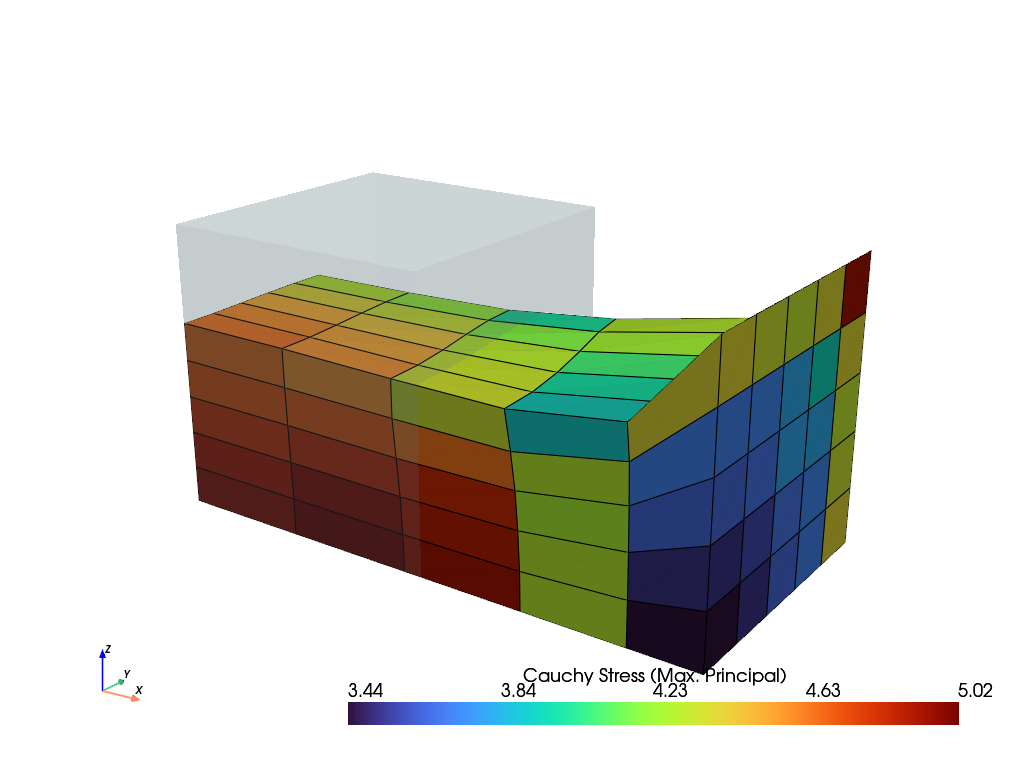
>>> solid.plot("Principal Values of Cauchy Stress").show()
References
See also
felupe.StateNearlyIncompressibleA State with internal cell-wise constant fields for (nearly) incompressible solid bodies.
- checkpoint()[source]#
Return a checkpoint of the nearly-incompressible solid body.
- Returns:
A dict with checkpoint arrays / objects.
- Return type:
Examples
import felupe as fem

mesh = fem.Rectangle(b=(3, 1), n=(7, 3))
region = fem.RegionQuad(mesh)
field = fem.FieldContainer([fem.FieldPlaneStrain(region, dim=2)])

umat = fem.NeoHooke(mu=1)
solid = fem.SolidBodyNearlyIncompressible(umat=umat, field=field, bulk=5000)

# 1. vertical compression
boundaries = fem.dof.uniaxial(
    field, clamped=True, sym=False, axis=1, return_loadcase=False
)
ramp = {boundaries["move"]: fem.math.linsteps([0, -0.2], num=2)}
step = fem.Step(items=[solid], ramp=ramp, boundaries=boundaries)
job = fem.Job(steps=[step]).evaluate()

# checkpoint the current state of deformation
checkpoint = solid.checkpoint()

# 2a. horizontal shear (right)
boundaries = fem.dof.shear(
    field, sym=False, moves=(0, 0, -0.2), return_loadcase=False
)
ramp = {boundaries["move"]: fem.math.linsteps([0, 1], num=2)}
step = fem.Step(items=[solid], ramp=ramp, boundaries=boundaries)
job = fem.Job(steps=[step]).evaluate()

# (1.) restore compression without shear
solid.restore(checkpoint)

# 2b. horizontal shear (left)
boundaries = fem.dof.shear(
    field, sym=False, moves=(0, 0, -0.2), return_loadcase=False
)
ramp = {boundaries["move"]: fem.math.linsteps([0, -1], num=2)}
step = fem.Step(items=[solid], ramp=ramp, boundaries=boundaries)
job = fem.Job(steps=[step]).evaluate()
See also
felupe.SolidBody.restoreRestore a checkpoint of a nearly-incompressible solid body inplace.
- restore(checkpoint, restore_statevars=True, restore_state=True)[source]#
Restore a checkpoint inplace.
- Parameters:
checkpoint (dict) – A dict with checkpoint arrays / objects.
restore_statevars (bool, optional) – Flag to restore state variables. This is a power feature and must be used with caution! Default is True.
restore_state (bool, optional) – Flag to restore the internal fields, i.e. the pressure \(p\) and the volume ratio \(\bar{J}\), of the checkpoint. If False, the internal fields are re-initialized by the deformation of the restored field, \(\bar{J} = v / V\) and \(p = U'(\bar{J})\). Default is True.
Notes
The deformation gradient is evaluated for the restored field before the results are re-evaluated. Hence, the internal fields are not updated by the deformation gradient of the last evaluation (e.g. of a failed Newton iteration).
See also
felupe.SolidBodyNearlyIncompressible.checkpointReturn a checkpoint of the nearly-incompressible solid body.
- revolve(n=11, phi=180, x0=None)[source]#
Return a revolved solid body.
- Parameters:
n (int, optional) – Number of n-point revolutions (or (n-1) cell revolutions), default is 11.
phi (float or ndarray, optional) – Revolution angle in degree (default is 180).
x0 (FieldContainer or None, optional) – The revolved top-level field container. Default is None.
- Returns:
The revolved solid body.
- Return type:
See also
SolidBody.revolveReturn a revolved solid body
- property volumetric#
The volumetric part of the strain energy density function, see
VolumetricStrainEnergy. For a kind, it is created with the current bulk modulus.
- class felupe.SolidBodyForce(field, values=None, scale=1.0)[source]#
Bases:
objectA body force on a solid body.
- Parameters:
field (FieldContainer) – A field container with fields created on a boundary region.
values (ndarray or None, optional) – The prescribed values (e.g. gravity \(\boldsymbol{g}\)). Default is None. If None, the values are set to zero (the dimension is derived from the first field of the field container).
scale (float, optional) – An optional scale factor for the values, e.g. density \(\rho\) of the solid body. Default is 1.0.
Notes
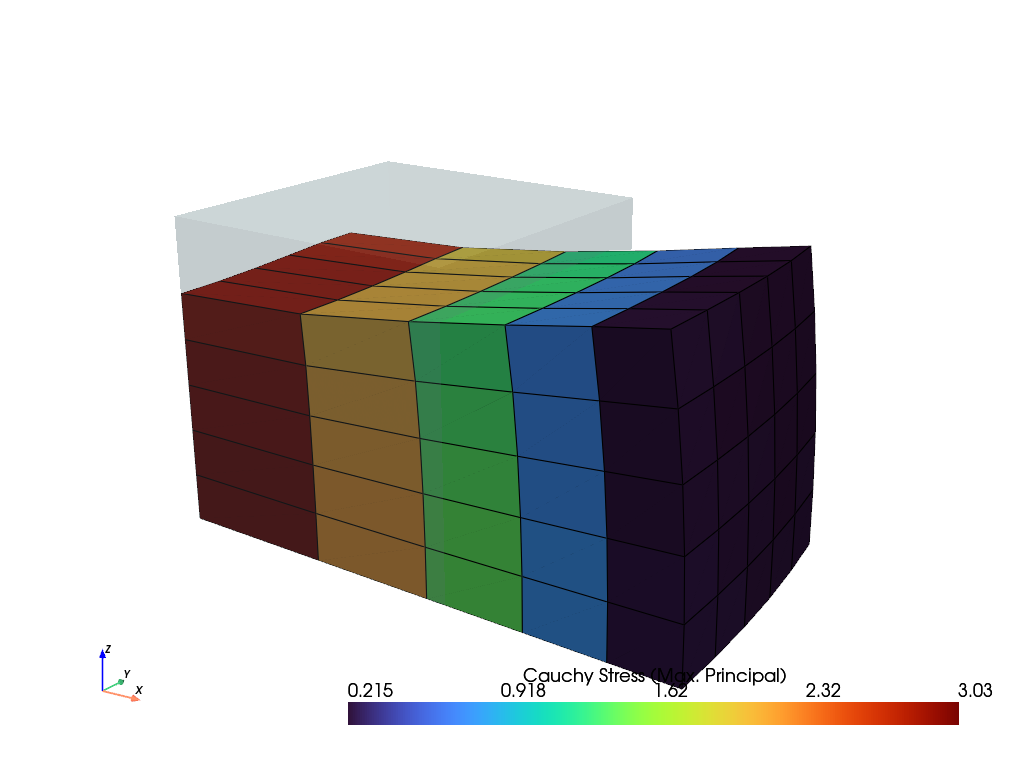
\[\delta W_{ext} = \int_V \delta \boldsymbol{u} \cdot \rho \boldsymbol{g} \ dV\]Examples
>>> import felupe as fem
>>>
>>> mesh = fem.Cube(n=6)
>>> region = fem.RegionHexahedron(mesh)
>>> field = fem.FieldContainer([fem.Field(region, dim=3)])
>>> boundaries = fem.dof.symmetry(field[0])
>>>
>>> umat = fem.NeoHooke(mu=1, bulk=2)
>>> solid = fem.SolidBody(umat, field)
>>> density = 1.0
>>> force = fem.SolidBodyForce(field, scale=density)
>>>
>>> gravity = fem.math.linsteps([0, 2], num=5, axis=0, axes=3)
>>> step = fem.Step(
...     items=[solid, force],
...     ramp={force: gravity},
...     boundaries=boundaries,
... )
>>>
>>> job = fem.Job(steps=[step]).evaluate()
>>> solid.plot("Principal Values of Cauchy Stress").show()
- class felupe.SolidBodyPressure(field, pressure=None)[source]#
Bases:
objectA hydrostatic pressure boundary on a solid body.
- Parameters:
field (FieldContainer) – A field container with fields created on a boundary region.
pressure (float or ndarray or None, optional) – A scaling factor for the prescribed pressure \(p\) (default is None). If None, the pressure is set to zero.
Notes
Hint
The pressure is always given as normal force per deformed area. This is important for axisymmetric problems.
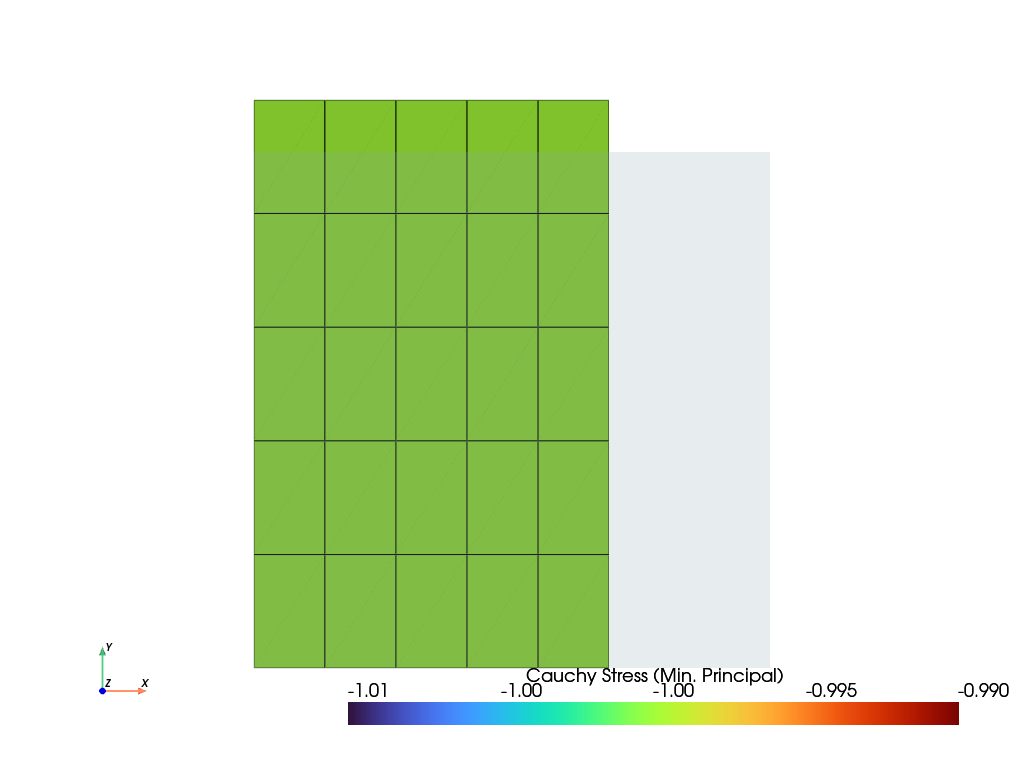
\[\delta W_{ext} = \int_{\partial V} \delta \boldsymbol{u} \cdot (-p) J \boldsymbol{F}^{-T} \ d\boldsymbol{A}\]Examples
>>> import felupe as fem
>>>
>>> mesh = fem.Rectangle(n=6)
>>> region = fem.RegionQuad(mesh)
>>> field = fem.FieldContainer([fem.FieldAxisymmetric(region, dim=2)])
>>> boundaries = fem.dof.symmetry(field[0])
>>> umat = fem.NeoHooke(mu=1, bulk=2)
>>> solid = fem.SolidBody(umat, field)
>>>
>>> region_pressure = fem.RegionQuadBoundary(
...     mesh=mesh,
...     only_surface=True,  # select only faces on the outline
...     mask=mesh.points[:, 0] == 1,  # select a subset of faces on the surface
...     ensure_3d=True,  # requires True for axisymmetric/plane strain, otherwise False
... )
>>> field_boundary = fem.FieldContainer([fem.FieldAxisymmetric(region_pressure, dim=2)])
>>> pressure = fem.SolidBodyPressure(field=field_boundary)
>>>
>>> table = fem.math.linsteps([0, 1], num=5)
>>> step = fem.Step(
...     items=[solid, pressure], ramp={pressure: 1 * table}, boundaries=boundaries
... )
>>>
>>> job = fem.Job(steps=[step]).evaluate()
>>> solid.plot(
...     "Principal Values of Cauchy Stress", component=2, clim=[-1.01, -0.99]
... ).show()
- class felupe.SolidBodyCauchyStress(field, cauchy_stress=None)[source]#
Bases:
objectA Cauchy stress boundary on a solid body.
- Parameters:
field (FieldContainer) – A field container with fields created on a boundary region.
stress (ndarray of shape (3, 3, ...) or None, optional) – The prescribed Cauchy stress components \(\sigma_{ij}\) (default is None). If None, all Cauchy stress components are set to zero.
Notes
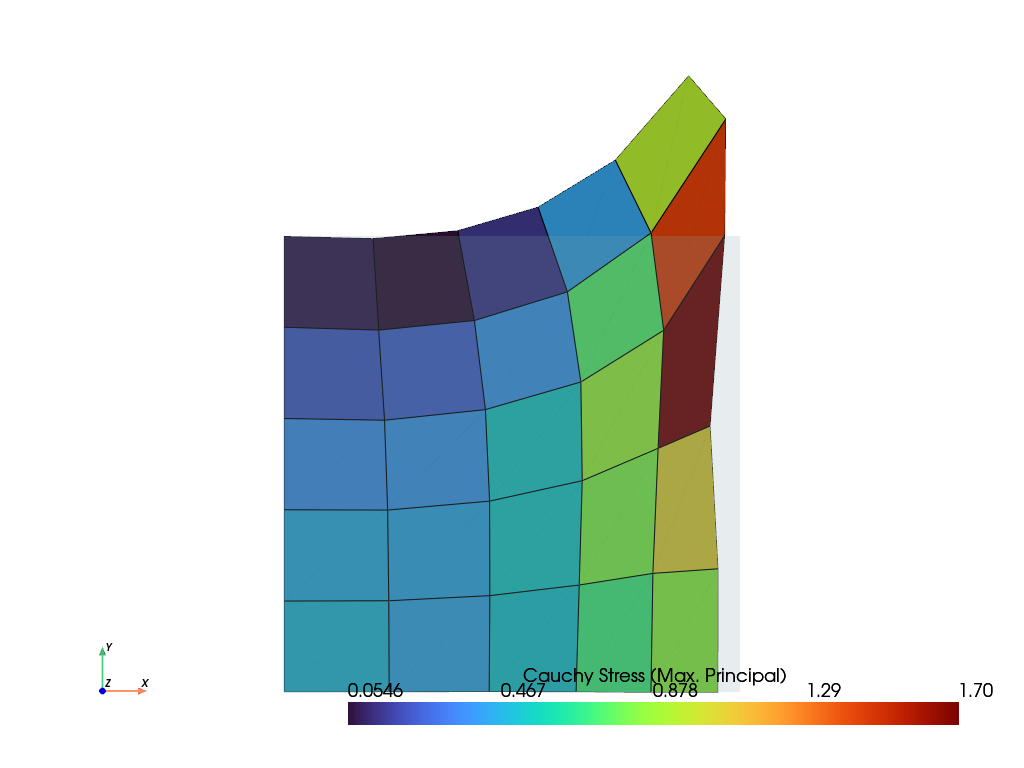
\[\delta W_{ext} = \int_{\partial V} \delta \boldsymbol{u} \cdot \boldsymbol{\sigma}\ d\boldsymbol{a} = \int_{\partial V} \delta \boldsymbol{u} \cdot \boldsymbol{\sigma} J \boldsymbol{F}^{-T}\ d\boldsymbol{A}\]Examples
>>> import numpy as np
>>> import felupe as fem
>>>
>>> mesh = fem.Rectangle(n=6)
>>> region = fem.RegionQuad(mesh)
>>> field = fem.FieldContainer([fem.FieldAxisymmetric(region, dim=2)])
>>>
>>> boundaries = {"fixed": fem.Boundary(field[0], fx=0)}
>>> solid = fem.SolidBody(umat=fem.NeoHooke(mu=1, bulk=2), field=field)
>>>
>>> mask = np.logical_and(mesh.x == 1, mesh.y > 0.5)
>>> region_stress = fem.RegionQuadBoundary(
...     mesh=mesh,
...     mask=mask,  # select a subset of faces on the surface
...     ensure_3d=True,  # True for axisymmetric/plane strain
... )
>>> field_boundary = fem.FieldContainer([fem.FieldAxisymmetric(region_stress, dim=2)])
>>> stress = fem.SolidBodyCauchyStress(field=field_boundary)
>>>
>>> table = (
...     fem.math.linsteps([0, 1], num=5, axis=1, axes=9)
...     + fem.math.linsteps([0, 1], num=5, axis=3, axes=9)
... ).reshape(-1, 3, 3)
>>>
>>> step = fem.Step(
...     items=[solid, stress], ramp={stress: 1.0 * table}, boundaries=boundaries
... )
>>> job = fem.Job(steps=[step]).evaluate()
>>> solid.plot("Principal Values of Cauchy Stress").show()
- class felupe.PointLoad(field, points, values=None, apply_on=0, axisymmetric=False)[source]#
Bases:
objectA point load with methods for the assembly of sparse vectors/matrices, applied on the n-th field.
- Parameters:
field (FieldContainer) – A field container with fields created on a region.
points (list of int) – A list with point ids where the values are applied.
values (float or array_like or None, optional) – Values at points (default is None). If None, the values are set to zero.
apply_on (int, optional) – The n-th field on which the point load is applied (default is 0).
axisymmetric (bool, optional) – A flag to multiply the assembled vector and matrix by a scaling factor of \(2 \pi\) (default is False).
Examples
>>> import felupe as fem
>>>
>>> mesh = fem.mesh.Line(n=3)
>>> element = fem.element.Line()
>>> quadrature = fem.GaussLegendre(order=1, dim=1)
>>>
>>> region = fem.Region(mesh, element, quadrature)
>>> field = fem.FieldContainer([fem.Field(region, dim=1)])
>>>
>>> load = fem.PointLoad(field, [1, 2], values=[[3], [5]])
>>>
>>> vector = load.assemble.vector()
>>> vector.toarray()
array([[0.],
       [3.],
       [5.]])
- class felupe.TrussBody(umat, field, area, statevars=None)[source]#
Bases:
SolidA Truss body with methods for the assembly of sparse vectors/matrices.
- Parameters:
umat (class) – A class which provides methods for evaluating the gradient and the hessian of the strain energy density function per unit undeformed volume. The function signatures must be
dψdλ, ζ_new = umat.gradient([λ, ζ])for the gradient andd2ψdλdλ = umat.hessian([λ, ζ])for the hessian of the strain energy density function \(\psi(\lambda)\), where \(\lambda\) is the stretch and \(\zeta\) holds the array of internal state variables.field (FieldContainer) – A field container with one or more fields.
area (float or ndarray) – The cross-sectional areas of the trusses.
statevars (ndarray or None, optional) – Array of initial internal state variables (default is None).
Notes
For a truss element the stretch is evaluated as given in Eq. (17)
(17)#\[\Lambda = \sqrt{\frac{l^2}{L^2}}\]with the squared undeformed and deformed lengths, denoted in Eqs. (18).
(18)#\[\begin{split}l^2 &= \boldsymbol{\Delta x}^T \boldsymbol{\Delta x} \\ L^2 &= \boldsymbol{\Delta X}^T \boldsymbol{\Delta X}\end{split}\]This enables the Biot strain measure, see Eq. (19).
(19)#\[E_{11} = \Lambda - 1\]The normal force of a truss depends directly on the geometric exactly defined strain measure \(E_{11}\). For the general case of a nonlinear material behaviour the normal force is defined as given in Eq. (20)
(20)#\[N = S_{11}(E_{11})~A\]and the derivative according to Eq. (21).
(21)#\[\frac{\partial N}{\partial E_{11}} = \frac{ \partial S_{11}(E_{11}) }{\partial E_{11}}~A\]For the case of a linear elastic material this reduces to Eqs. (22).
(22)#\[\begin{split}S_{11}(E_{11}) &= E~E_{11} \\ N &= EA~E_{11} \\ \frac{\partial N}{\partial E_{11}} &= EA\end{split}\]The (nonlinear) fixing force column vector may be expressed as a function of the elemental force \(N_k\) and the deformed unit vector \(\boldsymbol{n}_k\), see Eq. (23).
(23)#\[\begin{split}\boldsymbol{r}_k = \begin{bmatrix} \boldsymbol{r}_A \\ \boldsymbol{r}_E \end{bmatrix} = N_k \begin{pmatrix} -\boldsymbol{n}_k \\ \phantom{-}\boldsymbol{n}_k \end{pmatrix}\end{split}\]For a truss the stiffness matrix is divided into four block matrices of the same components but with different signs, see Eq. (24).
(24)#\[\begin{split}\boldsymbol{K}_{k~(6,6)} = \begin{bmatrix} \boldsymbol{K}_{AA} & \boldsymbol{K}_{AE}\\ \boldsymbol{K}_{EA} & \boldsymbol{K}_{EE} \end{bmatrix} = \begin{pmatrix} \phantom{-}\boldsymbol{K}_{EE} & -\boldsymbol{K}_{EE}\\ -\boldsymbol{K}_{EE} & \phantom{-}\boldsymbol{K}_{EE} \end{pmatrix}\end{split}\]A change in the fixing force vector at the end node E w.r.t. a small change of the displacements at node E is defined as the tangent stiffnes EE, see Eq. (25).
(25)#\[\begin{split}\boldsymbol{K}_{EE} &= \frac{ \partial \boldsymbol{r}_E}{\partial \boldsymbol{U}_E } \\ \boldsymbol{K}_{EE} &= \frac{A}{L} ~ \frac{ \partial S_{11}(E_{11}) }{\partial E_{11}} \boldsymbol{n} \otimes \boldsymbol{n} + \frac{N}{l} \left( \boldsymbol{1} - \boldsymbol{n} \otimes \boldsymbol{n} \right)\end{split}\]Examples
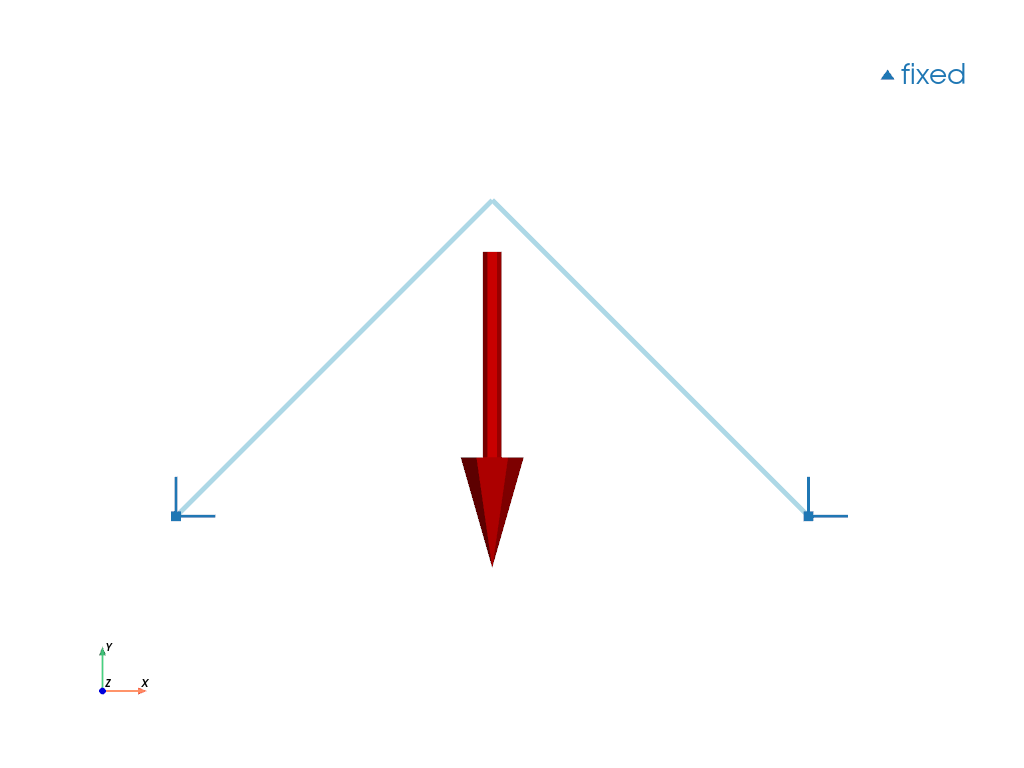
>>> import felupe as fem
>>>
>>> mesh = fem.Mesh(
...     points=[[0, 0], [1, 1], [2.0, 0]],
...     cells=[[0, 1], [1, 2]],
...     cell_type="line",
... )
>>> region = fem.RegionTruss(mesh)
>>> field = fem.Field(region, dim=2).as_container()
>>> boundaries = fem.BoundaryDict(fixed=fem.Boundary(field[0], fy=0))
>>>
>>> umat = fem.LinearElastic1D(E=[1, 1])
>>> truss = fem.TrussBody(umat, field, area=[1, 1])
>>> load = fem.PointLoad(field, points=[1])
>>>
>>> table = fem.math.linsteps([0, 1], num=5, axis=1, axes=2)
>>> ramp = {load: table * -0.1}
>>> step = fem.Step(items=[truss, load], ramp=ramp, boundaries=boundaries)
>>> job = fem.Job(steps=[step]).evaluate()
>>>
>>> mesh.plot(
...     plotter=load.plot(plotter=boundaries.plot(), scale=0.5),
...     line_width=5
... ).show()
- class felupe.Step(items, ramp=None, boundaries=None)[source]#
Bases:
objectA Step with multiple substeps, subsequently depending on the solution of the previous substep.
- Parameters:
items (list of SolidBody, SolidBodyNearlyIncompressible, SolidBodyPressure, SolidBodyForce, PointLoad, MultiPointConstraint or MultiPointContact) – A list of items with methods for the assembly of sparse vectors/matrices.
ramp (dict, optional) – A dict with
Boundaryoritem-keys which holds the array of values to ramp (default is None). If None, only one substep is evaluated.boundaries (dict of Boundary, optional) – A dict with
Boundaryconditions (default is None).
Notes
For each substep, the ramped items (and boundaries) are updated with the values of the ramp and the Newton-Raphson method is evaluated, see
generate_states(). If the Newton-Raphson method of a substep raises an error, plugins may recover the substep, e.g. aCutbackPluginsubdivides the substep into smaller increments.Examples
>>> import felupe as fem
>>>
>>> mesh = fem.Cube(n=6)
>>> region = fem.RegionHexahedron(mesh)
>>> field = fem.FieldContainer([fem.Field(region, dim=3)])
>>>
>>> boundaries = fem.dof.symmetry(field[0])
>>> boundaries["clamped"] = fem.Boundary(field[0], fx=1, skip=(True, False, False))
>>> boundaries["move"] = fem.Boundary(field[0], fx=1, skip=(False, True, True))
>>>
>>> umat = fem.NeoHooke(mu=1, bulk=2)
>>> solid = fem.SolidBody(umat, field)
>>>
>>> move = fem.math.linsteps([0, 1], num=5)
>>> step = fem.Step(items=[solid], ramp={boundaries["move"]: move}, boundaries=boundaries)
>>>
>>> job = fem.Job(steps=[step]).evaluate()
>>> ax = solid.plot("Principal Values of Cauchy Stress").show()
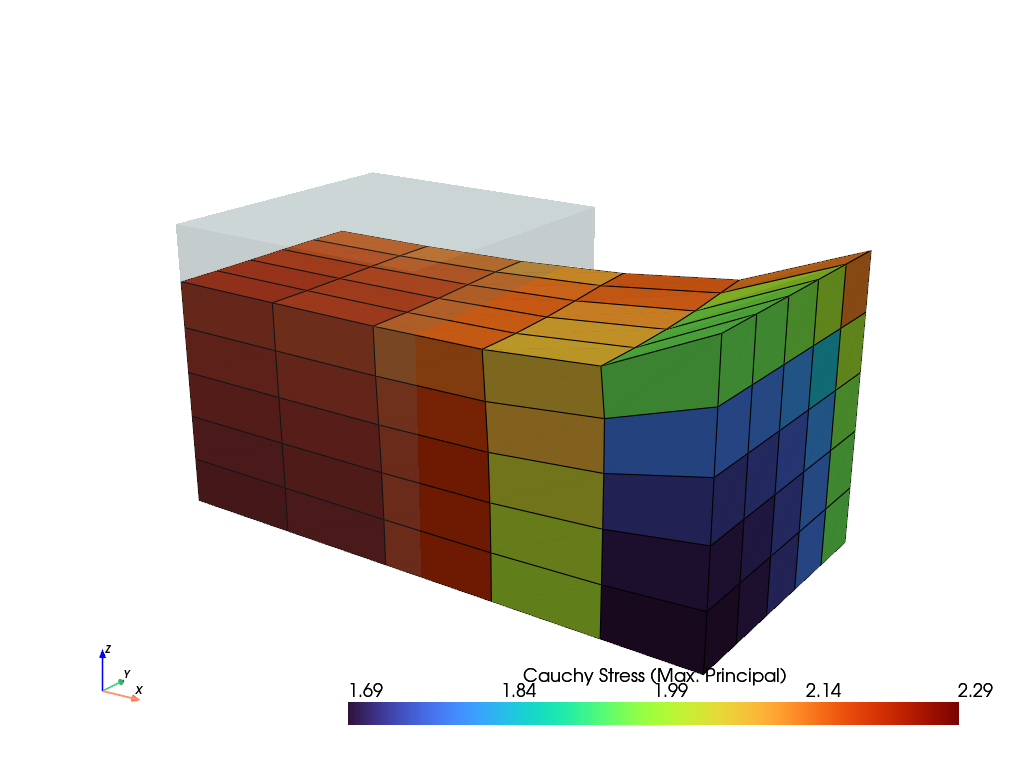
See also
JobA job with a list of steps and a method to evaluate them.
CharacteristicCurveA job with a list of steps and a method to evaluate them. Force-displacement curve data is tracked during evaluation for a given
Boundary.SubstepStateA class to keep track of the state of a substep during evaluation.
CutbackPluginA cutback of the increment of failed substeps.
- generate(**kwargs)[source]#
Yield the results of all generated substeps.
- Parameters:
**kwargs (dict) – Keyword arguments for
generate_states().- Yields:
felupe.tools.NewtonResult – The result of the Newton-Raphson method for each substep.
See also
felupe.Step.generate_statesYield the states of all generated substeps.
- generate_states(stepnumber=None, time=None, **kwargs)[source]#
Yield the states of all generated substeps.
- Parameters:
stepnumber (int or None, optional) – The (zero-based) index of the step within the job (default is None).
time (int or None, optional) – The (zero-based) index of the first substep of the step within the job (default is None).
**kwargs (dict) – Keyword arguments for
newtonraphson(). The keyword argumentx0, the field container with the unknowns, is required. An optionalEventDispatcherdispatcheris used to trigger the hooks of the plugins.
- Yields:
felupe.SubstepState – The state of each completed substep with the result of the Newton-Raphson method
state.result.
Notes
The unknowns
x0are linked to the result of each completed substep, i.e. they are the starting point of the next substep.If a
dispatcheris given, the hookbefore_substepis triggered before each substep. If the Newton-Raphson method of a substep raises an error, the hookafter_failed_substepis triggered and plugins may recover the substep, seeSubstepState. If the substep is not recovered, the error is raised. TheContextof these hooks holds the step, the items, the unknownsx0and the callableres = solve(values), which updates the ramped items with given values, evaluates the Newton-Raphson method and links the unknownsx0to the result.
- class felupe.Job(steps, *, plugins=None)[source]#
Bases:
objectA job with a list of steps and a method to evaluate them.
- Parameters:
steps (list of Step) – A list with steps, where each step subsequently depends on the solution of the previous step.
plugins (list or None, optional) –
A list of plugins with hooks to be used during evaluation. Available hooks are
before_job,after_job,before_step,after_stepandafter_substep, the hooks of a substepbefore_substepandafter_failed_substepas well as the hooks of the Newton-Raphson methodbefore_newton,before_iteration,before_linear_solve,after_linear_solve,after_iterationandafter_newton, seePlugin. Each hook takes the context and the current state as arguments. All hooks are optional. Default is None, which is equivalent to an empty list. Simple callable plugins are dispatched at theafter_substephook. E.g., a backtracking line search is enabled byJob(steps, plugins=[LinesearchPlugin()])and failed substeps are subdivided byJob(steps, plugins=[CutbackPlugin()]).Changed in version 12.0.0:
pluginsis a keyword-only argument. The argumentscallbackand**kwargs(for the callback) are removed, a callable plugin replaces the callback, see the notes below.
- timetrack#
A list with times at which the results are written to the XDMF result file.
- fnorms#
List with norms of the objective function for each completed substep of each step. See also class:~felupe.tools.NewtonResult.
- dispatcher#
The event dispatcher with the plugins of the job. The built-in plugins of an evaluation, i.e. the
ProgressPluginand theXDMFWriterPlugin, are not added to this dispatcher. Instead,evaluate()creates a new dispatcher for each evaluation with the plugins of the job and the built-in plugins.- Type:
Notes
A callable plugin is called after each completed substep (in the hook
after_substep) with the context and the state of the substep. It replaces thecallback(removed in 12.0.0): the step number and the substep number are available asstate.stepnumberandstate.substepnumberand the result of the substep ascontext.substep(orstate.result). Keyword-arguments are passed to the callback by a closure, e.g. a lambda function.def callback(stepnumber, substepnumber, substep, **kwargs): ... # removed in 12.0.0 # job = fem.Job(steps, callback=callback, a=1) # use a callable plugin instead job = fem.Job( steps, plugins=[ lambda context, state: callback( state.stepnumber, state.substepnumber, context.substep, a=1 ) ], )
Both are called with the same arguments. The removed callback was called before the hook
after_substepof all plugins. A callable plugin is called in the order of the list of plugins, but always before the built-in plugins ofevaluate(). Hence, it is called in the same order if it is the first plugin in the list.Examples
>>> import felupe as fem
>>>
>>> mesh = fem.Cube(n=6)
>>> region = fem.RegionHexahedron(mesh)
>>> field = fem.FieldContainer([fem.Field(region, dim=3)])
>>>
>>> boundaries = fem.dof.symmetry(field[0])
>>> boundaries["clamped"] = fem.Boundary(field[0], fx=1, skip=(True, False, False))
>>> boundaries["move"] = fem.Boundary(field[0], fx=1, skip=(False, True, True))
>>>
>>> umat = fem.NeoHooke(mu=1, bulk=2)
>>> solid = fem.SolidBody(umat, field)
>>>
>>> move = fem.math.linsteps([0, 1], num=5)
>>> step = fem.Step(items=[solid], ramp={boundaries["move"]: move}, boundaries=boundaries)
>>>
>>> job = fem.Job(steps=[step]).evaluate()
>>> solid.plot("Principal Values of Cauchy Stress").show()
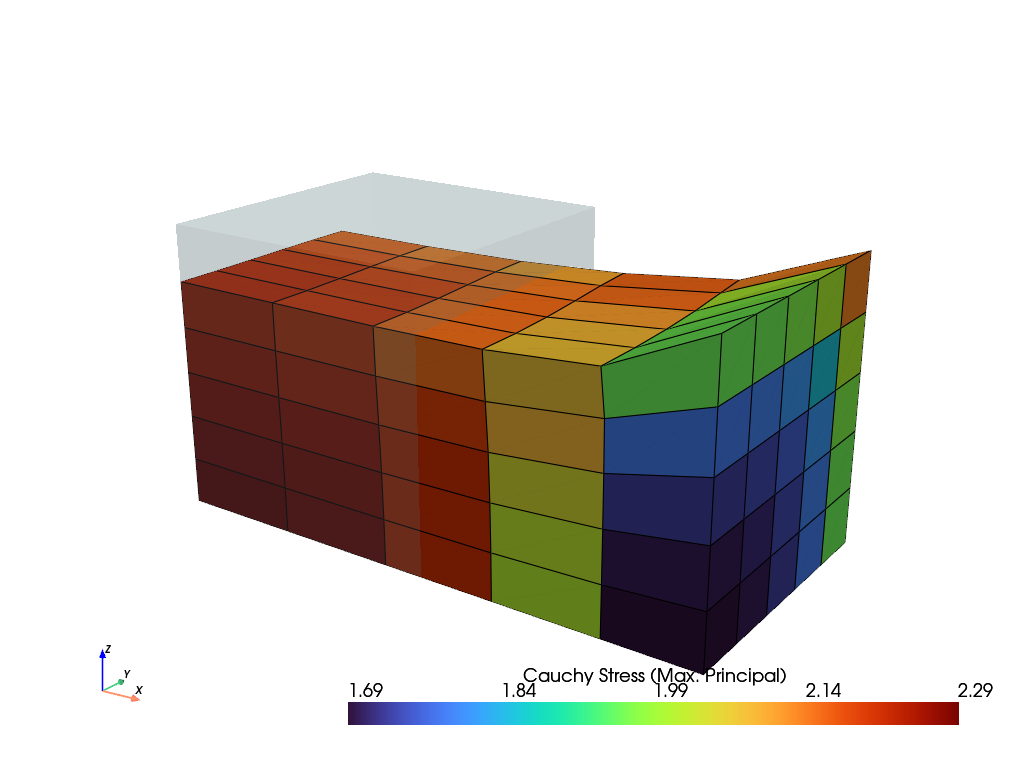
A callable plugin is called after each completed substep, e.g. to save the maximum displacement of each substep.
>>> umax = []
>>> def save(context, state):
...     umax.append(context.substep.x[0].values.max())
>>>
>>> job = fem.Job(steps=[step], plugins=[save]).evaluate()
>>> len(umax)
6
See also
StepA Step with multiple substeps, subsequently depending on the solution of the previous substep.
CharacteristicCurveA job with a list of steps and a method to evaluate them. Force-displacement curve data is tracked during evaluation for a given
Boundary.tools.NewtonResultA data class which represents the result found by Newton’s method.
LinesearchPluginA backtracking line search for the Newton-Raphson method.
CutbackPluginA cutback of the increment of failed substeps.
- evaluate(filename=None, mesh=None, point_data=None, cell_data=None, point_data_default=True, cell_data_default=True, verbose=None, parallel=False, tqdm='tqdm', **kwargs)[source]#
Evaluate the steps.
- Parameters:
filename (str or None, optional) – The filename of the XDMF result file. Must include the file extension
my_result.xdmf. If None, no result file is written during evaluation. Default is None.mesh (Mesh or None, optional) – A mesh which is used for the XDMF time series writer. If None, it is taken from the field of the first item of the first step if no keyword argument
x0is given. If None andx0=field, the mesh is taken from thex0field container. Default is None.point_data (dict or None, optional) – Additional dict of point-data for the meshio XDMF time series writer.
cell_data (dict or None, optional) – Additional dict of cell-data for the meshio XDMF time series writer.
point_data_default (bool, optional) – Flag to write default point-data to the XDMF result file. This includes
"Displacement". Default is True.cell_data_default (bool, optional) – Flag to write default cell-data to the XDMF result file. This includes
"Principal Values of Logarithmic Strain","Logarithmic Strain"and"Deformation Gradient". Default is True.verbose (bool or int or None, optional) – Verbosity level to control how messages are printed during evaluation. If 1 or True and
tqdmis installed, a progress bar is shown. Iftqdmis missing or verbose is 2, more detailed text-based messages are printed. Default is None. If None, verbosity is set to True. If None and the environmental variable FELUPE_VERBOSE is set and its value is nottrue, then logging is turned off.parallel (bool, optional) – Flag to evaluate the contractions of
numpy.einsum()during assembly in chunks of cells by a pool of threads. This may add additional overhead to small-sized problems. Default is False.tqdm (str, optional) – If verbose is True, choose a backend for
tqdm(“tqdm”,"auto"or"notebook". Default is"tqdm".**kwargs (dict) – Optional keyword arguments for
generate(). Ifparallel=True, it is added askwargs["parallel"] = Trueto the dict of additional keyword arguments. Ifx0is present inkwargs.keys(), it is used as the mesh for the XDMF time series writer.
- Returns:
The job object.
- Return type:
Notes
Requires
meshioandh5pyiffilenameis not None. Also requirestqdmfor an interactive progress bar ifverbose=True.See also
StepA Step with multiple substeps, subsequently depending on the solution of the previous substep.
CharacteristicCurveA job with a list of steps and a method to evaluate them. Force-displacement curve data is tracked during evaluation for a given
Boundarycondition.tools.NewtonResultA data class which represents the result found by Newton’s method.
- class felupe.CharacteristicCurve(steps, boundary, items=None, *, plugins=None)[source]#
Bases:
JobA job with a list of steps and a method to evaluate them. Force-displacement curve data is tracked during evaluation for a given
Boundaryby a built-inCharacteristicCurvePlugin.- Parameters:
steps (list of Step) – A list with steps, where each step subsequently depends on the solution of the previous step.
boundary (Boundary) – The boundary condition, whose displacements and reaction forces are tracked.
items (list of SolidBody, SolidBodyNearlyIncompressible, SolidBodyPressure, SolidBodyGravity, PointLoad, MultiPointConstraint, MultiPointContact or None, optional) – A list of items with methods for the assembly of sparse vectors/matrices which are used to evaluate the sum of reaction forces. If None, the total reaction forces from the
NewtonResultof the substep are used.plugins (list or None, optional) –
A list of plugins, see
Job(default is None). TheCharacteristicCurvePluginis added to the end of the list.Changed in version 12.0.0:
pluginsis a keyword-only argument. The argumentscallbackand**kwargs(for the callback) are removed, a callable plugin replaces the callback, see the notes ofJob.
Examples
>>> import felupe as fem
>>>
>>> mesh = fem.Cube(n=6)
>>> region = fem.RegionHexahedron(mesh)
>>> field = fem.FieldContainer([fem.Field(region, dim=3)])
>>>
>>> boundaries = dict()
>>> boundaries["fixed"] = fem.Boundary(field[0], fx=0, skip=(False, False, False))
>>> boundaries["clamped"] = fem.Boundary(field[0], fx=1, skip=(True, False, False))
>>> boundaries["move"] = fem.Boundary(field[0], fx=1, skip=(False, True, True))
>>>
>>> umat = fem.NeoHooke(mu=1, bulk=2)
>>> solid = fem.SolidBody(umat, field)
>>>
>>> move = fem.math.linsteps([0, 1], num=5)
>>> step = fem.Step(items=[solid], ramp={boundaries["move"]: move}, boundaries=boundaries)
>>>
>>> job = fem.CharacteristicCurve(steps=[step], boundary=boundaries["move"]).evaluate()
>>> solid.plot("Principal Values of Cauchy Stress").show()
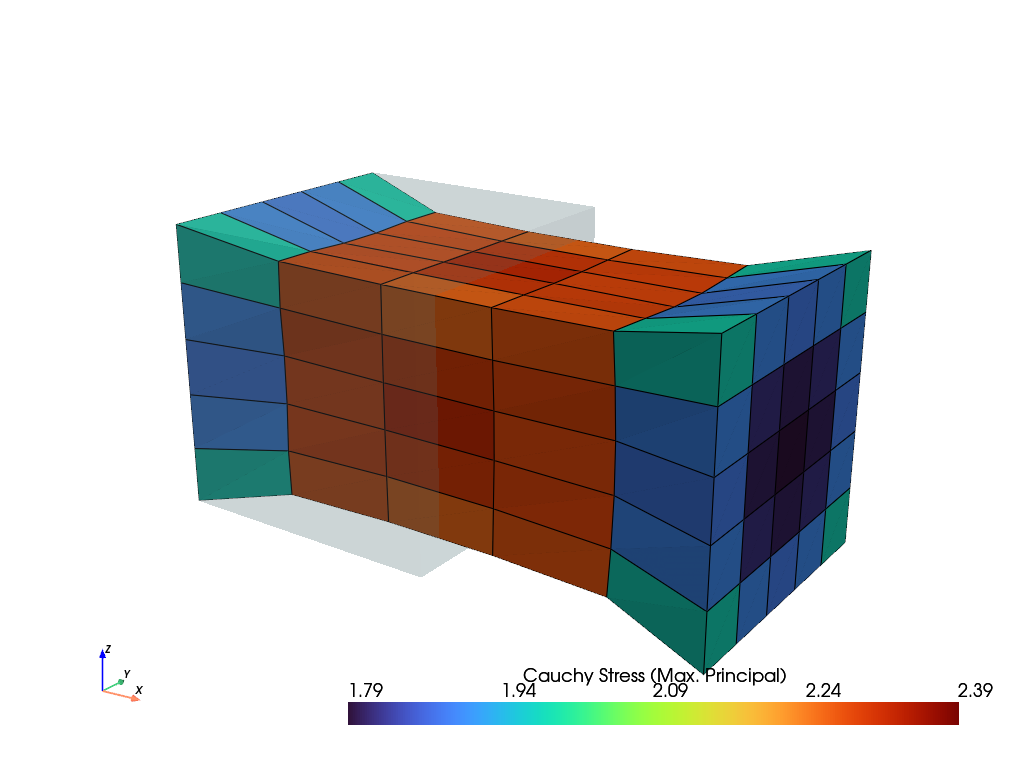
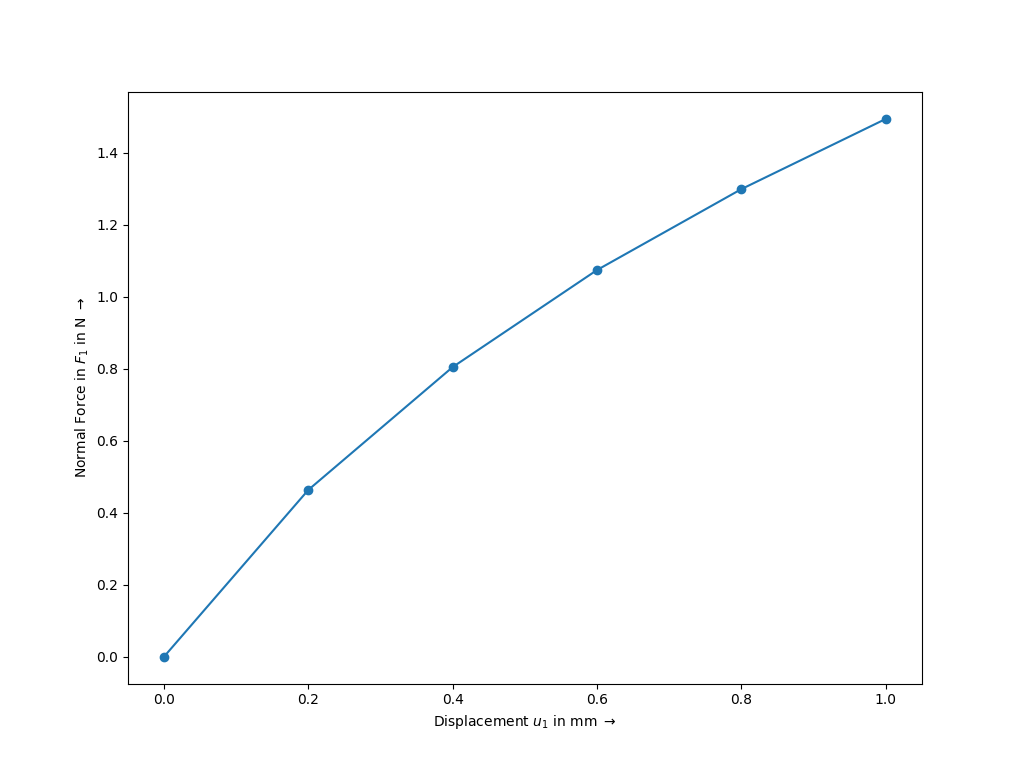
>>> fig, ax = job.plot(
...    xlabel=r"Displacement $u_1$ in mm $\rightarrow$",
...    ylabel=r"Normal Force in $F_1$ in N $\rightarrow$",
...    marker="o",
... )
See also
StepA Step with multiple substeps, subsequently depending on the solution of the previous substep.
JobA job with a list of steps and a method to evaluate them.
tools.NewtonResultA data class which represents the result found by Newton’s method.
- property res#
- property x#
- property y#
- class felupe.FreeVibration(items, boundaries=None)[source]#
Bases:
objectA Free-Vibration Step/Job.
- Parameters:
Notes
Note
Boundary conditions with non-zero values are not supported.
Examples
>>> import felupe as fem
>>> import numpy as np
>>>
>>> mesh = fem.Rectangle(b=(5, 1), n=(50, 10))
>>> region = fem.RegionQuad(mesh)
>>> field = fem.FieldContainer([fem.FieldPlaneStrain(region, dim=2)])
>>>
>>> boundaries = dict(left=fem.Boundary(field[0], fx=0))
>>> solid = fem.SolidBody(fem.LinearElastic(E=2.5, nu=0.25), field, density=1.0)
>>> modal = fem.FreeVibration(items=[solid], boundaries=boundaries).evaluate()
>>>
>>> eigenvector, frequency = modal.extract(n=4, inplace=True)
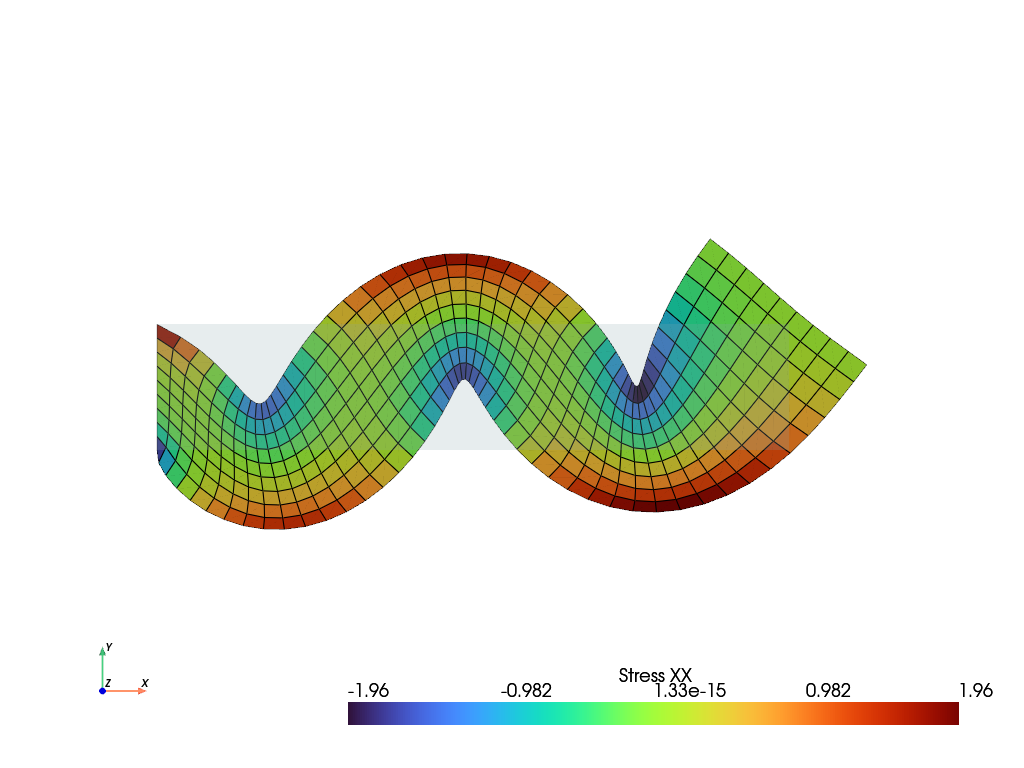
>>> solid.plot("Stress", component=0).show()
- class felupe.AnimationWriterPlugin(items, filename='animation.gif', framerate=5, quality=5, zoom_camera=1.0, reset_camera=True, show_text=True, take_screenshots=False, colors=None, **kwargs)[source]#
Bases:
PluginA job plugin to write an animation file during job evaluation.
- Parameters:
items (list) – The items to plot.
filename (str or None, optional) – The filename of the animation file. Default is “animation.gif”. Supported formats are GIF and MP4 (or any other format supported by PyVista). If None, no animation file will be written. Default is “animation.gif”.
framerate (int, optional) – The framerate of the animation. Default is 5.
quality (int, optional) – The quality of the movie. Default is 5. This is only used for movie formats, not for GIFs.
zoom_camera (float, optional) – The zoom factor for the camera. Default is 1.0.
reset_camera (bool, optional) – Whether to reset the camera before each frame. Default is True.
show_text (bool, optional) – Whether to show text on the plot. Default is True.
take_screenshots (bool or None, optional) – Whether to take screenshots for all substeps per step. If True, the screenshots will be saved in the “figures” folder. Default is False.
**kwargs (dict, optional) – Additional keyword arguments to pass to the plot method of the items.
Notes
This plugin should be used with
off_screen=True. While it is possible to show the plotter during the job evaluation, it may flicker. The frames are always drawn by the plotting backend of PyVista, independent of the current plotting backend.Examples
>>> import felupe as fem
>>>
>>> mesh = fem.Cube(n=6)
>>> region = fem.RegionHexahedron(mesh)
>>> field = fem.FieldContainer([fem.Field(region, dim=3)])
>>>
>>> boundaries = fem.dof.uniaxial(
...     field, clamped=True, return_loadcase=False
... )
>>> umat = fem.NeoHooke(mu=1, bulk=2)
>>> solid = fem.SolidBody(umat=umat, field=field)
>>>
>>> move = fem.math.linsteps([0, 1, 0], num=2)
>>> ramp = {boundaries["move"]: move}
>>> step = fem.Step(items=[solid], ramp=ramp, boundaries=boundaries)
>>>
>>> animation = fem.AnimationWriterPlugin(
...     items=[field],
...     filename="animation.gif",
...     name="Principal Values of Logarithmic Strain",
... )
>>> job = fem.Job(steps=[step], plugins=[animation]).evaluate()
See also
felupe.JobA job with a list of steps and a method to evaluate them.
- after_job(context, state)[source]#
This method is called after the evaluation of a job, also if the evaluation failed (e.g. to close result files). Then, the error is available as
state.errorand it is raised after all plugins are called.- Parameters:
context (felupe.Context) – The context object.
state (felupe.JobState) – The state of the job.
- after_substep(context, state)[source]#
This method is called after a completed substep.
- Parameters:
context (felupe.Context) – The context object with the job, the step and the result of the substep
context.substep.state (felupe.SubstepState) – The state of the substep (the same object as in the hooks
before_substepandafter_failed_substep), which is also aJobStatewith the step number, the substep number and the time.
- before_job(context, state)[source]#
This method is called before the evaluation of a job.
- Parameters:
context (felupe.Context) – The context object.
state (felupe.JobState) – The state of the job.
- class felupe.CharacteristicCurvePlugin(boundary, items=None, fun=<function force>, **kwargs)[source]#
Bases:
PluginA job plugin to record a characteristic curve. Force-displacement curve data is tracked during evaluation for a given
Boundary. Optionally, the- Parameters:
boundary (felupe.Boundary) – The boundary condition for which to record the characteristic curve.
items (list of SolidBody, SolidBodyNearlyIncompressible, SolidBodyPressure, SolidBodyGravity, PointLoad, MultiPointConstraint, MultiPointContact or None, optional) – A list of items with methods for the assembly of sparse vectors/matrices which are used to evaluate the sum of reaction forces. If None, the total reaction forces from the
NewtonResultof the substep are used.fun (felupe.tools.force or felupe.tools.moment, optional) – A function to calculate the y-data of the curve from the x-data.
**kwargs (dict, optional) – Additional keyword arguments for the function
fun.
Examples
>>> import felupe as fem
>>>
>>> mesh = fem.Cube(n=6)
>>> region = fem.RegionHexahedron(mesh)
>>> field = fem.FieldContainer([fem.Field(region, dim=3)])
>>>
>>> boundaries = dict()
>>> boundaries["fixed"] = fem.Boundary(field[0], fx=0, skip=(False, False, False))
>>> boundaries["clamped"] = fem.Boundary(field[0], fx=1, skip=(True, False, False))
>>> boundaries["move"] = fem.Boundary(field[0], fx=1, skip=(False, True, True))
>>>
>>> umat = fem.NeoHooke(mu=1, bulk=2)
>>> solid = fem.SolidBody(umat, field)
>>>
>>> move = fem.math.linsteps([0, 1], num=5)
>>> step = fem.Step(items=[solid], ramp={boundaries["move"]: move}, boundaries=boundaries)
>>>
>>> curve = fem.CharacteristicCurvePlugin(boundary=boundaries["move"])
>>> job = fem.Job(steps=[step], plugins=[curve]).evaluate()
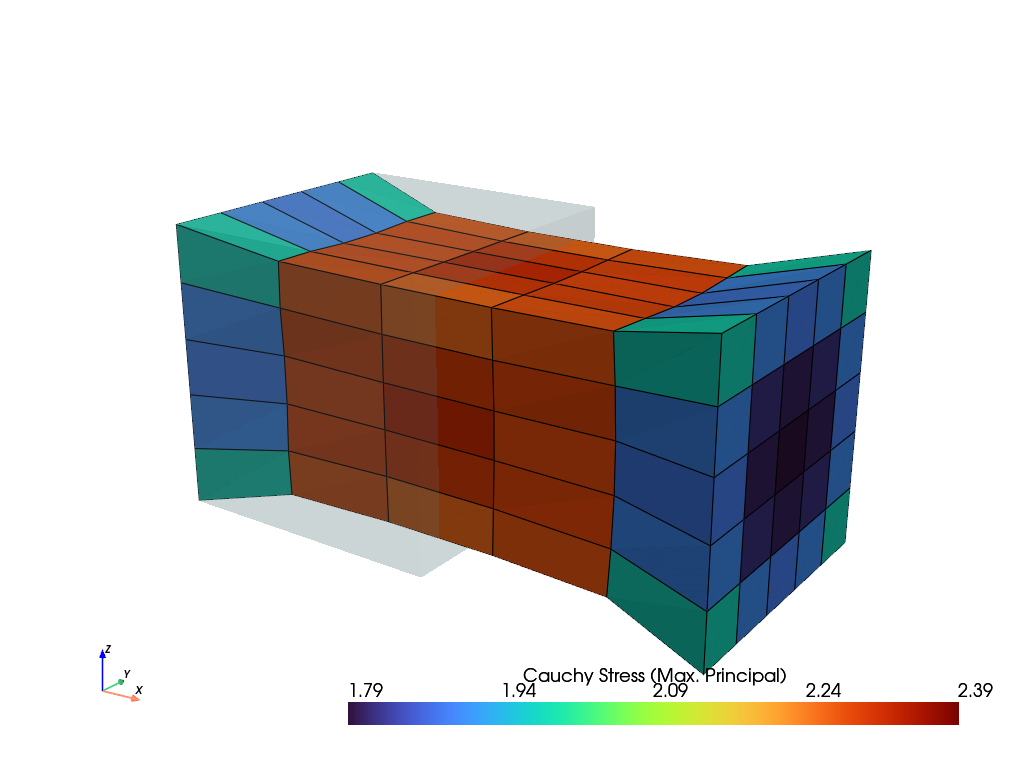
>>> solid.plot("Principal Values of Cauchy Stress").show()
>>> fig, ax = curve.plot(
...    xlabel=r"Displacement $u_1$ in mm $\rightarrow$",
...    ylabel=r"Normal Force in $F_1$ in N $\rightarrow$",
...    marker="o",
... )
See also
felupe.JobA job with a list of steps and a method to evaluate them.
- after_substep(context, state)[source]#
This method is called after a completed substep.
- Parameters:
context (felupe.Context) – The context object with the job, the step and the result of the substep
context.substep.state (felupe.SubstepState) – The state of the substep (the same object as in the hooks
before_substepandafter_failed_substep), which is also aJobStatewith the step number, the substep number and the time.
- plot(x=None, y=None, xaxis=0, yaxis=0, xlabel=None, ylabel=None, xscale=1.0, yscale=1.0, xoffset=0.0, yoffset=0.0, gradient=False, swapaxes=False, ax=None, items=None, **kwargs)[source]#
Plot force-displacement characteristic curves on a pre-evaluated job, tracked on a given
Boundary.- Parameters:
x (list of ndarray or None, optional) – A list with arrays of displacement data. If None, the displacement is taken from the first field of the field container from each completed substep. The displacement data is then taken from the first point of the tracked
Boundary. Default is None.y (list of ndarray or None, optional) – A list with arrays of reaction force data. If None, the force is taken from the
NewtonResultof each completed substep. Default is None.xaxis (int, optional) – The axis for the displacement data (default is 0).
yaxis (int, optional) – The axis for the reaction force data (default is 0).
xlabel (str or None, optional) – The label of the x-axis (default is None).
ylabel (str or None, optional) – The label of the y-axis (default is None).
xscale (float, optional) – A scaling factor for the displacement data (default is 1.0).
yscale (float, optional) – A scaling factor the reaction force data (default is 1.0).
xoffset (float, optional) – An offset for the displacement data (default is 0.0).
yoffset (float, optional) – An offset for the reaction force data (default is 0.0).
gradient (bool, optional) – A flag to plot the gradient of the y-data. Uses
numpy.gradient(edge_order=2). The gradient data is set tonp.nanfor absolute values greater than the mean value plus two times the standard deviation. Default is False.swapaxes (bool, optional) – A flag to flip the plot (x, y) to (y, x). Also changes the labels.
ax (matplotlib.axes.Axes) – An axes object where the plot is placed in.
items (slice, ndarray or None) – Indices or a range of data points to plot. If None, all data points are plotted (default is None).
**kwargs (dict) – Additional keyword arguments for plotting in
ax.plot(**kwags).
- Returns:
fig (matplotlib.figure.Figure) – The figure object where the plot is placed in.
ax (matplotlib.axes.Axes) – The axes object where the plot is placed in.
- to_arrays(x=None, y=None, xaxis=0, yaxis=0, xscale=1.0, yscale=1.0, xoffset=0.0, yoffset=0.0, gradient=False, items=None)[source]#
Return force-displacement characteristic curves on a pre-evaluated job, tracked on a given
Boundaryas arrays.- Parameters:
x (list of ndarray or None, optional) – A list with arrays of displacement data. If None, the displacement is taken from the first field of the field container from each completed substep. The displacement data is then taken from the first point of the tracked
Boundary. Default is None.y (list of ndarray or None, optional) – A list with arrays of reaction force data. If None, the force is taken from the
NewtonResultof each completed substep. Default is None.xaxis (int, optional) – The axis for the displacement data (default is 0).
yaxis (int, optional) – The axis for the reaction force data (default is 0).
xscale (float, optional) – A scaling factor for the displacement data (default is 1.0).
yscale (float, optional) – A scaling factor the reaction force data (default is 1.0).
xoffset (float, optional) – An offset for the displacement data (default is 0.0).
yoffset (float, optional) – An offset for the reaction force data (default is 0.0).
gradient (bool, optional) – A flag to plot the gradient of the y-data. Uses
numpy.gradient(edge_order=2). The gradient data is set tonp.nanfor absolute values greater than the mean value plus two times the standard deviation. Default is False.items (slice, ndarray or None) – Indices or a range of data points to plot. If None, all data points are plotted (default is None).
- Returns:
x (ndarray) – The final x-data.
y (ndarray) – The final y-data.
- class felupe.CutbackPlugin(factor=0.5, max_cutbacks=10, growth=2.0, exceptions=(<class 'felupe.tools._newton.NewtonConvergenceError'>, <class 'ArithmeticError'>, <class 'numpy.linalg.LinAlgError'>, <class 'RuntimeError'>))[source]#
Bases:
PluginA cutback of the increment of failed substeps. If the Newton-Raphson method of a substep fails, the substep is subdivided into smaller increments.
- Parameters:
factor (float, optional) – The factor \(0 < f < 1\) by which the increment is reduced after a failed attempt (default is 0.5).
max_cutbacks (int, optional) – The maximum number of successive cutbacks of the increment (default is 10), i.e. the smallest increment of a substep is \(\Delta t_{\min} = f^{\text{max\_cutbacks}}\) (e.g. \(0.5^{10} \approx 10^{-3}\)). Only reductions below the smallest increment reached so far are limited. A failed attempt with an increased increment (see
growth) and the following reduction do not count.growth (float, optional) – The factor \(g \ge 1\) by which the increment is increased after a converged increment (default is 2.0), limited by the remaining part of the substep. With
growth=1.0, the increment is kept constant.exceptions (type or tuple of type, optional) – The errors of the Newton-Raphson method which lead to a cutback (default is
(NewtonConvergenceError, ArithmeticError, numpy.linalg.LinAlgError,
RuntimeError)
). Errors of other types are raised without a cutback, e.g. aValueErrorof mismatching shapes of arrays. The default types include theNewtonConvergenceErrorofnewtonraphson()if the maximum number of iterations is reached or if the solution contains NaN values and of a failedLinesearchPlugin, floating-point errors (e.g. ofnumpy.errstate(invalid="raise")), errors ofnumpy.linalg, e.g. of a singular matrix, as well as runtime errors of the sparse solvers, e.g. theRuntimeErrorofSuperLUSolver(default) andscipy.sparse.linalg.spsolve()if the factorization of a nearly singular matrix fails. The subclassesNotImplementedErrorandRecursionErrorofRuntimeErrorare programming errors, which are raised without a cutback (unless they are given explicitly). An exactly singular matrix does not raise an error. Instead,SuperLUSolverandscipy.sparse.linalg.spsolve()return NaN values (which leads to aNewtonConvergenceError) andpypardiso.spsolve()returns a perturbed solution.
- load_factors#
The load factors of the converged increments for each substep, e.g.
[1.0]for a substep without a cutback or[0.5, 1.0]for a substep which was subdivided into two increments. The list of a substep which was not recovered ends with a load factor lower than one (or is empty).
- cutbacks#
The number of cutbacks for each substep, i.e. the number of reductions of the increment after failed attempts. This includes the reductions after failed attempts with increased increments. Hence, it may be larger than
max_cutbacks.
Notes
The plugin requires a
Job(or the hooks ofgenerate_states()). Before each substep, a checkpoint of the unknowns and of the (history-dependent) state of the items is created, seecheckpoint(). If the Newton-Raphson method of a substep raises one of the givenexceptions, the checkpoint is restored and the substep is subdivided into increments with load factors \(t \in (0, 1]\), starting with the reduced increment \(\Delta t = f\). The values of the ramp \(\boldsymbol{v}(t)\) of an increment are linearly interpolated between the values of the previous substep \(\boldsymbol{v}_0\) and the values of the current substep \(\boldsymbol{v}_1\), see Eq. (26).(26)#\[\boldsymbol{v}(t) = \boldsymbol{v}_0 + t\ \left( \boldsymbol{v}_1 - \boldsymbol{v}_0 \right)\]After a converged increment, the unknowns are linked to its result by
context.solve(), a new checkpoint is created, the load factor is increased \(t \leftarrow t + \Delta t\) and the next increment is \(\Delta t \leftarrow \min(g\ \Delta t, 1 - t)\). After a failed attempt, the checkpoint of the last converged increment is restored and the increment is reduced, \(\Delta t \leftarrow f\ \Delta t\). If the reduced increment would be smaller than the smallest increment \(\Delta t_{\min} = f^{\text{max\_cutbacks}}\), aNewtonConvergenceErroris raised, which is caused by the error of the last attempt. Then, the unknowns and the items are restored to the last converged increment. The last increment of a substep always uses the values of the ramp of the substep (without interpolation).The limit applies to the size of the increment, not to the number of failed attempts. An increased increment which fails is reduced again without counting towards
max_cutbacks, as long as the reduced increment is not smaller than \(\Delta t_{\min}\). Each converged increment (except the last one) is at least \(\Delta t_{\min}\), hence the subdivision of a substep terminates. With \(g > 1\), an increased increment may fail repeatedly, which costs one additional (failed) evaluation of the Newton-Raphson method per attempt. Usegrowth=1.0if failed attempts are expensive.The increments are internal to the substep, i.e. only the result of the last increment is handed back to the
Stepand the hooksafter_substepof other plugins (e.g. writers of result files) are only called once per substep. However, the hooks of the Newton-Raphson method are called for each increment.State of the items: A checkpoint consists of the values of the unknowns and of the checkpoints of all items (and ramped items) which provide the methods
checkpoint()andrestore(checkpoint), e.g.SolidBody.checkpoint()andSolidBodyNearlyIncompressible.checkpoint(). This includes the internal fields (pressure and volume ratio) of aSolidBodyNearlyIncompressible, which are updated in each evaluation of the Newton-Raphson method, as well as the time of aTimeStep, the state of the frictional contact of aContactRigidPlaneand the state variables of the rotation of aMultiPointConstraint. The state variables of material models are only updated after a converged increment. Hence, the increments of a subdivided substep are also increments of the loading path of history-dependent materials, e.g. for viscoelasticity or plasticity. A custom item with a state which is modified during the Newton iterations has to provide the methodscheckpoint()andrestore(checkpoint).Note
The time increment of a rate-dependent material model, e.g. the parameter
dtimeoffinite_strain_viscoelastic(), is not part of the ramp. Hence, it is not scaled by the cutback, i.e. each increment of a subdivided substep uses the full time increment of the material. A time which is part of the ramp, like the time of aTimeStep, is interpolated.Values of the previous substep: The values of the ramp of the previous substep are taken from the substeps which were already evaluated with this plugin. Hence, the first substep of a job can only be subdivided if the ramped items (or boundaries) were already updated by a previous job with this plugin. This is usually not required, because the first value of a ramp typically equals the initial state, e.g.
fem.math.linsteps([0, 1], num=5). A step without a ramp can not be subdivided.Note
A cutback may be combined with a
LinesearchPlugin,Job(steps, plugins=[LinesearchPlugin(), CutbackPlugin()]). Then, a failed line search leads to a cutback.Examples
A coarse cube is compressed by 70% in a single substep. The first Newton increment leads to inadmissible deformation gradients and to NaN values in the stresses.
>>> import felupe as fem
>>>
>>> mesh = fem.Cube(n=3)
>>> region = fem.RegionHexahedron(mesh)
>>> field = fem.FieldContainer([fem.Field(region, dim=3)])
>>> boundaries = fem.dof.uniaxial(field, clamped=True, return_loadcase=False)
>>> solid = fem.SolidBody(umat=fem.NeoHooke(mu=1.0, bulk=5.0), field=field)
>>>
>>> move = fem.math.linsteps([0, -0.7], num=1)
>>> step = fem.Step(
...     items=[solid], ramp={boundaries["move"]: move}, boundaries=boundaries
... )
>>>
>>> cutback = fem.CutbackPlugin()
>>> job = fem.Job(steps=[step], plugins=[cutback]).evaluate(verbose=0)
The second substep is subdivided into increments. The load factors of the converged increments are stored in the plugin, one list for each substep.
>>> cutback.load_factors
[[1.0], [0.5, 1.0]]
>>> cutback.cutbacks
[0, 1]
See also
felupe.StepA Step with multiple substeps, subsequently depending on the solution of the previous substep.
felupe.SubstepStateA class to keep track of the state of a substep.
felupe.LinesearchPluginA backtracking line search for the Newton-Raphson method.
felupe.SolidBody.checkpointReturn a checkpoint of the solid body.
- after_failed_substep(context, state)[source]#
Subdivide the failed substep into increments with reduced load factors and hand the result of the last increment back to the step, see
SubstepState.
- checkpoint(context)[source]#
Return a checkpoint of the unknowns and of the items of a substep.
- Parameters:
context (felupe.Context) – The context of a substep with the unknowns
x0, the items and the step.- Returns:
A dict with the copied values of the unknowns
"x0"and a list of the items (and ramped items) with their checkpoints"items".- Return type:
- restore(context, checkpoint)[source]#
Restore a checkpoint of the unknowns and of the items of a substep.
- Parameters:
context (felupe.Context) – The context of a substep with the unknowns
x0, the items and the step.checkpoint (dict) – A dict with the copied values of the unknowns
"x0"and a list of the items (and ramped items) with their checkpoints"items".
Notes
The checkpoints of the items are restored first. Then, the values of the unknowns are restored in-place and the fields of the items are linked to the unknowns.
- class felupe.DashboardWidgetPlugin(title=None, interval=0.1, filename=None, file_interval=2.0)[source]#
Bases:
PluginA compact live dashboard of a
Jobin a Jupyter widget.The dashboard is shown in the output of the cell which evaluates the job, e.g. in JupyterLab, Jupyter Notebook or the interactive window of VS Code. It shows the deformed model of the latest converged substep, coloured by the norm of the values of the first field (displacements, temperature, …), the progress of the job including cutbacks, the properties of the model, the convergence of the Newton-Raphson method and performance statistics.
- Parameters:
title (str or None, optional) – The title of the dashboard (default is None).
interval (float, optional) – The minimum time in seconds between two updates of the solver figures during a substep (default is 0.1). The end of each substep is always shown.
filename (str or None, optional) – The filename of a live HTML file of the dashboard, e.g.
"job.html"(default is None). The file is updated during the job and the page in the web browser updates itself, see the notes. Without a Jupyter frontend, the page is opened in the web browser.file_interval (float, optional) – The minimum time in seconds between two updates of the live HTML file (default is 2.0). The file is only updated if the state of the job has changed.
- widget#
The widget of the last evaluated job (or None). It may be displayed again, e.g.
display(plugin.widget)in another cell.- Type:
felupe.plugins._dashboard._widget.DashboardWidget or None
Notes
The dashboard requires the optional dependency anywidget, which is installed by
pip install felupe[dashboard]. The widget is created and displayed in the hookbefore_job. Each evaluation of a job creates a new widget, i.e. the outputs of previous cells keep the state of their job. The state of the widget is updated while the cell is running, because the messages from the kernel to the frontend are sent immediately. All controls of the dashboard (the scale of the deformation, the mesh lines, the view) are evaluated in the frontend, i.e. they also work while the job is running.The model is drawn from the regions of the items, e.g. of several solid bodies on the meshes of a
MeshContainer, by the triangulated outer surface oftriangulate_surface(). There is no list of item types: every item with a field containeritem.fieldcontributes the mesh of the region of its first field, exceptboundary regions (e.g. of a
SolidBodyPressureor of a heat transfer), whose meshes hold the cells of the faces,meshes without a supported cell type (e.g. the vertex mesh of the field of a
MeshContainerin aPointLoad),meshes (or identical cells) which are already drawn (e.g. of a
SolidBodyForceon the region of a solid body) andmeshes with other points than the first mesh.
Items without a field, e.g. a
TimeStep, are skipped. Faces at the interface of two bodies with merged points are not drawn. The values are taken from the first field of the unknownsx0of the job, i.e.job.evaluate(x0=field)shows the field of all bodies.Without a Jupyter frontend, e.g. in a script which is run in the terminal or in the IPython terminal (which has no kernel and can not display widgets), a warning is raised once (unless a
filenameis given) and the dashboard is not displayed. Hence, the same script with# %%-cells may be run in the interactive window of VS Code (with the dashboard) and in the terminal (without the dashboard). The state of the job is collected anyway (with a small overhead, mainly for the surface of the mesh at the start of the job), i.e. a staticsnapshot()of the dashboard is available after the job. A frontend without support for widgets, e.g. a QtConsole, shows a short text instead.With a
filename, e.g."job.html", a live HTML file of the dashboard is written, also without a Jupyter frontend (and without anywidget). Next to the page, three scripts are written:job.geometry.js(once for each job),job.state.js(at most everyfile_intervalseconds, if the state of the job has changed) andjob.version.js. Each file is replaced atomically. The page in the web browser polls the version and updates itself without a reload, i.e. the view (rotation, zoom, scale) is kept. A page of a local file can not fetch other files, but it can load scripts, i.e. no server is required. Without a Jupyter frontend, the page is opened in the web browser by the first job of the plugin. The page follows the next jobs of the plugin and it shows the final state of the last job.A static
snapshot()of the dashboard after the job is a self-contained HTML page (without the scripts of the live HTML file). It is shown in the output of a cell of a notebook and in the examples of the documentation, which are executed by sphinx-gallery without a Jupyter kernel (the snapshot is the last expression of a code block and"capture_repr"includes"_repr_html_"), or it is saved as a HTML file.What the dashboard shows.# Section
Content
Viewport
The model with banded contours of the norm of the first field of the unknowns for the latest converged substep, deformed by this field if it has
mesh.dimcomponents. Only the first field is drawn, the other fields may be defined on other meshes. The model is drawn by the WebGL viewer of the plotting backend"webgl". The faces of quadratic and Lagrange cells are triangulated by all their points (e.g. by the mid-edge points), line cells are drawn as lines. The default view of a 3d-model is the default view of the plots of FElupe, e.g. ofSolidBody.plot(), with the z-axis upwards (the buttoniso), a 2d-model is viewed in the xy-plane. The view is kept for the next substeps.Load path
One cell for each substep, converged, converged with cutbacks (with marks at the load factors of its increments) or failed.
Solver
Residual norm, tolerance, attempt and iteration, the residual norms of the attempts of the current substep, iterations, cutbacks and failed attempts.
Model
The points, cells and the cell type of the mesh, the finite element and the quadrature of the region and the degrees of freedom (total and active).
Performance
Wall time of the assembly, the linear solve, the residual and update and the rest, time per iteration and peak memory of the process.
The times are measured between the hooks of
newtonraphson(): the assembly betweenbefore_iterationandbefore_linear_solve, the linear solve betweenbefore_linear_solveandafter_linear_solveand the residual and update (including a line search) betweenafter_linear_solveandafter_iteration.The plugin is not callable on purpose. List it before a
CutbackPluginto show the error messages of failed attempts. The attempts of a cutback are observed in any order, because they trigger the hooks ofnewtonraphson()again.Examples
import felupe as fem

mesh = fem.Cube(n=6)
region = fem.RegionHexahedron(mesh)
field = fem.FieldContainer([fem.Field(region, dim=3)])
boundaries = fem.dof.uniaxial(field, clamped=True)
solid = fem.SolidBody(umat=fem.NeoHooke(mu=1, bulk=50), field=field)

move = fem.math.linsteps([0, -0.5], num=3)
step = fem.Step(
    items=[solid], ramp={boundaries["move"]: move}, boundaries=boundaries
)

dashboard = fem.DashboardWidgetPlugin(title="Compression of a cube")
job = fem.Job(steps=[step], plugins=[dashboard, fem.CutbackPlugin()])
job.evaluate()
A live HTML file in the web browser, e.g. for a script in a terminal.
dashboard = fem.DashboardWidgetPlugin(filename="job.html")
job = fem.Job(steps=[step], plugins=[dashboard])
job.evaluate()
A static snapshot of the dashboard after the job, saved as a HTML file.
dashboard.snapshot().save("snapshot.html")
See also
felupe.JobA job with a list of steps and a method to evaluate them.
felupe.PluginBase class for plugins.
felupe.CutbackPluginA cutback of the increment of failed substeps.
felupe.ProgressPluginA job plugin to output the progress of a job evaluation in the terminal.
- after_failed_substep(context, state)[source]#
This method is called after the Newton-Raphson method of a substep raised an error. A plugin may recover the substep in this hook, see
SubstepState.- Parameters:
context (felupe.Context) – The context object with the step, the items, the unknowns
x0and the callablesolve.state (felupe.SubstepState) – The state of the substep with the raised error.
- after_iteration(context, state)[source]#
This method is called after a Newton-Raphson iteration.
- Parameters:
context (felupe.Context) – The context object.
state (felupe.IterationState) – The state of the iteration.
- after_job(context, state)[source]#
This method is called after the evaluation of a job, also if the evaluation failed (e.g. to close result files). Then, the error is available as
state.errorand it is raised after all plugins are called.- Parameters:
context (felupe.Context) – The context object.
state (felupe.JobState) – The state of the job.
- after_linear_solve(context, state)[source]#
This method is called after the linear solver inside a Newton-Raphson iteration. A plugin may modify the update of the unknowns in this hook, see
IterationState.- Parameters:
context (felupe.Context) – The context object.
state (felupe.IterationState) – The state of the iteration.
- after_newton(context, state)[source]#
This method is called after the Newton-Raphson solver.
- Parameters:
context (felupe.Context) – The context object.
state (felupe.IterationState) – The state of the iteration.
- after_substep(context, state)[source]#
This method is called after a completed substep.
- Parameters:
context (felupe.Context) – The context object with the job, the step and the result of the substep
context.substep.state (felupe.SubstepState) – The state of the substep (the same object as in the hooks
before_substepandafter_failed_substep), which is also aJobStatewith the step number, the substep number and the time.
- before_iteration(context, state)[source]#
This method is called before a Newton-Raphson iteration.
- Parameters:
context (felupe.Context) – The context object.
state (felupe.IterationState) – The state of the iteration.
- before_job(context, state)[source]#
This method is called before the evaluation of a job.
- Parameters:
context (felupe.Context) – The context object.
state (felupe.JobState) – The state of the job.
- before_linear_solve(context, state)[source]#
This method is called before the linear solver inside a Newton-Raphson iteration.
- Parameters:
context (felupe.Context) – The context object.
state (felupe.IterationState) – The state of the iteration.
- before_newton(context, state)[source]#
This method is called before the Newton-Raphson solver.
- Parameters:
context (felupe.Context) – The context object.
state (felupe.IterationState) – The state of the iteration.
- before_step(context, state)[source]#
This method is called before a step.
- Parameters:
context (felupe.Context) – The context object.
state (felupe.JobState) – The state of the job.
- before_substep(context, state)[source]#
This method is called before a substep, i.e. before the ramped items of the step are updated and before the Newton-Raphson method is evaluated.
- Parameters:
context (felupe.Context) – The context object with the step, the items, the unknowns
x0and the callablesolve.state (felupe.SubstepState) – The state of the substep.
- snapshot()[source]#
Return a static snapshot of the dashboard of the last job.
The snapshot is a self-contained HTML page with the state of the dashboard at the time of the snapshot, e.g. the final state after the job. It is shown in the output of a cell of a notebook and in an example of the documentation (built by sphinx-gallery), if it is the last expression of the cell. The model may be rotated, zoomed and scaled, but the snapshot is not updated.
- Returns:
The snapshot with the HTML page
snapshot.html, a method to save the page as a HTML filesnapshot.save("job.html")and a rich representation for notebooks.- Return type:
DashboardSnapshot
Examples
dashboard = fem.DashboardWidgetPlugin()
job = fem.Job(steps=[step], plugins=[dashboard])
job.evaluate()

dashboard.snapshot().save("job.html")
- class felupe.LinesearchPlugin(admissible=True, residual=True, c=0.0001, max_halvings=10, criteria=None)[source]#
Bases:
PluginA backtracking line search for the Newton-Raphson method.
- Parameters:
admissible (bool, optional) – A flag to reject trials with non-positive determinants of the deformation gradients, see Eq. (28) (default is True).
residual (bool, optional) – A flag to reject trials without a sufficient decrease of the norm of the residuals, see Eq. (29) (default is True).
c (float, optional) – The parameter of the sufficient-decrease condition of the residuals (default is 1e-4).
max_halvings (int, optional) – The maximum number of halvings of the step length (default is 10). The smallest step length is \(\alpha = 2^{-\text{max\_halvings}}\).
criteria (list of callable or None, optional) – A list of additional acceptance criteria, called after the built-in criteria. A criterion has the function signature
criterion(trial) -> bool, wheretrialis aLinesearchTrial. Default is None.
- alphas#
The accepted step lengths of all iterations for each evaluation of the Newton-Raphson method, e.g. for each substep of a
Job.
Notes
The line search is performed in the
after_linear_solvehook ofnewtonraphson(). Starting with a step length of \(\alpha = 1\), the Newton increment \(d\boldsymbol{x}\) is scaled and the trial unknowns are evaluated, see Eq. (27).(27)#\[\boldsymbol{x}(\alpha) = \boldsymbol{x}_n + \alpha\ d\boldsymbol{x}\]The step length is halved, \(\alpha \leftarrow \alpha / 2\), until all acceptance criteria are fulfilled. If the maximum number of halvings is exceeded, a
NewtonConvergenceErroris raised. The acceptance criteria are evaluated in the order of the listcriteriaand the evaluation stops at the first rejection.Admissibility (
admissible=True): The determinants of the deformation gradients at all quadrature points of all cells of all items must be positive, see Eq. (28).(28)#\[\det \boldsymbol{F}(\boldsymbol{x}(\alpha)) > 0\]The deformation gradient is evaluated by the first extracted field of the field container of each item. Hence, mixed-field formulations as well as plane-strain and axisymmetric fields are supported. Items without a deformation gradient are skipped. This criterion is evaluated first because it does not require an assembly of the residuals.
Sufficient decrease of the residuals (
residual=True): The norm of the residuals of the active degrees of freedom \(\boldsymbol{r}_1\) must decrease sufficiently, see Eq. (29). This is an Armijo-type condition for the merit function \(\frac{1}{2} ||\boldsymbol{r}_1||^2\).(29)#\[||\boldsymbol{r}_1(\alpha)|| \le (1 - c\ \alpha)\ ||\boldsymbol{r}_1(0)||\]If the Newton increment changes the prescribed degrees of freedom \(d\boldsymbol{x}_0\) (e.g. in the first iteration of a new substep), the residuals of the last iteration are not a valid reference because they belong to the old boundary conditions. Hence, the remaining part of the increment of the prescribed degrees of freedom is added by its linearization with the (partitioned) Jacobian \(\boldsymbol{K}_{10}\) of the last iteration, see Eq. (30).
(30)#\[\boldsymbol{r}_1(\alpha) = \boldsymbol{f}_1(\boldsymbol{x}(\alpha)) + (1 - \alpha)\ \boldsymbol{K}_{10}\ d\boldsymbol{x}_0\]The Newton increment is a descent direction of this merit function. Without prescribed increments, Eq. (30) simplifies to \(\boldsymbol{r}_1(\alpha) = \boldsymbol{f}_1(\boldsymbol{x}(\alpha))\). Trials with non-finite residuals are always rejected and a trial which already satisfies the convergence criterion of the Newton-Raphson method is always accepted by this criterion.
The accepted trial is handed back to the Newton-Raphson method, see
IterationState, and its residuals are re-used, i.e. no additional assembly is required for the accepted step. The accepted trial is always the last evaluated trial. Hence, the (temporary) state variables of the items belong to the accepted trial. A givenupdatefunction of the Newton-Raphson method is called with the scaled increment,update(x_n, alpha * dx), and must return a new object. The scaled increment is passed tocheckandcallback.Note
The line search is not optimal for a
SolidBodyNearlyIncompressible. Its internal fields, the pressure and the volume ratio, are statically condensed and updated by the full Newton increment in each evaluation. They are neither scaled by the step length nor included in the assembled residuals (they cancel out), but they are included in the tangent stiffness matrix. Hence, the Newton increment of this three-field formulation does not match the residual criterion of the line search, which may fail for large load increments. The admissibility criterion is not affected. For a line search with (nearly) incompressible materials, a mixed-field formulation with the pressure and the volume ratio as fields of the field container is recommended. Then, all fields are scaled by the step length and all residuals are checked.field = fem.FieldsMixed(region, n=3) solid = fem.SolidBody(fem.ThreeFieldVariation(umat), field)
Examples
A coarse cube is compressed by 70% in a single step. Without a line search, the first Newton increment leads to inadmissible deformation gradients and to NaN values in the stresses.
>>> import felupe as fem
>>>
>>> mesh = fem.Cube(n=3)
>>> region = fem.RegionHexahedron(mesh)
>>> field = fem.FieldContainer([fem.Field(region, dim=3)])
>>> boundaries = fem.dof.uniaxial(field, clamped=True, return_loadcase=False)
>>> solid = fem.SolidBody(umat=fem.NeoHooke(mu=1.0, bulk=5.0), field=field)
>>>
>>> move = fem.math.linsteps([0, -0.7], num=1)
>>> step = fem.Step(
...     items=[solid], ramp={boundaries["move"]: move}, boundaries=boundaries
... )
>>>
>>> linesearch = fem.LinesearchPlugin()
>>> job = fem.Job(steps=[step], plugins=[linesearch]).evaluate(verbose=0)
The accepted step lengths are stored in the plugin, one list for each substep.
>>> linesearch.alphas
[[1.0], [0.5, 1.0, 1.0, 1.0, 1.0]]
The line search is also available for
newtonraphson().>>> field, loadcase = ... >>> res = fem.newtonraphson( ... items=[solid], plugins=[fem.LinesearchPlugin()], **loadcase ... )
A custom criterion is a callable which takes a
LinesearchTrialand returns a boolean.>>> def max_increment(trial): ... return abs(trial.dx).max() <= 0.5 >>> >>> linesearch = fem.LinesearchPlugin(criteria=[max_increment])
See also
felupe.newtonraphsonFind a root of a real function using the Newton-Raphson method.
felupe.plugins.LinesearchTrialA trial of a line search.
felupe.tools.IterationStateA class to keep track of the state of an iteration.
felupe.ThreeFieldVariationHu-Washizu hydrostatic-volumetric selective three-field variation.
- after_linear_solve(context, state)[source]#
Perform the line search and hand the accepted trial back to the Newton-Raphson method, see
IterationState.
- before_newton(context, state)[source]#
This method is called before the Newton-Raphson solver.
- Parameters:
context (felupe.Context) – The context object.
state (felupe.IterationState) – The state of the iteration.
- class felupe.plugins.LinesearchTrial(context, state, x, alpha, dx, halving, df0=None)[source]#
A trial of a line search, passed to the acceptance criteria of a
LinesearchPlugin. All parameters are available as attributes.- Parameters:
context (felupe.tools.Context) – The context of the Newton-Raphson method with the items, the degrees of freedom and the callables
fun,updateandcheck.state (felupe.tools.IterationState) – The state of the current Newton iteration with the unknowns
state.x, the values of the objective functionstate.funof the last accepted iteration, the Jacobianstate.jacand the full Newton incrementstate.dx.x (felupe.FieldContainer or ndarray) – The trial unknowns,
x = update(state.x, alpha * state.dx).alpha (float) – The trial step length.
dx (ndarray) – The (scaled) increment of the trial,
dx = alpha * state.dx.halving (int) – The number of halvings of the step length.
df0 (ndarray or None, optional) – The linearized change of the objective function due to the increment of the prescribed degrees of freedom, \(\boldsymbol{K}\ d\boldsymbol{x}_0\), or None if the prescribed degrees of freedom are not changed (default is None).
Notes
The objective function of the trial is only evaluated on demand, i.e. on the first access of the attribute
fun. The result is cached. Hence, criteria which do not need the residuals (like the admissibility of the deformation) should not accessfunand should be placed first in the list of criteria.- property converged#
A flag if the trial satisfies the convergence criterion of the Newton-Raphson method (evaluated on demand).
- property evaluated#
A flag if the objective function of the trial is already evaluated.
- property finite#
A flag if the objective function of the trial is finite (evaluated on demand).
- property fun#
The values of the objective function (residuals) of the trial (on demand).
- class felupe.ProgressPlugin(verbose=None, tqdm='tqdm')[source]#
Bases:
PluginA job plugin to output the progress of a job evaluation in the terminal.
- Parameters:
verbose (bool or int or None, optional) – Verbosity level to control how messages are printed during evaluation. If 1 or True and
tqdmis installed, a progress bar is shown. Iftqdmis missing or verbose is 2, more detailed text-based messages are printed. Default is None. If None, verbosity is set to True. If None and the environmental variable FELUPE_VERBOSE is set and its value is nottrue, then logging is turned off.tqdm (str, optional) – If verbose is True, choose a backend for
tqdm(“tqdm”,"auto"or"notebook". Default is"tqdm".
Notes
Requires
tqdmfor an interactive progress bar ifverbose=True.See also
felupe.JobA job with a list of steps and a method to evaluate them.
- after_iteration(context, state)[source]#
This method is called after a Newton-Raphson iteration.
- Parameters:
context (felupe.Context) – The context object.
state (felupe.IterationState) – The state of the iteration.
- after_job(context, state)[source]#
This method is called after the evaluation of a job, also if the evaluation failed (e.g. to close result files). Then, the error is available as
state.errorand it is raised after all plugins are called.- Parameters:
context (felupe.Context) – The context object.
state (felupe.JobState) – The state of the job.
- after_linear_solve(context, state)[source]#
This method is called after the linear solver inside a Newton-Raphson iteration. A plugin may modify the update of the unknowns in this hook, see
IterationState.- Parameters:
context (felupe.Context) – The context object.
state (felupe.IterationState) – The state of the iteration.
- after_newton(context, state)[source]#
This method is called after the Newton-Raphson solver.
- Parameters:
context (felupe.Context) – The context object.
state (felupe.IterationState) – The state of the iteration.
- after_substep(context, state)[source]#
This method is called after a completed substep.
- Parameters:
context (felupe.Context) – The context object with the job, the step and the result of the substep
context.substep.state (felupe.SubstepState) – The state of the substep (the same object as in the hooks
before_substepandafter_failed_substep), which is also aJobStatewith the step number, the substep number and the time.
- before_job(context, state)[source]#
This method is called before the evaluation of a job.
- Parameters:
context (felupe.Context) – The context object.
state (felupe.JobState) – The state of the job.
- before_linear_solve(context, state)[source]#
This method is called before the linear solver inside a Newton-Raphson iteration.
- Parameters:
context (felupe.Context) – The context object.
state (felupe.IterationState) – The state of the iteration.
- before_newton(context, state)[source]#
This method is called before the Newton-Raphson solver.
- Parameters:
context (felupe.Context) – The context object.
state (felupe.IterationState) – The state of the iteration.
- before_step(context, state)[source]#
This method is called before a step.
- Parameters:
context (felupe.Context) – The context object.
state (felupe.JobState) – The state of the job.
- class felupe.XDMFWriterPlugin(filename=None, mesh=None, point_data=None, cell_data=None, point_data_default=False, cell_data_default=False, kwargs=None)[source]#
Bases:
PluginA job plugin to write XDMF files during job evaluation.
Notes
Requires
h5py.See also
felupe.JobA job with a list of steps and a method to evaluate them.
- after_job(context, state)[source]#
This method is called after the evaluation of a job, also if the evaluation failed (e.g. to close result files). Then, the error is available as
state.errorand it is raised after all plugins are called.- Parameters:
context (felupe.Context) – The context object.
state (felupe.JobState) – The state of the job.
- after_substep(context, state)[source]#
This method is called after a completed substep.
- Parameters:
context (felupe.Context) – The context object with the job, the step and the result of the substep
context.substep.state (felupe.SubstepState) – The state of the substep (the same object as in the hooks
before_substepandafter_failed_substep), which is also aJobStatewith the step number, the substep number and the time.
- before_job(context, state)[source]#
This method is called before the evaluation of a job.
- Parameters:
context (felupe.Context) – The context object.
state (felupe.JobState) – The state of the job.
- class felupe.Plugin[source]#
Bases:
objectBase class for plugins.
Notes
All methods (hooks) are optional and will be called at the appropriate time during the simulation. The context and state objects are passed to each method, allowing a plugin to access and / or modify a simulation as needed.
The
Contextobject holds information about the current job, step or substep. In the hooks of the Newton-Raphson method, it holds the items, the degrees of freedom and the callables ofnewtonraphson(). In the hooks of a substep, it holds the items, the unknowns and a callable to solve the substep for given values of the ramp, seegenerate_states(). state depends on the method and can be used to access the current state, i.e.JobState,SubstepState(in the hooks of a substep, includingafter_substep) orIterationState.The hooks are called in the following order during the evaluation of a
Job. The hookafter_failed_substepis only called if the Newton-Raphson method of a substep raised an error.before_job before_step before_substep before_newton before_iteration before_linear_solve after_linear_solve after_iteration after_newton after_failed_substep after_substep after_step after_jobNote
All methods are optional.
A plugin may also be a callable
plugin(context, state), e.g. a function, which is only called after each completed substep (in the hookafter_substep). It replaces thecallbackof aJob(removed in 12.0.0), see the notes ofJob.See also
felupe.JobA job with a list of steps and a method to evaluate them.
felupe.EventDispatcherA class to dispatch events to plugins during evaluation.
felupe.ContextA class to keep track of the context of a Job during evaluation.
felupe.JobStateA class to keep track of the state of a Job during evaluation.
felupe.SubstepStateA class to keep track of the state of a substep.
felupe.IterationStateA class to keep track of the state of an iteration.
felupe.LinesearchPluginA backtracking line search for the Newton-Raphson method.
felupe.CutbackPluginA cutback of the increment of failed substeps.
- after_failed_substep(context, state)[source]#
This method is called after the Newton-Raphson method of a substep raised an error. A plugin may recover the substep in this hook, see
SubstepState.- Parameters:
context (felupe.Context) – The context object with the step, the items, the unknowns
x0and the callablesolve.state (felupe.SubstepState) – The state of the substep with the raised error.
- after_iteration(context, state)[source]#
This method is called after a Newton-Raphson iteration.
- Parameters:
context (felupe.Context) – The context object.
state (felupe.IterationState) – The state of the iteration.
- after_job(context, state)[source]#
This method is called after the evaluation of a job, also if the evaluation failed (e.g. to close result files). Then, the error is available as
state.errorand it is raised after all plugins are called.- Parameters:
context (felupe.Context) – The context object.
state (felupe.JobState) – The state of the job.
- after_linear_solve(context, state)[source]#
This method is called after the linear solver inside a Newton-Raphson iteration. A plugin may modify the update of the unknowns in this hook, see
IterationState.- Parameters:
context (felupe.Context) – The context object.
state (felupe.IterationState) – The state of the iteration.
- after_newton(context, state)[source]#
This method is called after the Newton-Raphson solver.
- Parameters:
context (felupe.Context) – The context object.
state (felupe.IterationState) – The state of the iteration.
- after_step(context, state)[source]#
This method is called after a step.
- Parameters:
context (felupe.Context) – The context object.
state (felupe.JobState) – The state of the job.
- after_substep(context, state)[source]#
This method is called after a completed substep.
- Parameters:
context (felupe.Context) – The context object with the job, the step and the result of the substep
context.substep.state (felupe.SubstepState) – The state of the substep (the same object as in the hooks
before_substepandafter_failed_substep), which is also aJobStatewith the step number, the substep number and the time.
- before_iteration(context, state)[source]#
This method is called before a Newton-Raphson iteration.
- Parameters:
context (felupe.Context) – The context object.
state (felupe.IterationState) – The state of the iteration.
- before_job(context, state)[source]#
This method is called before the evaluation of a job.
- Parameters:
context (felupe.Context) – The context object.
state (felupe.JobState) – The state of the job.
- before_linear_solve(context, state)[source]#
This method is called before the linear solver inside a Newton-Raphson iteration.
- Parameters:
context (felupe.Context) – The context object.
state (felupe.IterationState) – The state of the iteration.
- before_newton(context, state)[source]#
This method is called before the Newton-Raphson solver.
- Parameters:
context (felupe.Context) – The context object.
state (felupe.IterationState) – The state of the iteration.
- before_step(context, state)[source]#
This method is called before a step.
- Parameters:
context (felupe.Context) – The context object.
state (felupe.JobState) – The state of the job.
- before_substep(context, state)[source]#
This method is called before a substep, i.e. before the ramped items of the step are updated and before the Newton-Raphson method is evaluated.
- Parameters:
context (felupe.Context) – The context object with the step, the items, the unknowns
x0and the callablesolve.state (felupe.SubstepState) – The state of the substep.
- class felupe.EventDispatcher(plugins=None)[source]#
Bases:
objectA class to dispatch events to plugins during evaluation.
- Parameters:
plugins (list or None, optional) – The list of plugins. A callable plugin, e.g. a function, is called in the hook
after_substep. Otherwise, the methods of a plugin with the names of the hooks are called.
- class felupe.Context(job=None, step=None, substep=None, items=None, dof1=None, dof0=None, ext0=None, fun=None, update=None, check=None, x0=None, solve=None)[source]#
Bases:
objectA class to keep track of the context of a Job during evaluation.
- Parameters:
job (felupe.Job or None, optional) – The job object.
step (felupe.Step or None, optional) – The step object.
substep (felupe.tools.NewtonResult or None, optional) – The result of the completed substep. The field container of the substep is available as
substep.x.items (list or None, optional) – The list of items of the Newton-Raphson method or of a step (default is None). Only available in the hooks of
newtonraphson()and in the hooks of a substep, seegenerate_states().dof1 (ndarray or None, optional) – The active degrees of freedom of the Newton-Raphson method (default is None). Only available in the hooks of
newtonraphson().dof0 (ndarray or None, optional) – The prescribed degrees of freedom of the Newton-Raphson method (default is None). Only available in the hooks of
newtonraphson().ext0 (ndarray or None, optional) – The external values of the prescribed degrees of freedom of the Newton-Raphson method (default is None). Only available in the hooks of
newtonraphson().fun (callable or None, optional) – A callable
f = fun(x)which evaluates the objective function (the residuals) for given unknownsx. For a list of items, the vectors of all items are assembled and the fields of the items are linked tox. Additional arguments of the Newton-Raphson method are already bound. Default is None. Only available in the hooks ofnewtonraphson().update (callable or None, optional) – The callable
x = update(x, dx)of the Newton-Raphson method which updates the unknowns (default is None). Only available in the hooks ofnewtonraphson().check (callable or None, optional) – A callable
xnorm, fnorm, success = check(dx, x, f)which checks the convergence of the Newton-Raphson method for given unknownsxwith the values of the objective functionf(default is None). The state variables of the items are not updated, this is done bynewtonraphson()after a converged iteration. Only available in the hooks ofnewtonraphson().x0 (felupe.FieldContainer or None, optional) – The field container with the unknowns of a step, which is the starting point of the Newton-Raphson method of a substep (default is None). Only available in the hooks of a substep, see
generate_states().solve (callable or None, optional) – A callable
res = solve(values)which updates the ramped items (and boundaries) of a step with a dict ofvalues, updates the load case and evaluates the Newton-Raphson method, starting from the unknownsx0. It returns aNewtonResultand errors of the Newton-Raphson method are raised. On success, the unknownsx0are linked to the result, i.e. the result is the starting point of the next evaluation. Default is None. Only available in the hooks of a substep, seegenerate_states().
See also
felupe.PluginBase class for plugins.
felupe.IterationStateA class to keep track of the state of an iteration.
felupe.SubstepStateA class to keep track of the state of a substep.
- class felupe.JobState(stepnumber=None, substepnumber=None, time=None, error=None)[source]#
Bases:
objectA class to keep track of the state of a Job during evaluation.
- Parameters:
stepnumber (int or None, optional) – The (zero-based) index of the step (default is None).
substepnumber (int or None, optional) – The (zero-based) index of the substep within the step (default is None).
time (int or None, optional) – The (zero-based) index of the substep within the job, e.g. the time of the XDMF result file (default is None).
error (Exception or None, optional) – The error which was raised during evaluation (default is None). In the hook
after_job, this is the error which stopped the evaluation of the job.
Notes
The hook
after_jobis also triggered if the evaluation of the job fails, e.g. to close result files. Then, the error is available asstate.errorand it is raised after all plugins are called.See also
felupe.SubstepStateA class to keep track of the state of a substep during evaluation.
- class felupe.SubstepState(stepnumber=None, substepnumber=None, time=None, error=None, values=None, result=None, load_factors=None)[source]#
Bases:
JobStateA class to keep track of the state of a substep during evaluation.
- Parameters:
stepnumber (int or None, optional) – The (zero-based) index of the step within the job (default is None).
substepnumber (int or None, optional) – The (zero-based) index of the substep within the step (default is None).
time (int or None, optional) – The (zero-based) index of the substep within the job, e.g. the time of the XDMF result file (default is None).
error (Exception or None, optional) – The error which was raised by the Newton-Raphson method of the substep (default is None).
values (dict or None, optional) – The values of the ramp of the substep, i.e. a dict with the ramped
Boundaryconditions or items as keys (default is None).result (felupe.tools.NewtonResult or None, optional) – The result of the Newton-Raphson method of the substep (default is None).
load_factors (list of float or None, optional) – The load factors \(t \in (0, 1]\) of the converged increments of a subdivided substep, e.g. of a
CutbackPlugin(default is None). None means that the substep is not subdivided.
Notes
One state is created for each substep by
generate_states()and its attributes are updated in-place. The same state is passed to the hooksbefore_substep,after_failed_substepandafter_substep. As aJobState, it holds the step number, the substep number and the time.Attributes of the state in the hooks of a substep.# Hook
resulterrorbefore_substepNone
None
after_failed_substepNone
the raised error
after_substepthe result
None or the error of a recovered substep
If the Newton-Raphson method of a substep raises an error (which is an instance of
Exception), the hookafter_failed_substepis triggered. A plugin may recover the substep in this hook, e.g. by the callablesolveof theContext. Then, the plugin has to set the result of the substepstate.result, i.e. theNewtonResultfor the values of the ramp of the substep. The unknownsx0must be linked to the result, which is done bysolve. Otherwise, if the result is still None after all plugins are called, the errorstate.erroris raised. A plugin may replace the error, e.g. by a more descriptive error.See also
felupe.StepA Step with multiple substeps, subsequently depending on the solution of the previous substep.
felupe.JobStateA class to keep track of the state of a Job during evaluation.
felupe.PluginBase class for plugins.
felupe.CutbackPluginA cutback of the increment of failed substeps.
- class felupe.IterationState(iteration=None, fnorm=None, xnorm=None, success=None, tol=None, error=None, x=None, dx=None, fun=None, jac=None, alpha=None, updated=False)[source]#
Bases:
objectA class to keep track of the state of an iteration during evaluation.
- Parameters:
iteration (int or None, optional) – The (zero-based) index of the current iteration (default is None).
fnorm (float or None, optional) – The norm of the objective function of the current iteration (default is None).
xnorm (float or None, optional) – The norm of the increment of the current iteration (default is None).
success (bool or None, optional) – A flag if the current iteration has converged (default is None).
tol (float or None, optional) – The tolerance of the Newton-Raphson method (default is None). If no tolerance is given to
newtonraphson(), the default tolerance depends on the data types of the linear equation system and of the unknowns. It is set after the assembly of the Jacobian in the first iteration, i.e. it is None in the hooksbefore_newtonandbefore_iterationof the first iteration.error (bool or None, optional) – A flag if an error occured in the current iteration (default is None).
x (felupe.FieldContainer or ndarray or None, optional) – The unknowns (default is None). Before the update of an iteration, these are the unknowns of the last accepted iteration \(x_n\). After the update, these are the updated unknowns \(x\).
dx (ndarray or None, optional) – The increment of the unknowns of the current iteration (default is None).
fun (ndarray or None, optional) – The values of the objective function (the residuals), evaluated at the unknowns
x(default is None).jac (sparse matrix or ndarray or None, optional) – The Jacobian of the objective function of the current iteration, evaluated at the unknowns of the last accepted iteration \(x_n\) (default is None).
alpha (float or None, optional) – The step length which scales the Newton increment of the current iteration, e.g. of a line search (default is None). None means that the full Newton increment is applied.
updated (bool, optional) – A flag if the unknowns (and the values of the objective function) are already updated in the current iteration (default is False).
Notes
One state is created by
newtonraphson()and its attributes are updated in-place during the iterations. Hence, a plugin may keep a reference to the state and attributes set by a plugin persist until they are updated by the Newton-Raphson method. The attributesalphaandupdatedare reset in the beginning of each iteration.Attributes of the state in the hooks of an iteration.# Hook
xfunjacdxupdatedbefore_iteration\(x_n\)
\(f(x_n)\)
previous
previous
False
before_linear_solve\(x_n\)
\(f(x_n)\)
\(K(x_n)\)
previous
False
after_linear_solve\(x_n\)
\(f(x_n)\)
\(K(x_n)\)
\(dx\)
False
after_iteration\(x\)
\(f(x)\)
\(K(x_n)\)
\(dx\)
True
A plugin may modify the update of the unknowns in the
after_linear_solvehook. Either the incrementdxis replaced, e.g. by a scaled increment, which is then used by the Newton-Raphson method to update the unknownsx = update(x_n, dx)and to evaluate the objective functionf(x). Or the plugin performs the update on its own, e.g. by the callablesupdateandfunof theContext. Then, the plugin has to set the updated unknownsx, the values of the objective functionfunevaluated at the updated unknowns, the applied incrementdxand the flagupdated=True. The Newton-Raphson method re-uses the values of the objective function and no additional assembly is performed. If the objective function is evaluated for more than one trial, the accepted trial must be evaluated last, because the (temporary) state variables of the items belong to the last evaluation.Note
The evaluation of the objective function for a list of items links the fields of the items to the evaluated unknowns. If the unknowns of the last accepted iteration \(x_n\) are the field container of an item (e.g. in the first iteration of a job), the value arrays of \(x_n\) are replaced by the value arrays of the evaluated trial. A plugin which evaluates more than one trial must restore the value arrays of \(x_n\) before the next trial is created. If a plugin does not perform the update, the value arrays of \(x_n\) are restored by the Newton-Raphson method.
See also
felupe.PluginBase class for plugins.
felupe.tools.ContextA class to keep track of the context of a Job during evaluation.
felupe.LinesearchPluginA backtracking line search for the Newton-Raphson method.
- class felupe.MultiPointConstraint(field, points, centerpoint, skip=(False, False, False), multiplier=1000.0, rotationpoint=None)[source]#
A Multi-point-constraint which connects a center-point to a list of points.
- Parameters:
field (FieldContainer) – A field container with the displacement field as first field.
points ((n,) ndarray) – An array with indices of points to be connected to the center-point.
centerpoint (int) – The index of the centerpoint.
skip (3-tuple of bool, optional) – A tuple with boolean values for each axis to skip. If True, the respective axis is not connected. Not supported with a rotation-point. Default is (False, False, False).
multiplier (float, optional) – A multiplier to penalize the relative displacements between the center-point and the points. Default is 1e3.
rotationpoint (int or None, optional) – The index of an additional point, whose degrees of freedom are the rotations (in rad) of the points about the center-point, see the notes below. Its coordinates are not used, i.e. it may be located at the center-point. If None, the rotations are locked. Default is None.
- results#
The results of the last evaluation. With a rotation-point, these include the rotation matrix
results.rotationwith shape (3, 3), the momentresults.momentwith shape (3,) and the (converged) state variablesresults.statevarswith the accumulated rotation vector and the rotation matrix of the last converged substep, shape (12,).- Type:
Notes
A
MultiPointConstraintis supported as an item in aStep. It provides the assemble-methodsMultiPointConstraint.assemble.vector()andMultiPointConstraint.assemble.matrix().The points \(\boldsymbol{x}_i\) are connected to the center-point \(\boldsymbol{x}_c\) by the penalty potential in Eq. (31), with the undeformed arms \(\boldsymbol{A}_i = \boldsymbol{X}_i - \boldsymbol{X}_c\) and the rotation matrix \(\boldsymbol{R}\). Without a rotation-point, the rotation matrix is the identity, i.e. the points are moved by the displacements of the center-point and the rotations are locked.
(31)#\[ \begin{align}\begin{aligned}\Pi &= \sum_i \frac{k}{2}\ \boldsymbol{d}_i \cdot \boldsymbol{d}_i\\\boldsymbol{d}_i &= \left( \boldsymbol{x}_i - \boldsymbol{x}_c \right) - \boldsymbol{R}\ \boldsymbol{A}_i\end{aligned}\end{align} \]With a rotation-point, the rotation matrix is parametrized incrementally by the exponential map [1]_, see Eq. (32), where the rotation-vector \(\boldsymbol{\psi}\) are the values of the displacement field at the rotation-point. The rotation-vector \(\boldsymbol{\psi}_n\) and the rotation matrix \(\boldsymbol{R}_n\) of the last converged substep are state variables, which are updated after each converged substep.
(32)#\[ \begin{align}\begin{aligned}\boldsymbol{R} &= \exp \left( [\Delta \boldsymbol{\psi}]_\times \right)\ \boldsymbol{R}_n, \qquad \Delta \boldsymbol{\psi} = \boldsymbol{\psi} - \boldsymbol{\psi}_n\\\exp \left( [\boldsymbol{w}]_\times \right) &= \boldsymbol{1} + \frac{\sin \theta}{\theta}\ [\boldsymbol{w}]_\times + \frac{1 - \cos \theta}{\theta^2}\ [\boldsymbol{w}]_\times^2, \qquad \theta = \| \boldsymbol{w} \|\end{aligned}\end{align} \]Hence, the values of the rotation-point accumulate the (spatial) increments of the rotation. For a rotation about a fixed axis \(\boldsymbol{a}\), these are the rotation-vector \(\boldsymbol{\psi} = \varphi\ \boldsymbol{a}\), also for angles beyond \(2\pi\). For rotations about varying axes, the values depend on the path of the rotation and the rotation matrix is available as
results.rotation. The parametrization is singular only for increments \(\| \Delta \boldsymbol{\psi} \| = 2\pi\), see [2]_ for a discussion of vector-like parametrizations of finite rotations. However, the increments of the rotation must be smaller than \(\pi\) (and should be much smaller), otherwise a revolution of the rotation-point may be skipped by the connected points.The moment of the forces of the constraint, which act on the points, w.r.t. the deformed center-point is given in Eq. (33) and it is stored in
results.moment. The residuals of the rotation-point are the derivatives of the potential w.r.t. \(\boldsymbol{\psi}\), i.e. the moment transformed by the tangent operator \(\boldsymbol{J}\) of the exponential map. These are equal to the moment for \(\Delta \boldsymbol{\psi} = \boldsymbol{0}\) and differ by a term of the order of the increment \(\| \Delta \boldsymbol{\psi} \|\) otherwise. For a rotation about a fixed axis, the axial components are equal.(33)#\[\boldsymbol{m} = \sum_i \left( \boldsymbol{x}_i - \boldsymbol{x}_c \right) \times \left( -k\ \boldsymbol{d}_i \right), \qquad \frac{\partial \Pi}{\partial \boldsymbol{\psi}} = \boldsymbol{J}(\Delta \boldsymbol{\psi})^T\ \boldsymbol{m}\]For 2d-meshes, the first component of the rotation-point is the angle of the rotation about the \(z\)-axis and the second component is locked by the penalty multiplier. If the rotation-point is located at the center-point, both points must be selected by a mask (or by their indices), e.g. for a
Boundary, because a selection by the coordinates would include both points.Note
A
PointLoadat the rotation-point is work-conjugate to the rotation-vector \(\boldsymbol{\psi}\). Hence, the moment \(\boldsymbol{m}\) differs from the applied load by a term of the order of the increment of the rotation, except for the axial component of a rotation about a fixed axis.Examples
This example shows how to use a
MultiPointConstraint. An additional center-point is added to a mesh.>>> import numpy as np >>> import felupe as fem >>> >>> mesh = fem.Cube(n=3) >>> mesh.add_points([2.0, 0.5, 0.5]) >>> >>> region = fem.RegionHexahedron(mesh) >>> displacement = fem.Field(region, dim=3) >>> field = fem.FieldContainer([displacement]) >>> >>> umat = fem.NeoHooke(mu=1.0, bulk=2.0) >>> solid = fem.SolidBody(umat=umat, field=field)
A
MultiPointConstraintdefines the multi-point constraint which connects the displacement degrees of freedom of the center-point with the dofs of points located at \(x=1\).>>> import pyvista as pv >>> >>> mpc = fem.MultiPointConstraint( ... field=field, ... points=np.arange(mesh.npoints)[mesh.x == 1], ... centerpoint=-1, ... ) >>> >>> plotter = pv.Plotter() >>> actor_1 = plotter.add_points( ... mesh.points[mpc.points], ... point_size=16, ... color="red", ... ) >>> actor_2 = plotter.add_points( ... mesh.points[[mpc.centerpoint]], ... point_size=16, ... color="green", ... ) >>> mesh.plot(plotter=mpc.plot(plotter=plotter)).show()
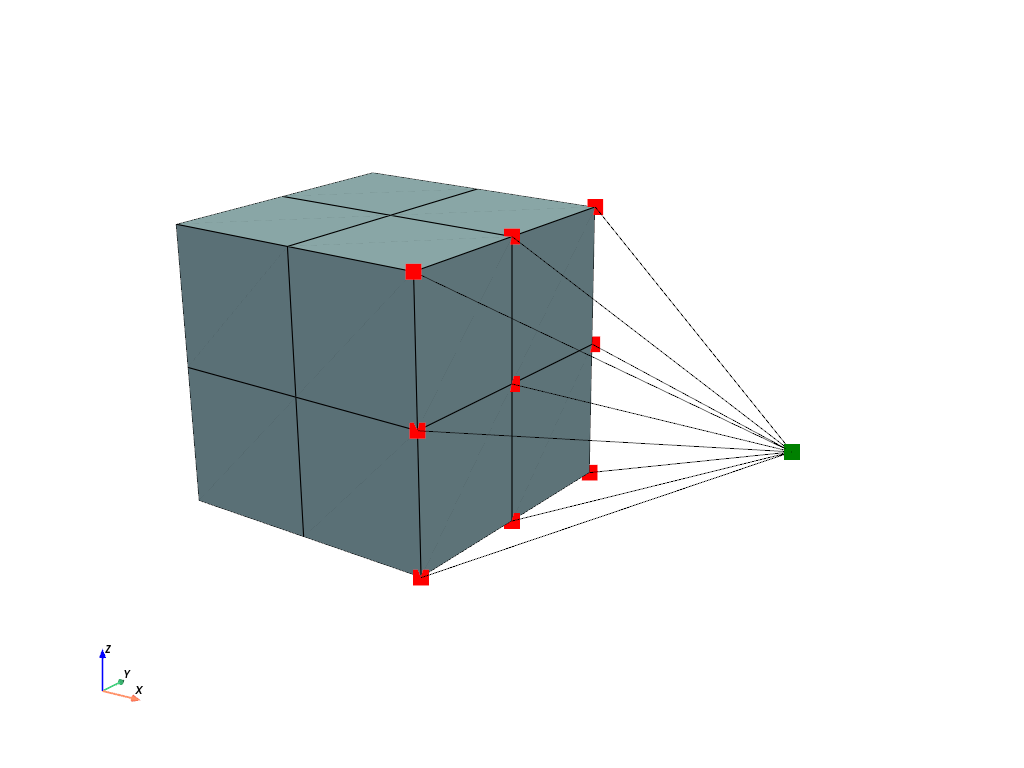
The mesh is fixed on the left end face and a ramped
PointLoadis applied on the center-point of theMultiPointConstraint. All items are added to aStepand aJobis evaluated.>>> boundaries = {"fixed": fem.Boundary(displacement, fx=0)} >>> load = fem.PointLoad(field, points=[-1]) >>> table = fem.math.linsteps([0, 1], num=5, axis=0, axes=3) >>> >>> step = fem.Step( ... [solid, mpc, load], boundaries=boundaries, ramp={load: table} ... ) >>> job = fem.Job([step]).evaluate()
A view on the deformed mesh including the
MultiPointConstraintis plotted.>>> plotter = pv.Plotter() >>> >>> actor_1 = plotter.add_points( ... mesh.points[mpc.points] + displacement.values[mpc.points], ... point_size=16, ... color="red", ... ) >>> actor_2 = plotter.add_points( ... mesh.points[[mpc.centerpoint]] + displacement.values[[mpc.centerpoint]], ... point_size=16, ... color="green", ... ) >>> field.plot("Displacement", component=None, plotter=mpc.plot(plotter=plotter)).show()
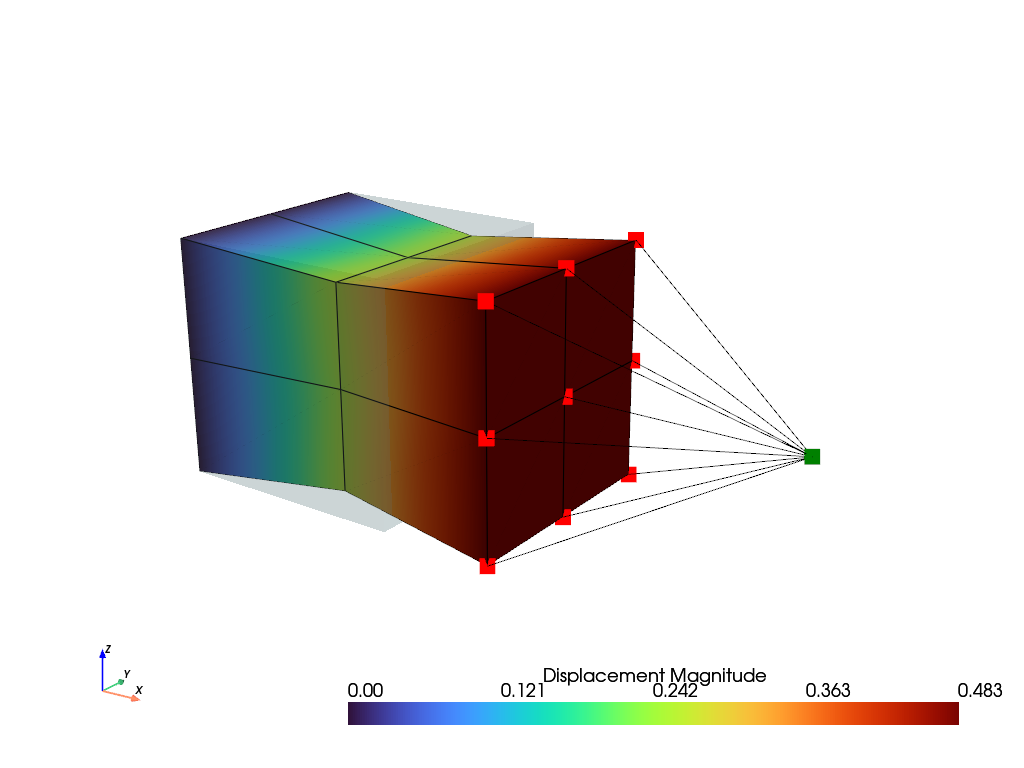
With a rotation-point, the points are also rotated about the center-point. A center-point and a rotation-point are added at the center of the right end face of a beam. Both points are excluded from the connected points of the end face.
>>> mesh = fem.Cube(b=(5, 1, 1), n=(11, 3, 3))
>>> mesh.add_points([[5.0, 0.5, 0.5], [5.0, 0.5, 0.5]])
>>>
>>> region = fem.RegionHexahedron(mesh)
>>> displacement = fem.Field(region, dim=3)
>>> field = fem.FieldContainer([displacement])
>>> solid = fem.SolidBody(umat=fem.NeoHooke(mu=1.0, bulk=5.0), field=field)
>>>
>>> face = np.isclose(mesh.x, 5)
>>> face[-2:] = False
>>> mpc = fem.MultiPointConstraint(
...     field, points=face, centerpoint=-2, rotationpoint=-1
... )
The left end face and the center-point are fixed. The end face is twisted by a full revolution about the \(x\)-axis, i.e. the first component of the rotation-point is ramped, while the rotations about the other axes are free. The center-point and the rotation-point are located at the same coordinates, hence they are selected by masks.
>>> centerpoint = np.zeros(mesh.npoints, dtype=bool)
>>> rotationpoint = np.zeros(mesh.npoints, dtype=bool)
>>> centerpoint[-2] = rotationpoint[-1] = True
>>>
>>> boundaries = {
...     "fixed": fem.Boundary(displacement, fx=0),
...     "center": fem.Boundary(displacement, mask=centerpoint),
...     "twist": fem.Boundary(displacement, mask=rotationpoint, skip=(0, 1, 1)),
... }
>>> table = fem.math.linsteps([0, 2 * np.pi], num=16)
>>> step = fem.Step(
...     [solid, mpc], boundaries=boundaries, ramp={boundaries["twist"]: table}
... )
>>> job = fem.Job([step]).evaluate()
After a full revolution, the rotation matrix is the identity, while the accumulated rotation of the rotation-point is \(2\pi\). The moment w.r.t. the center-point is available in the results.
References
See also
felupe.MultiPointContactA frictionless point-to-rigid (wall) contact.
- checkpoint()[source]#
Return a checkpoint of the state variables of the rotation.
- Returns:
A dict with a copy of the state variables (or None without a rotation-point).
- Return type:
Notes
The state variables are only updated after a converged substep. The field is not included in the checkpoint, see e.g.
SolidBody.checkpoint().See also
felupe.MultiPointConstraint.restoreRestore a checkpoint of the constraint.
felupe.CutbackPluginA cutback of the increment of failed substeps.
- plot(plotter=None, color='black', deformed=True, **kwargs)[source]#
Plot the lines between the center-point and the points.
- restore(checkpoint)[source]#
Restore a checkpoint of the state variables of the rotation inplace.
- Parameters:
checkpoint (dict) – A dict with checkpoint arrays.
See also
felupe.MultiPointConstraint.checkpointReturn a checkpoint of the constraint.
- class felupe.MultiPointContact(field, points, centerpoint, skip=(False, False, False), multiplier=1000000.0)[source]#
A frictionless point-to-rigid (wall) contact which connects a center-point to a list of points.
- Parameters:
field (FieldContainer) – A field container with the displacement field as first field.
points ((n,) ndarray) – An array with indices of points to be connected to the center-point.
centerpoint (int) – The index of the centerpoint.
skip (3-tuple of bool, optional) – A tuple with boolean values for each axis to skip. If True, the respective axis is not connected. Default is (False, False, False).
multiplier (float, optional) – A multiplier to penalize the relative displacements between the center-point and the points in contact. Default is 1e6.
Notes
A
MultiPointContactis supported as an item in aStep. It provides the assemble-methodsMultiPointContact.assemble.vector()andMultiPointContact.assemble.matrix().Examples
This example shows how to use a
MultiPointContact. An additional center-point is added to a mesh.>>> import numpy as np >>> import felupe as fem >>> >>> mesh = fem.Cube(n=3) >>> mesh.add_points([2.0, 0.5, 0.5]) >>> >>> # prevent the field-values at the center-point to be treated as dof0 >>> mesh.points_without_cells = mesh.points_without_cells[:-1] >>> >>> region = fem.RegionHexahedron(mesh) >>> displacement = fem.Field(region, dim=3) >>> field = fem.FieldContainer([displacement]) >>> >>> umat = fem.NeoHooke(mu=1.0, bulk=2.0) >>> solid = fem.SolidBody(umat=umat, field=field)
A
MultiPointContactdefines the multi-point contact which connects the displacement degrees of freedom of the center-point with the dofs of points located at \(x=1\) if they are in contact. Only the \(x\)-component is considered in this example.>>> import pyvista as pv >>> >>> contact = fem.MultiPointContact( ... field=field, ... points=np.arange(mesh.npoints)[mesh.x == 1], ... centerpoint=-1, ... skip=(False, True, True) ... ) >>> >>> plotter = pv.Plotter() >>> actor_1 = plotter.add_points( ... mesh.points[contact.points], ... point_size=16, ... color="red", ... ) >>> actor_2 = plotter.add_points( ... mesh.points[[contact.centerpoint]], ... point_size=16, ... color="green", ... ) >>> mesh.plot(plotter=contact.plot(plotter=plotter)).show()
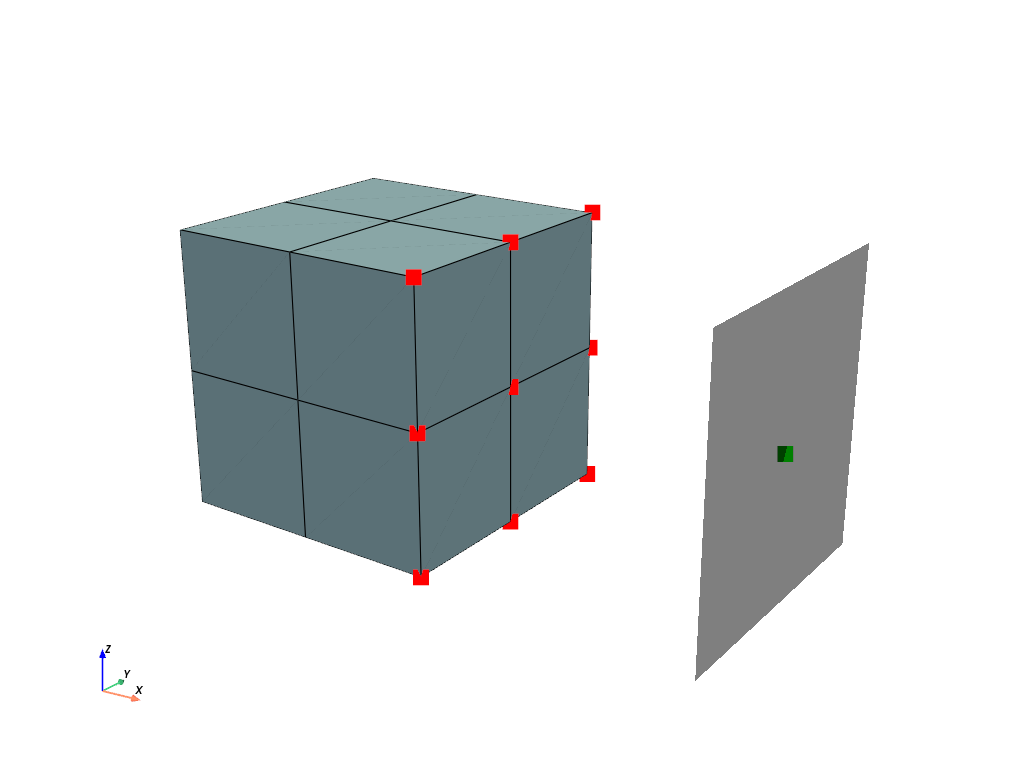
The mesh is fixed on the left end face and a ramped
Boundaryis applied on the center-point of theMultiPointContact. All items are added to aStepand aJobis evaluated.>>> boundaries = { ... "fixed": fem.Boundary(displacement, fx=0), ... "control": fem.Boundary(displacement, fx=2, skip=(1, 0, 0)), ... "move": fem.Boundary(displacement, fx=2, skip=(0, 1, 1)), ... } >>> table = fem.math.linsteps([0, -1, -1.5], num=5) >>> step = fem.Step( ... [solid, contact], ... boundaries=boundaries, ... ramp={boundaries["move"]: table}, ... ) >>> job = fem.Job([step]).evaluate()
A view on the deformed mesh including the
MultiPointContactis plotted.>>> plotter = pv.Plotter() >>> >>> actor_1 = plotter.add_points( ... mesh.points[contact.points] + displacement.values[contact.points], ... point_size=16, ... color="red", ... ) >>> actor_2 = plotter.add_points( ... mesh.points[[contact.centerpoint]] + displacement.values[[contact.centerpoint]], ... point_size=16, ... color="green", ... ) >>> field.plot("Displacement", component=None, plotter=contact.plot(plotter=plotter)).show()
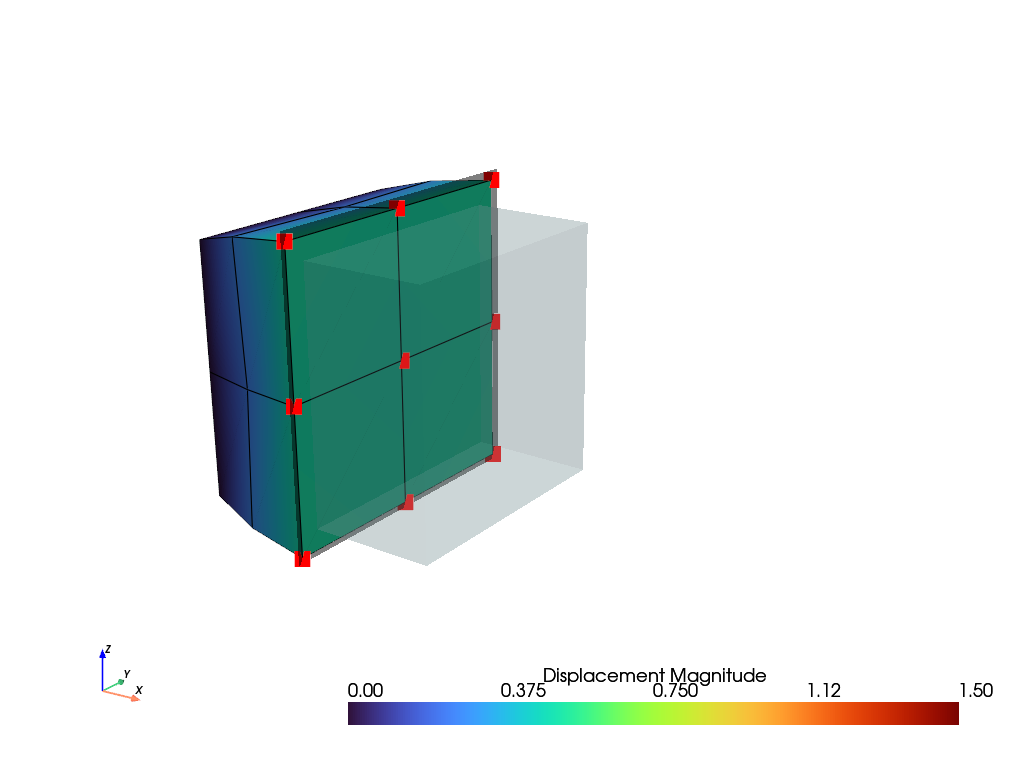
See also
felupe.MultiPointConstraintA Multi-point-constraint which connects a center-point to a list of points.
- class felupe.CartesianConstraint(field, points, rotation=None, displacement=(0.0, 0.0, 0.0), skip=(False, False, False), multiplier=1000.0)[source]#
A constraint for the displacements of points in a (fixed) Cartesian coordinate system.
- Parameters:
field (FieldContainer) – A field container with the displacement field as first field.
points ((n,) ndarray of int or bool) – An array with indices (or a mask) of the points to be constrained.
rotation (array_like or None, optional) – The rotation matrix \(\boldsymbol{Q} = \boldsymbol{e}_i \otimes \boldsymbol{E}_i\), which maps the global base vectors \(\boldsymbol{E}_i\) to the base vectors \(\boldsymbol{e}_i = \boldsymbol{Q} \boldsymbol{E}_i\) of the coordinate system, with shape (3, 3) or with shape (2, 2) for 2d-meshes, see
rotation_matrix(). The base vectors are the columns of the matrix, i.e. given base vectors are stacked bynp.column_stack([e1, e2, e3]). The columns are normalized, they must be orthogonal and right-handed (\(\det(\boldsymbol{Q}) = 1\)). If None, the global base vectors are used. Default is None.displacement (array_like, optional) – The prescribed displacements \((u_1, u_2, u_3)\) in the directions of the base vectors for all points or per point with shape (n, 3). May be ramped in a
Step, seeupdate(). Default is (0, 0, 0).skip (tuple of bool, optional) – Flags to skip the directions of the base vectors. Default is (False, False, False).
multiplier (float, optional) – The penalty stiffness \(k\) per point and direction. Default is 1e3.
- rotation#
The rotation matrix with the normalized base vectors of the coordinate system as columns (padded to three dimensions for 2d-meshes).
- Type:
(3, 3) ndarray
- results#
The results of the last evaluation, including the gaps
results.gapwith shape (n, 3).- Type:
Notes
A
CartesianConstraintis supported as an item in aStep. The coordinate system is fixed in space, i.e. its base vectors \(\boldsymbol{e}_i\) do not rotate with the deformation. The constraint is enforced by a penalty method with the potential in Eq. (34), summed up for all points and all directions which are not skipped.(34)#\[\Pi = \sum_{\text{points}} \sum_{i \in \{1, 2, 3\}} \frac{k}{2}\, g_i^2, \qquad g_i = \boldsymbol{e}_i \cdot \boldsymbol{u} - u_i\]The gaps are linear in the displacements \(\boldsymbol{u}\) of a point, hence, the residual vector and the (constant) stiffness matrix of a point are given in Eq. (35).
(35)#\[\boldsymbol{r} = \sum_i k\, g_i\, \boldsymbol{e}_i, \qquad \boldsymbol{K} = \sum_i k\, \boldsymbol{e}_i \otimes \boldsymbol{e}_i\]If all directions are constrained, the stiffness matrix is \(k \boldsymbol{1}\) and the coordinate system only transforms the prescribed displacements. Then, a
Boundarywith the values \(\boldsymbol{u} = \sum_i u_i\, \boldsymbol{e}_i\) is exact and should be preferred. A Cartesian constraint is useful for skipped directions, e.g. for supports on inclined planes, where the points slide in a plane (or along a line) which is not aligned to the global axes.Examples
A cube is rotated by 30° around the \(y\)-axis. The base vectors of the coordinate system are the global base vectors rotated like the mesh, i.e. the columns of the rotation matrix.
>>> import numpy as np
>>> import felupe as fem
>>>
>>> mesh = fem.Cube(n=6).rotate(30, axis=1)
>>> region = fem.RegionHexahedron(mesh)
>>> displacement = fem.Field(region, dim=3)
>>> field = fem.FieldContainer([displacement])
>>> solid = fem.SolidBody(umat=fem.NeoHooke(mu=1.0, bulk=5.0), field=field)
>>>
>>> rotation = fem.math.rotation_matrix(30, dim=3, axis=1)
>>> local = mesh.points @ rotation
The bottom face rests on an inclined plane, i.e. it is constrained in the normal direction of the plane only and the points slide on the plane. The top face is moved down in global \(z\)-direction by a plate, which is fixed in \(x\)- and \(y\)-direction.
>>> support = fem.CartesianConstraint(
...     field,
...     points=np.isclose(local[:, 2], 0),
...     rotation=rotation,
...     skip=(1, 1, 0),
... )
>>> top = np.isclose(local[:, 2], 1)
>>> boundaries = {
...     "plate": fem.Boundary(displacement, mask=top, skip=(0, 0, 1)),
...     "move": fem.Boundary(displacement, mask=top, skip=(1, 1, 0)),
... }
>>> move = fem.math.linsteps([0, -0.3], num=5)
>>> step = fem.Step(
...     [solid, support], ramp={boundaries["move"]: move}, boundaries=boundaries
... )
>>> job = fem.Job([step]).evaluate()
See also
felupe.CylindricalConstraintA constraint for the displacements of points in cylindrical coordinates.
felupe.BoundaryA collection of prescribed degrees of freedom.
- plot(plotter=None, color='black', deformed=True, point_size=10, line_width=2, **kwargs)#
Plot the constrained points and the coordinate system of the constraint.
- Parameters:
plotter (pyvista.Plotter or None, optional) – An existing plotter. If None, a new plotter is created. Default is None.
color (str, optional) – The color of the points and the coordinate system. Default is “black”.
deformed (bool, optional) – A flag to plot the points in the deformed configuration. Default is True.
point_size (float, optional) – The size of the points. Default is 10.
line_width (float, optional) – The line width of the coordinate system. Default is 2.
**kwargs (dict, optional) – Additional keyword arguments for the points, passed to
pyvista.Plotter.add_points()(by the plotting backend of PyVista).
- Returns:
The plotter with the points and the coordinate system.
- Return type:
- update(displacement)#
Update the prescribed displacements.
- Parameters:
displacement (array_like) – The prescribed displacements in the three directions of the coordinate system, either one vector for all points or one vector per point with shape (n, 3). For 2d-meshes, also vectors with two components are supported.
Notes
This method is called by a
Stepfor each substep if the constraint is ramped, e.g. byramp={constraint: table}.
- class felupe.CylindricalConstraint(field, points, center=(0.0, 0.0, 0.0), axis=(0.0, 0.0, 1.0), displacement=(0.0, 0.0, 0.0), skip=(False, False, False), multiplier=1000.0)[source]#
A constraint for the displacements of points in cylindrical coordinates.
- Parameters:
field (FieldContainer) – A field container with the displacement field as first field.
points ((n,) ndarray of int or bool) – An array with indices (or a mask) of the points to be constrained.
center (array_like, optional) – A point on the axis. Default is (0, 0, 0).
axis (array_like, optional) – The direction of the axis, perpendicular to the plane for 2d-meshes. Default is (0, 0, 1).
displacement (array_like, optional) – The prescribed displacements \((u_r, u_\theta, u_z)\) for all points or per point with shape (n, 3), where \(u_\theta\) is the arc length on the undeformed radius. May be ramped in a
Step, seeupdate(). Default is (0, 0, 0).skip (tuple of bool, optional) – Flags to skip the radial, the circumferential and the axial direction. Default is (False, False, False).
multiplier (float, optional) – The penalty stiffness \(k\) per point and direction. Default is 1e3.
- radius#
The undeformed radii \(R\) of the points.
- Type:
(n,) ndarray
- basis#
The cylindrical base vectors \((\boldsymbol{e}_r, \boldsymbol{e}_\theta, \boldsymbol{e}_z)\) of the points as columns.
- Type:
(n, 3, 3) ndarray
- results#
The results of the last evaluation, including the gaps
results.gapwith shape (n, 3).- Type:
Notes
A
CylindricalConstraintis supported as an item in aStep. For each point, the undeformed radius, the axial coordinate and the cylindrical base vectors are evaluated w.r.t. the center-point \(\boldsymbol{X}_0\) and the normalized axis \(\boldsymbol{a}\), see Eq. (36).(36)#\[ \begin{align}\begin{aligned}\boldsymbol{P} &= \boldsymbol{1} - \boldsymbol{a} \otimes \boldsymbol{a}\\R &= \| \boldsymbol{P} (\boldsymbol{X} - \boldsymbol{X}_0) \|, \qquad Z = \boldsymbol{a} \cdot (\boldsymbol{X} - \boldsymbol{X}_0)\\\boldsymbol{e}_r &= \frac{1}{R}\, \boldsymbol{P} (\boldsymbol{X} - \boldsymbol{X}_0), \qquad \boldsymbol{e}_\theta = \boldsymbol{a} \times \boldsymbol{e}_r, \qquad \boldsymbol{e}_z = \boldsymbol{a}\end{aligned}\end{align} \]The constraint is enforced by a penalty method with the potential in Eq. (37), summed up for all points and all directions which are not skipped.
(37)#\[\Pi = \sum_{\text{points}} \sum_{i \in \{r, \theta, z\}} \frac{k}{2}\, g_i^2\]The gaps are evaluated in the deformed configuration \(\boldsymbol{x} = \boldsymbol{X} + \boldsymbol{u}\) with the base vectors rotated by the angle \(\varphi = u_\theta / R\), see Eq. (38). If the circumferential direction is skipped, the radial gap is the exact distance to the axis, i.e. the points slide on the cylinder like in a rigid sleeve.
(38)#\[ \begin{align}\begin{aligned}\boldsymbol{e}_r(\varphi) &= \cos(\varphi)\, \boldsymbol{e}_r + \sin(\varphi)\, \boldsymbol{e}_\theta, \qquad \boldsymbol{e}_\theta(\varphi) = -\sin(\varphi)\, \boldsymbol{e}_r + \cos(\varphi)\, \boldsymbol{e}_\theta\\\begin{split}g_r &= \begin{cases} \boldsymbol{e}_r(\varphi) \cdot (\boldsymbol{x} - \boldsymbol{X}_0) - (R + u_r) & \text{circumferential direction constrained} \\ \| \boldsymbol{P} (\boldsymbol{x} - \boldsymbol{X}_0) \| - (R + u_r) & \text{circumferential direction skipped} \end{cases}\end{split}\\g_\theta &= \boldsymbol{e}_\theta(\varphi) \cdot (\boldsymbol{x} - \boldsymbol{X}_0)\\g_z &= \boldsymbol{a} \cdot (\boldsymbol{x} - \boldsymbol{X}_0) - (Z + u_z)\end{aligned}\end{align} \]The residual vector and the stiffness matrix of a point are given in Eq. (39). The only non-zero second derivative is the one of the exact radial gap with the deformed radius \(\rho\) and the deformed radial direction \(\boldsymbol{n}\).
(39)#\[ \begin{align}\begin{aligned}\boldsymbol{r} &= \sum_i k\, g_i\, \frac{\partial g_i}{\partial \boldsymbol{x}}\\\boldsymbol{K} &= \sum_i k \left( \frac{\partial g_i}{\partial \boldsymbol{x}} \otimes \frac{\partial g_i}{\partial \boldsymbol{x}} + g_i\, \frac{\partial^2 g_i}{ \partial \boldsymbol{x}\, \partial \boldsymbol{x} } \right)\\\frac{\partial^2 g_r}{\partial \boldsymbol{x}\, \partial \boldsymbol{x}} &= \frac{1}{\rho} \left( \boldsymbol{P} - \boldsymbol{n} \otimes \boldsymbol{n} \right)\end{aligned}\end{align} \]For 2d-meshes, the constraint is formulated in polar coordinates. Points on the axis can’t be constrained in radial or circumferential direction.
Examples
A tube with its axis in direction \(x\) is created by a revolution of a rectangle.
>>> import numpy as np
>>> import felupe as fem
>>>
>>> rectangle = fem.Rectangle(a=(0, 1), b=(3, 2), n=(6, 3))
>>> mesh = rectangle.revolve(n=17, phi=360, axis=0)
>>> region = fem.RegionHexahedron(mesh)
>>> displacement = fem.Field(region, dim=3)
>>> field = fem.FieldContainer([displacement])
>>> solid = fem.SolidBody(umat=fem.NeoHooke(mu=1.0, bulk=5.0), field=field)
The outer surface is placed in a rigid sleeve, i.e. it is constrained in radial direction only. The end face at \(x=0\) is fixed and the end face at \(x=3\) is twisted by 90°, where the circumferential displacement is the arc length on the undeformed radius of each point.
>>> radius = np.linalg.norm(mesh.points[:, 1:], axis=1)
>>> sleeve = fem.CylindricalConstraint(
...     field, points=np.isclose(radius, 2), axis=(1, 0, 0), skip=(0, 1, 1)
... )
>>> twist = fem.CylindricalConstraint(
...     field, points=np.isclose(mesh.x, 3), axis=(1, 0, 0)
... )
>>> angles = np.linspace(0, np.pi / 2, 4)
>>> table = [twist.radius.reshape(-1, 1) * [0, angle, 0] for angle in angles]
>>>
>>> boundaries = {"fixed": fem.Boundary(displacement, fx=0)}
>>> step = fem.Step(
...     [solid, sleeve, twist], ramp={twist: table}, boundaries=boundaries
... )
>>> job = fem.Job([step]).evaluate()
See also
felupe.CartesianConstraintA constraint for the displacements of points in a Cartesian coordinate system.
felupe.MultiPointConstraintA multi-point constraint which connects a center-point to a list of points.
felupe.BoundaryA collection of prescribed degrees of freedom.
- plot(plotter=None, color='black', deformed=True, point_size=10, line_width=2, **kwargs)#
Plot the constrained points and the coordinate system of the constraint.
- Parameters:
plotter (pyvista.Plotter or None, optional) – An existing plotter. If None, a new plotter is created. Default is None.
color (str, optional) – The color of the points and the coordinate system. Default is “black”.
deformed (bool, optional) – A flag to plot the points in the deformed configuration. Default is True.
point_size (float, optional) – The size of the points. Default is 10.
line_width (float, optional) – The line width of the coordinate system. Default is 2.
**kwargs (dict, optional) – Additional keyword arguments for the points, passed to
pyvista.Plotter.add_points()(by the plotting backend of PyVista).
- Returns:
The plotter with the points and the coordinate system.
- Return type:
- update(displacement)#
Update the prescribed displacements.
- Parameters:
displacement (array_like) – The prescribed displacements in the three directions of the coordinate system, either one vector for all points or one vector per point with shape (n, 3). For 2d-meshes, also vectors with two components are supported.
Notes
This method is called by a
Stepfor each substep if the constraint is ramped, e.g. byramp={constraint: table}.
- class felupe.ContactRigidPlane(field, points, centerpoint, normal, friction=0.0, multiplier=1.0, multiplier_tangential=0.1, items=None, multiplier_update='increment', symmetric=False, elastic_slip=None)[source]#
A node-to-surface contact, where the surface is given by a rigid plane.
- Parameters:
field (FieldContainer) – A field container with the displacement field as first field.
points ((n,) ndarray) – An array with indices of points to be connected to the center-point.
centerpoint (int) – The index of the centerpoint.
normal (ndarray) – The outward plane normal vector.
friction (float, optional) – Coulomb friction coefficient \(\mu\). Default is 0.0.
multiplier (float, optional) – A scale factor for the multiplier to penalize the relative displacements between the center-point and the points in contact. Default is 1.0. The final multiplier is scaled times a base multiplier, based on the mean normal stiffness, if items are given.
multiplier_tangential (float or None, optional) – A scale factor for the multiplier to penalize the relative tangential displacements between the center-point and the points in contact. Default is 0.1. The final multiplier is scaled times a base multiplier, based on the mean tangential stiffness, if items are given.
items (list or None, optional) – A list of items to be considered for the evaluation of the mean stiffness-based multipliers. If None, the multipliers are not based on the mean stiffness. Default is None.
multiplier_update (str, optional) – The update of the mean stiffness-based multipliers, either
"increment"(once per increment, based on the stiffness of the last converged increment),"iteration"(in each evaluation, i.e. in each Newton-iteration, without linearization) or"once"(only on the first evaluation). Default is"increment". Withoutitems, the multipliers are constant.symmetric (bool, optional) – A flag to return the symmetric part of the stiffness matrix. The consistent stiffness matrix of frictional contact is not symmetric. Default is False.
elastic_slip (float or None, optional) – The allowable elastic slip \(\gamma\) (a length) of sticking points. If given, the tangential multiplier is proportional to the normal force, \(\lambda_t = \mu\ f_n / \gamma\), i.e. a sticking point starts to slide at an elastic slip of \(\gamma\), independent of the contact pressure. The scale factor
multiplier_tangentialis not used. Typical values are 0.5 % to 1 % of a characteristic element length of the contact surface. For an infinite friction coefficient, \(\mu=1\) is used for the tangential multiplier. If None, the tangential multiplier is constant. Default is None.
Notes
A
ContactRigidPlaneis supported as an item in aStep.Note
The contact formulation is based on a penalty method. The multiplier should be chosen sufficiently large to enforce the contact constraints, but not too large to cause numerical issues. Best practice is to provide
items, which are connected to the contact points. This will enable mean stiffness-based multipliers.The contact activation is based on the gap between the center-point and the points in potential contact. The gap is evaluated in the deformed configuration in the direction of the plane normal. If the gap is negative, the contact is active, see Eq. (40).
(40)#\[ \begin{align}\begin{aligned}\Delta \boldsymbol{x} &= \boldsymbol{x} - \boldsymbol{x}_c\\g &= \Delta \boldsymbol{x} \cdot \boldsymbol{n}\\g &\lt 0 \quad \text{(contact active)}\end{aligned}\end{align} \]The contact normal force and tangent stiffness matrix are evaluated as a penalty contribution proportional to the gap, see Eq. (41).
(41)#\[ \begin{align}\begin{aligned}\boldsymbol{f}_n &= \lambda_n\ g\ \boldsymbol{n}, \quad f_n = |\boldsymbol{f}_n| = -\lambda_n\ g\\\boldsymbol{P}_n &= \boldsymbol{n} \otimes \boldsymbol{n}\\\boldsymbol{K}_n &= \lambda_n\ \boldsymbol{P}_n\end{aligned}\end{align} \]The tangential contact friction forces are evaluated according to a Coulomb friction law with an elastic (penalty) stick and a return mapping, similar to elasto-plasticity. The state variables are the gap vectors \(\Delta \boldsymbol{x}_n\), the reference (stick) gap vectors \(\Delta \boldsymbol{x}^{ref}_n\) and the contact flags of the last converged increment. These are only updated after a converged increment, i.e. the forces and the stiffness matrix are functions of the displacements within an increment. For points which are already in contact at the beginning of the increment, the (trial) elastic slip is given in Eq. (42).
(42)#\[ \begin{align}\begin{aligned}\boldsymbol{P}_t &= \boldsymbol{1} - \boldsymbol{P}_n\\\boldsymbol{e} &= \boldsymbol{P}_t \left( \Delta \boldsymbol{x} - \Delta \boldsymbol{x}^{ref}_n \right), \quad \boldsymbol{E} = \frac{\partial \boldsymbol{e}}{ \partial \Delta \boldsymbol{x}} = \boldsymbol{P}_t\end{aligned}\end{align} \]For points which come into contact within the increment, the reference gap vector is located at the (linearly interpolated) point of first contact, where the gap is zero, see Eq. (43). This avoids friction forces from the tangential movement before the contact is established, also for large increments.
(43)#\[ \begin{align}\begin{aligned}s &= \frac{-g}{g_n - g}, \quad \boldsymbol{e} = s\ \boldsymbol{P}_t \left( \Delta \boldsymbol{x} - \Delta \boldsymbol{x}_n \right)\\\boldsymbol{E} &= s\ \boldsymbol{P}_t - \frac{g_n}{(g_n - g)^2}\ \boldsymbol{P}_t \left( \Delta \boldsymbol{x} - \Delta \boldsymbol{x}_n \right) \otimes \boldsymbol{n}\end{aligned}\end{align} \]The trial friction force is checked against the Coulomb limit, see Eq. (44).
(44)#\[ \begin{align}\begin{aligned}\boldsymbol{f}_t^{trial} &= \lambda_t\ \boldsymbol{e}\\f_t^{limit} &= \mu\ f_n\\\begin{split}\text{state} &= \begin{cases} |\boldsymbol{f}_t^{trial}| \leq f_t^{limit} & \text{stick} \\ \text{else} & \text{slip} \end{cases}\end{split}\end{aligned}\end{align} \]With an allowable elastic slip \(\gamma\) (
elastic_slip), the tangential multiplier is not constant but proportional to the normal force, see Eq. (45). Hence, a point sticks for an elastic slip \(|\boldsymbol{e}| \leq \gamma\), independent of the contact pressure, similar to the penalty friction of commercial codes.(45)#\[\lambda_t = \frac{\mu\ f_n}{\gamma}, \quad \frac{\partial \lambda_t}{\partial \Delta \boldsymbol{x}} = -\frac{\mu\ \lambda_n}{\gamma}\ \boldsymbol{n}\]In case of sticking contact, the tangential forces are equal to the trial forces, see Eq. (46). With an allowable elastic slip, the derivative of the tangential multiplier is added to the stiffness matrix, \(-\mu\ \lambda_n / \gamma\ \boldsymbol{e} \otimes \boldsymbol{n}\).
(46)#\[ \begin{align}\begin{aligned}\boldsymbol{f}_t &= \boldsymbol{f}_t^{trial}\\\boldsymbol{K}_t &= \lambda_t\ \boldsymbol{E}\end{aligned}\end{align} \]In case of sliding contact, the tangential forces are projected to the friction limit and the reference gap vectors are updated, see Eq. (47).
(47)#\[ \begin{align}\begin{aligned}\hat{\boldsymbol{t}} &= \frac{\boldsymbol{e}}{|\boldsymbol{e}|}\\\boldsymbol{f}_t &= \mu\ f_n\ \hat{\boldsymbol{t}}\\\Delta \boldsymbol{x}^{ref} &= \Delta \boldsymbol{x} - \frac{\boldsymbol{f}_t}{\lambda_t}\end{aligned}\end{align} \]The consistent tangential stiffness matrix for sliding contact is given in Eq. (48). The second term couples the tangential forces to the normal force and is not symmetric.
(48)#\[\boldsymbol{K}_t &= \frac{\mu\ f_n}{|\boldsymbol{e}|} \left( \boldsymbol{1} - \hat{\boldsymbol{t}} \otimes \hat{\boldsymbol{t}} \right) \boldsymbol{E} - \mu\ \lambda_n\ \hat{\boldsymbol{t}} \otimes \boldsymbol{n}\]With
symmetric=True, the symmetric part of the stiffness matrix is returned.If
itemsare given, the multipliers are scaled by the mean normal and the mean tangential stiffness of the diagonal blocks of the stiffness matrices of the items, evaluated at all points in potential contact, see Eq. (49). Hence, the multipliers do not depend on the number of active contact points. With the defaultmultiplier_update="increment", the multipliers are evaluated on the first evaluation within an increment and are kept constant during the Newton-iterations.(49)#\[ \begin{align}\begin{aligned}\lambda_n &= \lambda_n^{\star}\ \frac{1}{n} \sum_a \boldsymbol{K}_{aa} : \boldsymbol{P}_n\\\lambda_t &= \lambda_t^{\star}\ \frac{1}{n\ (d-1)} \sum_a \boldsymbol{K}_{aa} : \boldsymbol{P}_t\end{aligned}\end{align} \]Examples
This example shows how to use a
ContactRigidPlane. An additional center-point is added to a mesh.>>> import numpy as np >>> import felupe as fem >>> >>> mesh = fem.Cube(n=3) >>> mesh.add_points([2.0, 0.5, 0.5]) >>> >>> region = fem.RegionHexahedron(mesh) >>> displacement = fem.Field(region, dim=3) >>> field = fem.FieldContainer([displacement]) >>> >>> umat = fem.NeoHooke(mu=1.0, bulk=2.0) >>> solid = fem.SolidBody(umat=umat, field=field)
A
ContactRigidPlanedefines the contact, which connects the displacement degrees of freedom of the center-point with the dofs of points located at \(x=1\) if they are in contact. Only the \(x\)-component is considered in this example.>>> import pyvista as pv >>> >>> contact = fem.ContactRigidPlane( ... field=field, ... points=np.arange(mesh.npoints)[mesh.x == 1], ... centerpoint=-1, ... normal=[-1.0, 0, 0], ... friction=0.5, ... multiplier=1e2, ... ) >>> >>> plotter = pv.Plotter() >>> actor_1 = plotter.add_points( ... mesh.points[contact.points], ... point_size=16, ... color="red", ... ) >>> actor_2 = plotter.add_points( ... mesh.points[[contact.centerpoint]], ... point_size=16, ... color="green", ... ) >>> mesh.plot(plotter=contact.plot(size=1.2, plotter=plotter)).show()
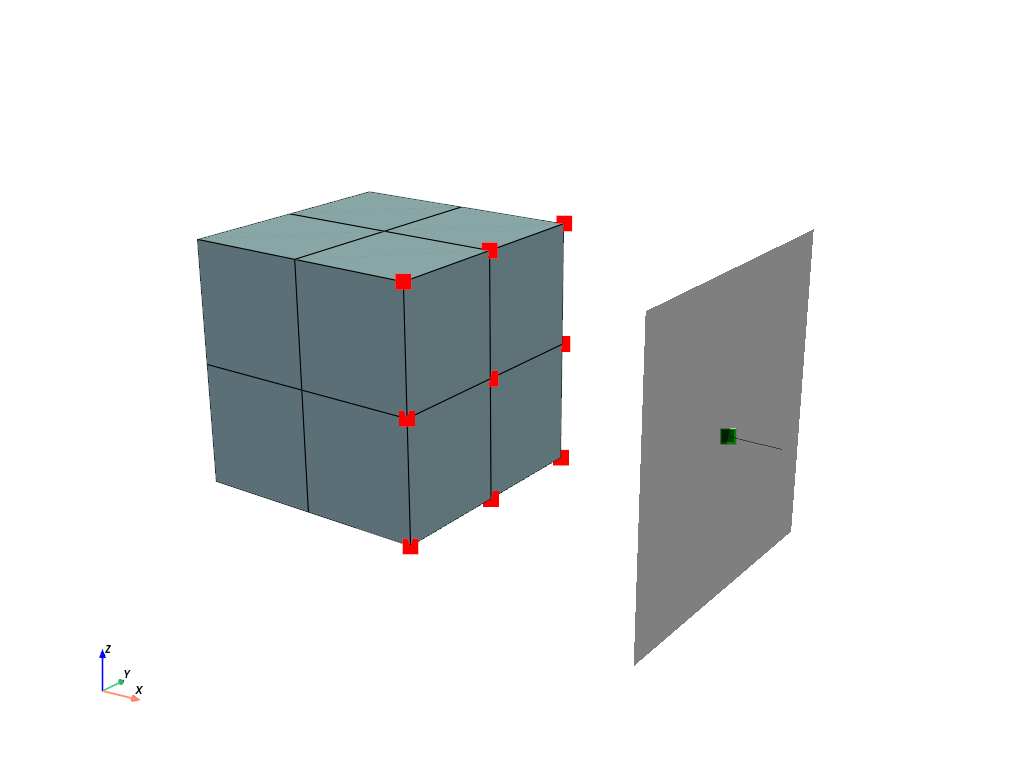
The mesh is fixed on the left end face and a ramped
Boundaryis applied on the center-point of theContactRigidPlane. All items are added to aStepand aJobis evaluated.>>> boundaries = { ... "fixed": fem.Boundary(displacement, fx=0), ... "control": fem.Boundary(displacement, fx=2, skip=(1, 0, 0)), ... "move": fem.Boundary(displacement, fx=2, skip=(0, 1, 1)), ... } >>> table = fem.math.linsteps([0, -1, -1.5], num=5) >>> step = fem.Step( ... [solid, contact], ... boundaries=boundaries, ... ramp={boundaries["move"]: table}, ... ) >>> job = fem.Job([step]).evaluate()
A view on the deformed mesh including the
ContactRigidPlaneis plotted.>>> plotter = pv.Plotter() >>> >>> actor_1 = plotter.add_points( ... mesh.points[contact.points] + displacement.values[contact.points], ... point_size=16, ... color="red", ... ) >>> actor_2 = plotter.add_points( ... mesh.points[[contact.centerpoint]] + displacement.values[[contact.centerpoint]], ... point_size=16, ... color="green", ... ) >>> field.plot( ... "Displacement", ... component=None, ... show_undeformed=False, ... plotter=contact.plot(size=1.2, plotter=plotter), ... clim=[0, 0.5], ... ).show()
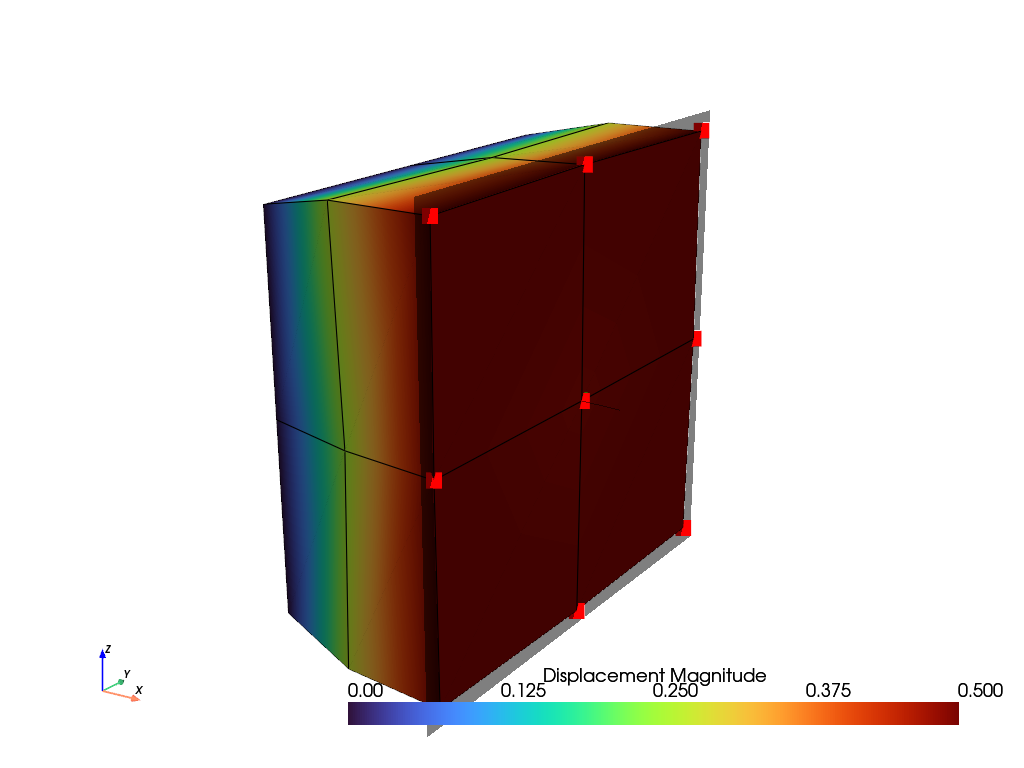
- checkpoint()#
Return a checkpoint of the state of the contact.
- Returns:
A dict with copies of the state variables of the last converged increment (the gap vectors, the reference gap vectors of the tangential (frictional) contact and the mask of active contact points) and the multipliers.
- Return type:
Notes
The state variables are only updated after a converged increment. The field is not included in the checkpoint, see e.g.
SolidBody.checkpoint().See also
felupe.CutbackPluginA cutback of the increment of failed substeps.
- contact_multipliers()#
Return the normal and tangential multipliers.
- Returns:
The normal and the tangential multipliers. If items are given, the scale factors are multiplied by the mean normal and the mean tangential stiffness of the diagonal blocks of the stiffness matrices of the items, evaluated at all points in potential contact.
- Return type:
ContactMultipliers
- plot(plotter=None, offset=0.0, show_edges=True, color='black', opacity=0.5, deformed=True, size=None, line_width=None, line_width_normal=None, show_point=True, show_line=True, sym=(False, False, False), **kwargs)#
- class felupe.ContactRigidCylinder(field, points, centerpoint, radius, axis=None, inside=False, friction=0.0, multiplier=1.0, multiplier_tangential=0.1, items=None, multiplier_update='increment', symmetric=False, elastic_slip=None, curvature='converged')[source]#
A node-to-surface contact, where the surface is given by a rigid cylinder (a rigid circle for 2d-meshes).
- Parameters:
field (FieldContainer) – A field container with the displacement field as first field.
points ((n,) ndarray) – An array with indices of points to be connected to the center-point.
centerpoint (int) – The index of the centerpoint, located on the axis of the cylinder.
radius (float) – The radius of the cylinder.
axis (ndarray or None, optional) – The direction of the axis of the cylinder. Required for 3d-meshes. For 2d-meshes, the axis is the out-of-plane direction, i.e. the cylinder is a circle. Default is None.
inside (bool, optional) – If False, the points are located outside of the cylinder, e.g. for a cylindrical indenter or a roller. If True, the points are located inside of the cylinder, e.g. for a rigid tube. Default is False.
friction (float, optional) – Coulomb friction coefficient \(\mu\). Default is 0.0.
multiplier (float, optional) – A scale factor for the multiplier to penalize the relative displacements between the center-point and the points in contact. Default is 1.0. The final multiplier is scaled times a base multiplier, based on the mean normal stiffness, if items are given.
multiplier_tangential (float or None, optional) – A scale factor for the multiplier to penalize the relative tangential displacements between the center-point and the points in contact. Default is 0.1. The final multiplier is scaled times a base multiplier, based on the mean tangential stiffness, if items are given.
items (list or None, optional) – A list of items to be considered for the evaluation of the mean stiffness-based multipliers. If None, the multipliers are not based on the mean stiffness. Default is None.
multiplier_update (str, optional) – The update of the mean stiffness-based multipliers, either
"increment"(once per increment, based on the stiffness of the last converged increment),"iteration"(in each evaluation, i.e. in each Newton-iteration, without linearization) or"once"(only on the first evaluation). Default is"increment". Withoutitems, the multipliers are constant.symmetric (bool, optional) – A flag to return the symmetric part of the stiffness matrix. The consistent stiffness matrix of frictional contact is not symmetric. Default is False.
elastic_slip (float or None, optional) – The allowable elastic slip \(\gamma\) (a length) of sticking points. If given, the tangential multiplier is proportional to the normal force, \(\lambda_t = \mu\ f_n / \gamma\). If None, the tangential multiplier is constant. Default is None. See
ContactRigidPlanefor details.curvature (str or None, optional) – The gaps for the curvature term of the normal stiffness, either
"converged"(the gaps of the last converged increment, zero for points which come into contact within the increment),"trial"(the gaps of the trial state, i.e. a consistent linearization) or None (no curvature term). Default is"converged".
Notes
A
ContactRigidCylinderis supported as an item in aStep. The contact formulation is the same as for aContactRigidPlane(penalty-based normal contact, Coulomb friction with a return mapping from the converged state, stiffness-based multipliers), but the gaps and the outward normal vectors depend on the positions of the points. With the projection onto the cross-section of the cylinder, the gaps, the normal vectors and their derivatives w.r.t. the gap vectors (the curvatures) are given in Eq. (50), where \(s=1\) for points outside and \(s=-1\) for points inside of the cylinder.(50)#\[ \begin{align}\begin{aligned}\boldsymbol{P}_a &= \boldsymbol{1} - \boldsymbol{a} \otimes \boldsymbol{a}, \quad \boldsymbol{r} = \boldsymbol{P}_a\ \Delta \boldsymbol{x}, \quad d = |\boldsymbol{r}|\\g &= s\ (d - R), \quad \boldsymbol{n} = s\ \frac{\boldsymbol{r}}{d}\\\boldsymbol{H} &= \frac{\partial \boldsymbol{n}}{\partial \Delta \boldsymbol{x}} = \frac{s}{d} \left( \boldsymbol{P}_a - \boldsymbol{n} \otimes \boldsymbol{n} \right)\end{aligned}\end{align} \]The consistent normal stiffness includes the curvature term, see Eq. (51). For points outside of the cylinder, this term is negative in circumferential direction (the normal force divided by the radius).
(51)#\[ \begin{align}\begin{aligned}\boldsymbol{f}_n &= \lambda_n\ g\ \boldsymbol{n}\\\boldsymbol{K}_n &= \lambda_n \left( \boldsymbol{n} \otimes \boldsymbol{n} + g\ \boldsymbol{H} \right)\end{aligned}\end{align} \]For large increments, the gaps of the trial state in the first Newton-iterations may be much larger than the converged gaps. Then, the negative curvature term may lead to an indefinite stiffness matrix and the Newton-Raphson method diverges, e.g. for soft bodies with free side faces. Hence, the curvature term is evaluated with the gaps of the last converged increment by default (
curvature="converged"), i.e. with the normal forces of the last converged increment. This is not a consistent linearization, but the curvature term is bounded by the converged normal forces. The consistent linearization is used withcurvature="trial".The elastic slip is measured in the current tangent plane. Its derivative includes the derivative of the tangential projection, see Eq. (52). The reference gap vectors are updated by the return mapping after each converged increment, i.e. the elastic slip is bounded and a large sliding path along the circumference is captured by the updates of the reference gap vectors.
(52)#\[ \begin{align}\begin{aligned}\boldsymbol{w} &= \Delta \boldsymbol{x} - \Delta \boldsymbol{x}^{ref}_n, \quad \boldsymbol{e} = \boldsymbol{P}_t\ \boldsymbol{w}\\\boldsymbol{E} &= \frac{\partial \boldsymbol{e}}{\partial \Delta \boldsymbol{x}} = \boldsymbol{P}_t - \left( \boldsymbol{n} \cdot \boldsymbol{w} \right) \boldsymbol{H} - \boldsymbol{n} \otimes \boldsymbol{H}\ \boldsymbol{w}\end{aligned}\end{align} \]The cylinder does not rotate, i.e. only the translational degrees of freedom of the center-point are coupled.
Examples
This example shows how to use a
ContactRigidCylinder. A rubber block is indented by a rigid cylinder, which is dragged along the top face afterwards. An additional center-point on the axis of the cylinder is added to the mesh.>>> import numpy as np >>> import felupe as fem >>> >>> mesh = fem.Cube(b=(3, 1, 1), n=(21, 3, 7)) >>> mesh.add_points([0.8, 0.5, 1.5]) >>> >>> region = fem.RegionHexahedron(mesh) >>> displacement = fem.Field(region, dim=3) >>> field = fem.FieldContainer([displacement]) >>> >>> umat = fem.NeoHooke(mu=1.0, bulk=5.0) >>> solid = fem.SolidBody(umat=umat, field=field)
The
ContactRigidCylinderconnects the center-point with the points of the top face, if they are in contact. The axis of the cylinder is parallel to the \(y\)-axis. The allowable elastic slip is about 3 % of the element length.>>> contact = fem.ContactRigidCylinder( ... field=field, ... points=np.arange(mesh.npoints)[mesh.z == 1], ... centerpoint=-1, ... radius=0.5, ... axis=[0, 1, 0], ... friction=0.3, ... multiplier=10.0, ... elastic_slip=5e-3, ... ) >>> >>> mesh.plot(plotter=contact.plot(size=1.2)).show()

The mesh is fixed on the bottom face. The center-point is moved downwards first and horizontally afterwards. For large increments, the contact status of the points and the stick-slip states may alternate between the Newton-iterations. Then, a
CutbackPluginreduces the increment of failed substeps.>>> boundaries = { ... "fixed": fem.Boundary(displacement, fz=0), ... "center": fem.Boundary(displacement, fz=1.5, skip=(1, 0, 1)), ... "move-z": fem.Boundary(displacement, fz=1.5, skip=(1, 1, 0)), ... "move-x": fem.Boundary(displacement, fz=1.5, skip=(0, 1, 1)), ... } >>> step = fem.Step( ... [solid, contact], ... boundaries=boundaries, ... ramp={ ... boundaries["move-z"]: fem.math.linsteps([0, -0.15, -0.15], num=[5, 20]), ... boundaries["move-x"]: fem.math.linsteps([0, 0, 0.5], num=[5, 20]), ... }, ... ) >>> job = fem.Job([step]).evaluate()
A view on the deformed mesh including the
ContactRigidCylinderis plotted.>>> field.plot( ... "Displacement", ... component=0, ... show_undeformed=False, ... plotter=contact.plot(size=1.2), ... clim=[0, 0.08], ... ).show()

See also
felupe.ContactRigidPlaneA node-to-surface contact, where the surface is given by a rigid plane.
- checkpoint()#
Return a checkpoint of the state of the contact.
- Returns:
A dict with copies of the state variables of the last converged increment (the gap vectors, the reference gap vectors of the tangential (frictional) contact and the mask of active contact points) and the multipliers.
- Return type:
Notes
The state variables are only updated after a converged increment. The field is not included in the checkpoint, see e.g.
SolidBody.checkpoint().See also
felupe.CutbackPluginA cutback of the increment of failed substeps.
- contact_multipliers()#
Return the normal and tangential multipliers.
- Returns:
The normal and the tangential multipliers. If items are given, the scale factors are multiplied by the mean normal and the mean tangential stiffness of the diagonal blocks of the stiffness matrices of the items, evaluated at all points in potential contact.
- Return type:
ContactMultipliers
- plot(plotter=None, deformed=True, size=None, resolution=120, show_edges=False, color='black', opacity=0.5, line_width=None, show_point=True, show_line=True, sym=(False, False, False), **kwargs)[source]#
Plot the rigid cylinder (a circle for 2d-meshes) with its center-point.
- Parameters:
plotter (pyvista.Plotter or None, optional) – An existing plotter. Default is None.
deformed (bool, optional) – A flag to plot the cylinder at the deformed center-point. Default is True.
size (float or None, optional) – The length of the cylinder (3d only). If None, the length is 1.05 times the largest dimension of the mesh. Default is None.
resolution (int, optional) – The number of points in circumferential direction. Default is 120.
show_edges (bool, optional) – A flag to show the edges of the cylinder surface (3d only). Default is False.
color (str, optional) – The color of the cylinder. Default is “black”.
opacity (float, optional) – The opacity of the cylinder. Default is 0.5.
line_width (float or None, optional) – The line width of the circle (2d only) and the axis. Default is None.
show_point (bool, optional) – A flag to show the center-point. Default is True.
show_line (bool, optional) – A flag to show the axis of the cylinder (3d only). Default is True.
sym (tuple of bool, optional) – Clip the cylinder at the symmetry planes of the given axes. Default is (False, False, False).
**kwargs (dict, optional) – Additional keyword arguments for the meshes of the plotter.
- Returns:
The plotter with the cylinder.
- Return type:
- class felupe.mechanics.Item(*args, **kwargs)[source]#
The interface of an item, which is used in a
Step, in aJoband innewtonraphson().An item contributes a sparse vector and a sparse matrix to the system of equations of the Newton-Raphson method, e.g. a solid body, a load or a constraint. Every object with the attributes
field,assembleandresultsis an item, i.e. an item doesn’t have to be derived from this class. The attributes are checked byisinstance(obj, Item).- field#
The field container of the item. Before each evaluation of the vector, the fields of the item are linked to the unknowns of the Newton-Raphson method by
FieldContainer.link().- Type:
- assemble#
The methods to assemble the vector and the matrix of the item, see
Assemble. Both may be smaller than the system of equations, their shapes are increased to the shape of the system.assemble.vector(field, parallel=False)returns the sparse vector (the residuals) for the given (linked) field container.assemble.matrix(parallel=False)returns the sparse matrix (the linearization of the vector). In each iteration, the matrix is evaluated after the vector for the same field container, i.e. the results of the evaluation of the vector may be re-used.assemble.multiplieris None or a scale factor for the vector and the matrix.
- Type:
- results#
The results of the item, see
Results. An item with state variables stores the trial state variables of the last evaluation inresults._statevars. After a converged iteration, the Newton-Raphson method callsresults.update_statevars(), which accepts the trial state variables as the state variablesresults.statevarsof the converged solution.- Type:
Notes
An item may provide optional methods, which are only required for some features.
update(value): the item is ramped in aStep, e.g. the values of aPointLoad.UpdateItemramps further parameters of an item.checkpoint()andrestore(checkpoint): the state of the item, which is modified by the iterations of the Newton-Raphson method, is restored by theCutbackPlugin, e.g. the internal fields of aSolidBodyNearlyIncompressible.results.force: the assembled vector, which is used by theCharacteristicCurveto evaluate the reaction forces.assemble.mass(): the mass matrix for aFreeVibration.plot(): a plotter of the item for theAnimationWriterPlugin.
Examples
>>> import felupe as fem
>>>
>>> mesh = fem.Cube(n=3)
>>> region = fem.RegionHexahedron(mesh)
>>> field = fem.FieldContainer([fem.Field(region, dim=3)])
>>> solid = fem.SolidBody(umat=fem.NeoHooke(mu=1, bulk=2), field=field)
>>>
>>> isinstance(solid, fem.mechanics.Item)
True
A boundary condition is not an item.
>>> isinstance(fem.Boundary(field[0]), fem.mechanics.Item)
False
See also
felupe.mechanics.AssembleA class with methods for assembling vectors and matrices of an Item.
felupe.mechanics.ResultsA class with intermediate results of an Item.
felupe.StepA Step with multiple substeps, subsequently depending on the solution of the previous substep.
felupe.newtonraphsonFind a root of a real function using the Newton-Raphson method.
- field: FieldContainer#
- class felupe.mechanics.StateNearlyIncompressible(field)[source]#
A State with internal cell-wise constant dual fields for (nearly) incompressible solid bodies.
Notes
The internal fields \(p\) and \(\bar{J}\) are treated as internal fields, directly derived from the displacement field. Hence, these fields are not exported to the global degrees of freedom.
- Parameters:
field (FieldContainer) – A field container with the displacement field.
See also
felupe.SolidBodyNearlyIncompressibleA (nearly) incompressible solid body with methods for the assembly of sparse vectors/matrices.
- integrate_shape_function_gradient(parallel=False, out=None)[source]#
Integrated sub-block matrix containing the shape-functions gradient w.r.t. the deformed coordinates \(\boldsymbol{K}_{\boldsymbol{u}p}\).
\[\int_V \delta \boldsymbol{F} : \frac{\partial J}{\partial \boldsymbol{F}} ~ dV\ \Delta p \longrightarrow \boldsymbol{K}_{\boldsymbol{u}p}\]
- class felupe.mechanics.ContactRigidBase(field, points, centerpoint, friction=0.0, multiplier=1.0, multiplier_tangential=0.1, items=None, multiplier_update='increment', symmetric=False, elastic_slip=None, curvature='converged')[source]#
A base class for a node-to-surface contact, where the surface is given by a rigid body which is connected to a center-point.
- Parameters:
field (FieldContainer) – A field container with the displacement field as first field.
points ((n,) ndarray) – An array with indices of points to be connected to the center-point.
centerpoint (int) – The index of the centerpoint.
friction (float, optional) – Coulomb friction coefficient \(\mu\). Default is 0.0.
multiplier (float, optional) – A scale factor for the multiplier to penalize the relative displacements between the center-point and the points in contact. Default is 1.0.
multiplier_tangential (float or None, optional) – A scale factor for the multiplier to penalize the relative tangential displacements between the center-point and the points in contact. Default is 0.1.
items (list or None, optional) – A list of items to be considered for the evaluation of the mean stiffness-based multipliers. Default is None.
multiplier_update (str, optional) – The update of the mean stiffness-based multipliers, either
"increment","iteration"or"once". Default is"increment".symmetric (bool, optional) – A flag to return the symmetric part of the stiffness matrix. Default is False.
elastic_slip (float or None, optional) – The allowable elastic slip of sticking points. Default is None.
curvature (str or None, optional) – The gaps for the curvature term of the normal stiffness, either
"converged","trial"or None. Default is"converged".
Notes
The geometry of the rigid surface is defined by the method
_kinematics(dx)of a subclass. For given gap vectors \(\Delta \boldsymbol{x}\) between the points and the center-point, it returns the gaps \(g\), the outward normal vectors \(\boldsymbol{n} = \partial g / \partial \Delta \boldsymbol{x}\) and the derivatives of the normal vectors w.r.t. the gap vectors (the curvatures) \(\boldsymbol{H} = \partial \boldsymbol{n} / \partial \Delta \boldsymbol{x}\), or None for a flat surface. The rigid surface does not rotate, i.e. only the translational degrees of freedom of the center-point are coupled.The base class provides the penalty-based normal contact, the Coulomb friction with the return mapping from the converged state, the stiffness-based multipliers, the checkpoints and the assembly of the sparse vector and matrix. With curvatures, the stiffness matrix includes the derivatives of the normal vectors, see
ContactRigidCylinder. The parameters are explained in more detail inContactRigidPlaneandContactRigidCylinder.A subclass, e.g. for a new shape of the rigid surface, only has to implement
_kinematics(dx). The attributes, which are used by_kinematics(dx), have to be set beforesuper().__init__()is called, because the initial contact state is evaluated there.Examples
A custom contact with a rigid sphere (a rigid circle for 2d-meshes) is created by the gaps, the normal vectors and the curvatures of the sphere.
>>> import numpy as np
>>> import felupe as fem
>>>
>>> class ContactRigidSphere(fem.mechanics.ContactRigidBase):
...     "A node-to-surface contact with a rigid sphere."
...
...     def __init__(self, field, points, centerpoint, radius, **kwargs):
...         self.radius = radius  # required by _kinematics(), set it first
...         super().__init__(field, points, centerpoint, **kwargs)
...
...     def _kinematics(self, dx):
...         distance = np.linalg.norm(dx, axis=1)
...         normal = dx / distance.reshape(-1, 1)
...         nn = np.einsum("ai,aj->aij", normal, normal)
...         curvature = (np.eye(dx.shape[1]) - nn) / distance.reshape(-1, 1, 1)
...         return distance - self.radius, normal, curvature
A block is indented by the rigid sphere. An additional center-point is added to the mesh, which is moved downwards.
>>> mesh = fem.Cube(n=6)
>>> mesh.add_points([0.5, 0.5, 1.5])
>>> region = fem.RegionHexahedron(mesh)
>>> displacement = fem.Field(region, dim=3)
>>> field = fem.FieldContainer([displacement])
>>> solid = fem.SolidBody(fem.NeoHooke(mu=1.0, bulk=5.0), field)
>>>
>>> contact = ContactRigidSphere(
...     field,
...     points=np.arange(mesh.npoints)[mesh.z == 1],
...     centerpoint=-1,
...     radius=0.5,
...     multiplier=10.0,
... )
>>> boundaries = {
...     "fixed": fem.Boundary(displacement, fz=0),
...     "move": fem.Boundary(displacement, fz=1.5),
... }
>>> move = fem.math.linsteps([0, -0.1], num=2, axis=2, axes=3)
>>> step = fem.Step(
...     items=[solid, contact],
...     ramp={boundaries["move"]: move},
...     boundaries=boundaries,
... )
>>> job = fem.Job(steps=[step]).evaluate(verbose=0)
Some points of the top face are in contact with the sphere.
>>> print(np.any(contact.results.statevars["active"]))
True
See also
felupe.ContactRigidPlaneA node-to-surface contact with a rigid plane.
felupe.ContactRigidCylinderA node-to-surface contact with a rigid cylinder.
- checkpoint()[source]#
Return a checkpoint of the state of the contact.
- Returns:
A dict with copies of the state variables of the last converged increment (the gap vectors, the reference gap vectors of the tangential (frictional) contact and the mask of active contact points) and the multipliers.
- Return type:
Notes
The state variables are only updated after a converged increment. The field is not included in the checkpoint, see e.g.
SolidBody.checkpoint().See also
felupe.CutbackPluginA cutback of the increment of failed substeps.
- contact_multipliers()[source]#
Return the normal and tangential multipliers.
- Returns:
The normal and the tangential multipliers. If items are given, the scale factors are multiplied by the mean normal and the mean tangential stiffness of the diagonal blocks of the stiffness matrices of the items, evaluated at all points in potential contact.
- Return type:
ContactMultipliers
- class felupe.mechanics.Assemble(vector=None, matrix=None, mass=None, multiplier=None)[source]#
A class with methods for assembling vectors and matrices of an Item.
- class felupe.mechanics.Evaluate(gradient, hessian, stress=None, cauchy_stress=None, kirchhoff_stress=None)[source]#
A class with evaluate methods of an Item.
- class felupe.mechanics.Results(stress=False, elasticity=False)[source]#
A class with intermediate results of an Item.